THE D|SIGN PLATFORM
Content apps & live feeds.
Give every screen something useful to say. Combine your own images, video and messages with live information, people, events and data.

PRACTICAL TOOLS, USEFUL COMBINATIONS
A useful mix keeps the display relevant to the people passing it, throughout the day.
Choose an area below to see the detail and explore example uses.
Gallery & media playlists
Turn your existing images and videos into a changing programme of useful content. Build playlists for a whole screen or a selected area, with control over what appears and how long it stays.
Messages & text
Get a clear message onto the screen without creating a separate graphic. Type an announcement, build a list of updates and choose the colours and display area that fit your communication.
Web page cycler
Bring useful web-based information into your signage. Choose one or more pages, set their refresh and rotation intervals, and display them in a zone or across the screen.
Countdowns
Make an approaching date or event visible. Set a target time, choose the units to display and style the countdown to fit the screen and occasion.
Counters, KPIs & ratings
Give important figures a visible place in the working day. Present manual values, timed counters, ratings or values from a supported data source in a form that people can understand at a glance.
Tenants & occupancy directories
Help visitors understand who is based in your building and where to go. Maintain tenant information and present it as a clear directory, a set of cards or part of a wider reception display.
Rosters, rotas & teams
Put faces, roles and responsibilities in view. Create people profiles and organise them into team lists, duty rosters or other groups that make sense for your organisation.
News headlines
Add a changing layer of useful information to your own messages. Display headlines and summaries from available news sources, with a category and presentation suited to your audience.
Weather forecasts
Give people useful local context before they head outside. Choose a short weather summary or a longer outlook and decide which details deserve screen space.
Traffic incidents
Make relevant road disruption visible before people travel. Select a location and radius so the display can focus on incidents and planned works in the surrounding area.
Sensors
Bring readings from connected building and environmental systems onto your screens. Use supported sensor integrations to make measures such as occupancy or air quality visible in the places they matter.
Live rail information
Help people plan their onward journey with rail information on the screens they already pass. Choose the relevant station and a display that makes the next services easy to scan.
London Tube status
Give London travellers a quick overview of Underground service conditions. Show recognisable line names and colours alongside the latest status information supplied by the feed.
Focus
Give planned content a turn in the foreground. Schedule a full-screen or larger-area presentation that temporarily changes the balance of information on the display.
Welcome
Make an arrival feel expected. Schedule welcomes for people and organisations from your Directory, using reusable profiles that define the screens, appearance and display area.
PUT THE CAPABILITIES TO WORK
Build around the audience and the place.
Explore the example configurations for workplaces, public services, learning communities and other settings.
PICTURE THE OUTPUT
See the content take shape.
Explore illustrative examples of the information these apps can put in front of your audience.
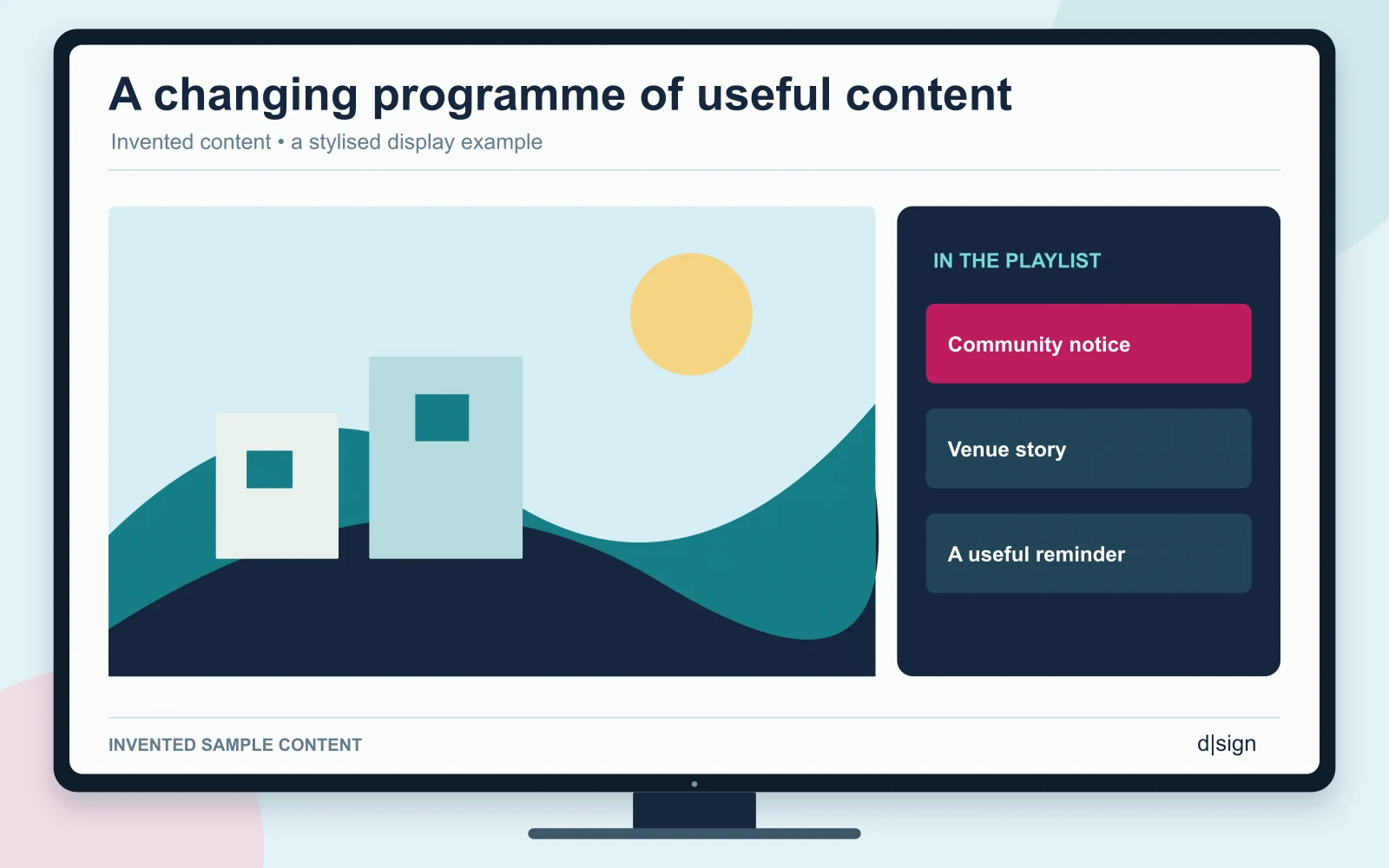
Gallery & media playlists
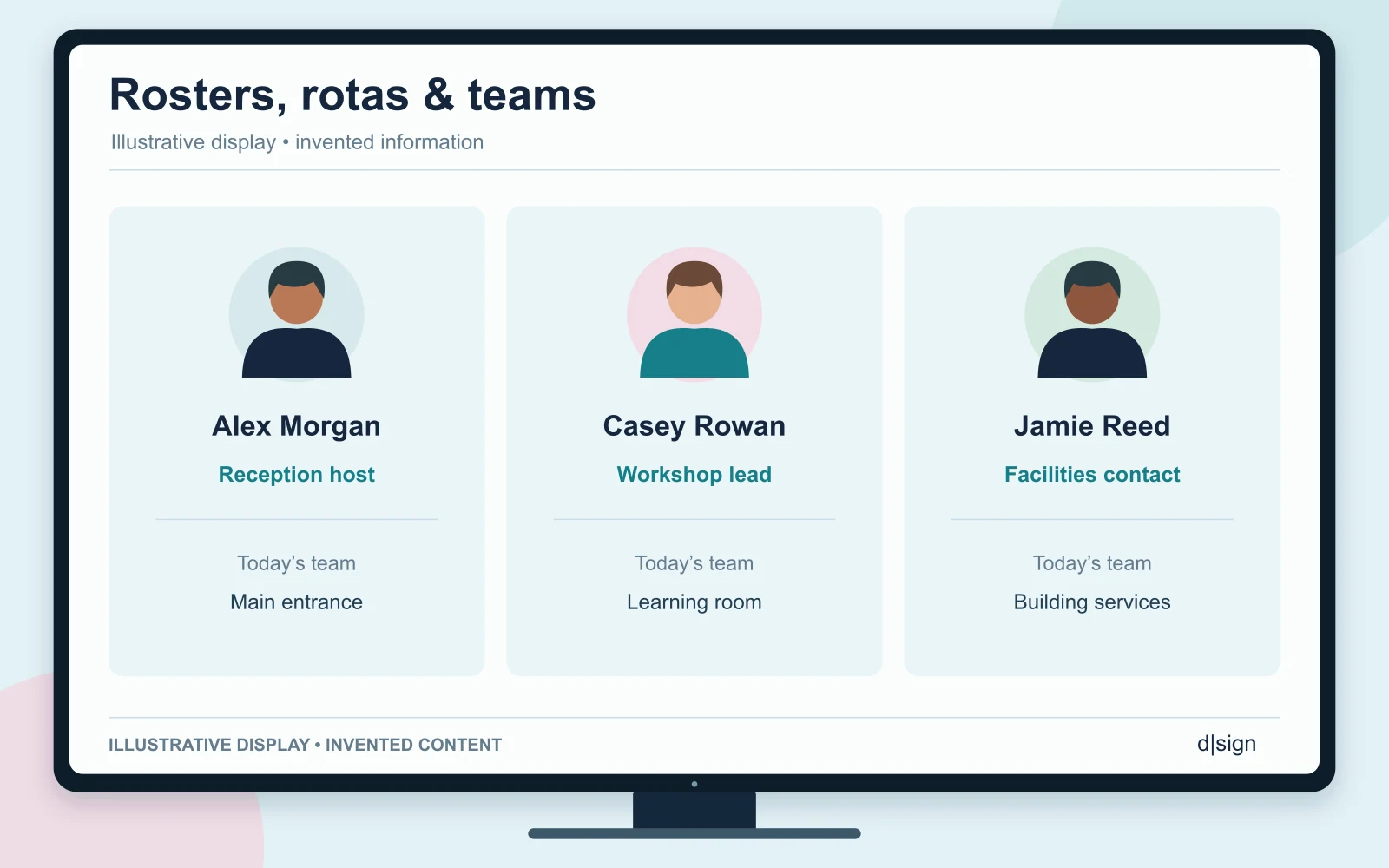
Rosters, rotas & teams
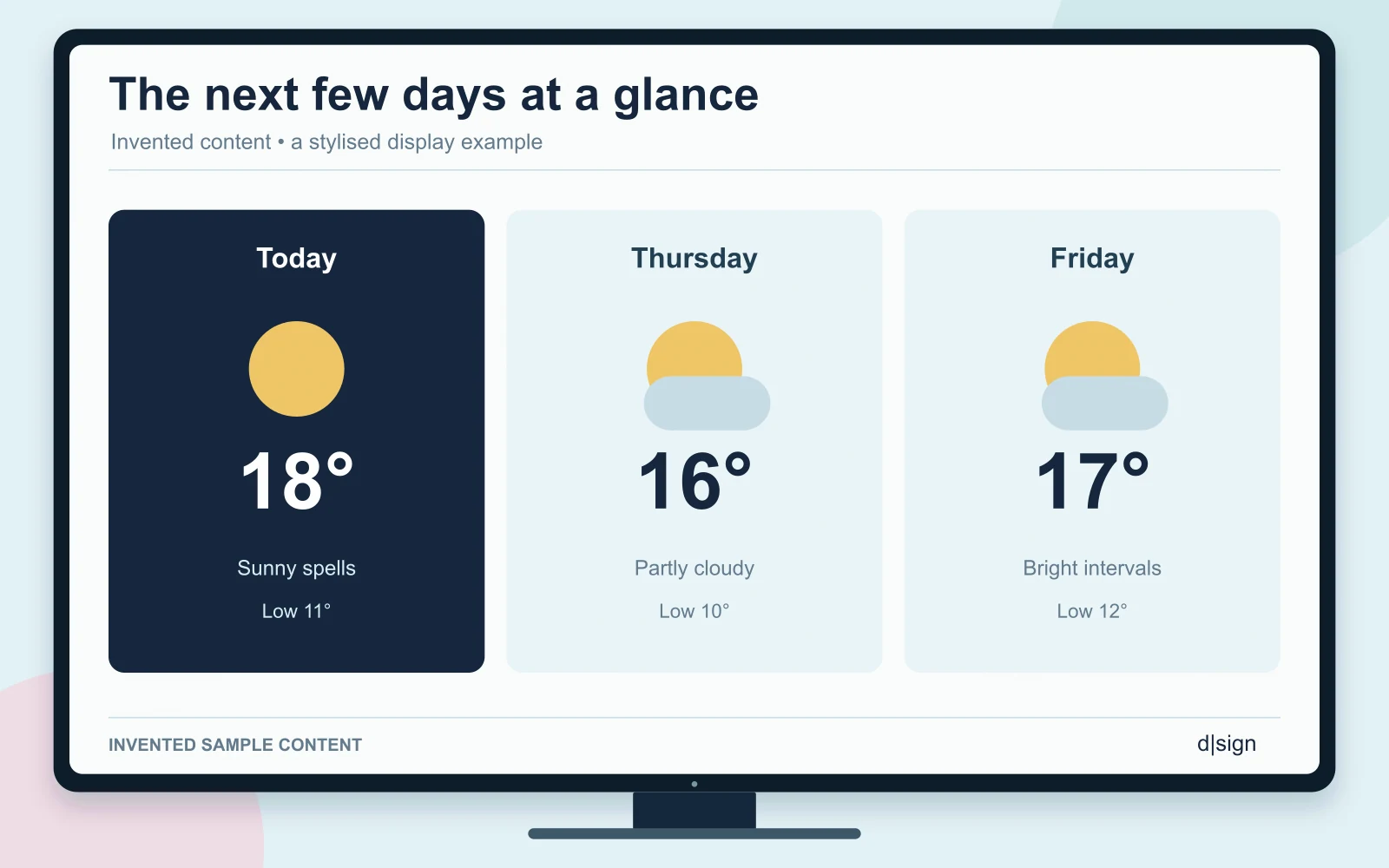
Weather forecasts
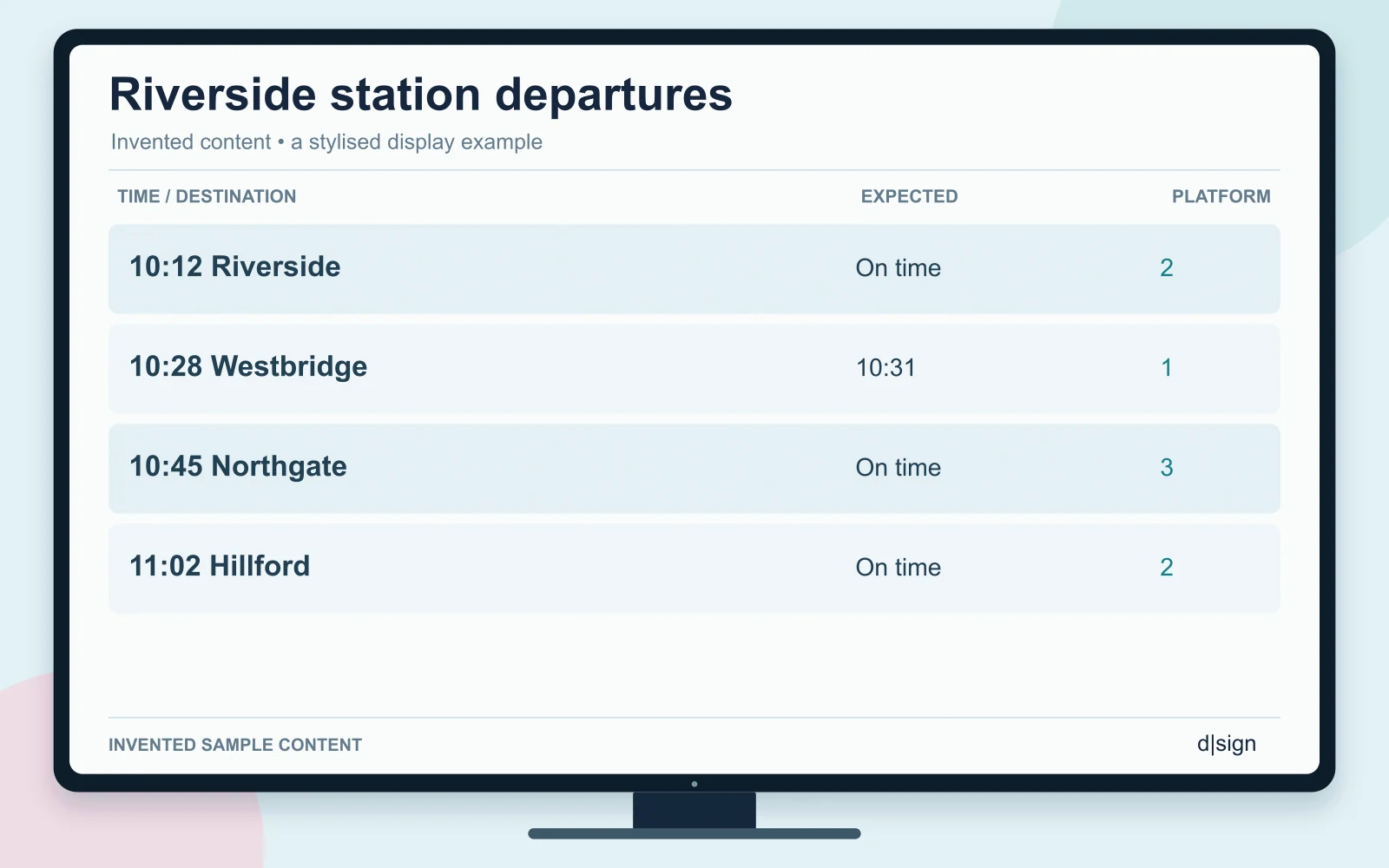
Live rail information
Tell us what your screens need to do.
Start with your audience, your spaces and the information you want people to see. We’ll help shape a practical d|sign setup around them.