CLOUD-MANAGED DIGITAL SIGNAGE
Keep everyone
in the picture.
Cloud-managed digital signage for the places people meet. Bring your screens, content and everyday updates together, from one reception display to a network of sites.
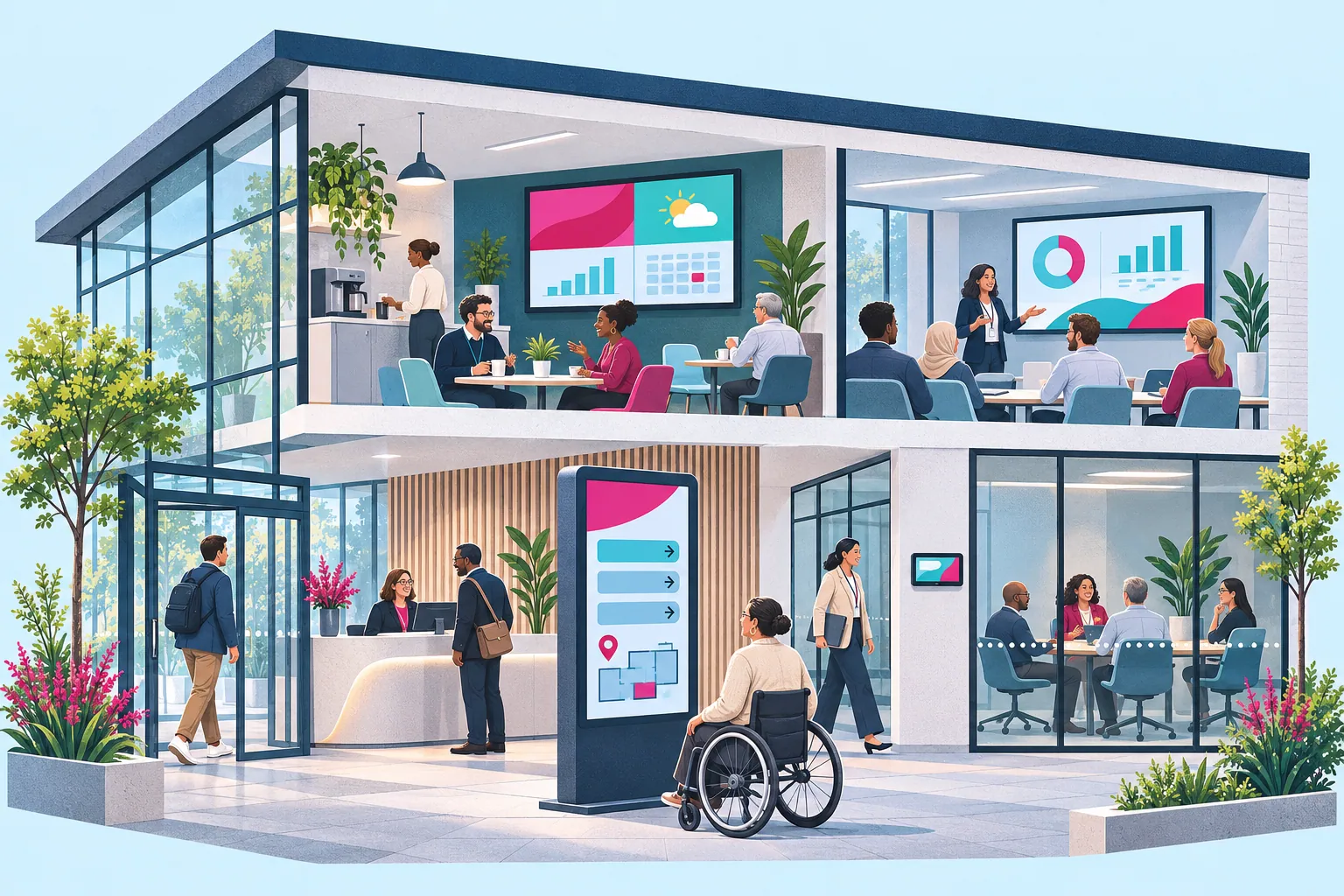
Your content + live information Keep the display useful.
Central control + local updates Share the responsibility.
One screen + room to grow Build around your needs.
A USEFUL SHARED VIEW
Less chasing. Clearer communication.
Put information where people can see it, with a practical way for your team to keep it current.
Update with purpose
Use your images, video and messages, then add live information that gives people a reason to look.
Prepare for the day
Schedule relevant content and bring important messages forward when they deserve more attention.
Share the responsibility
Give central and local teams the access they need to keep the information useful.
BUILT AROUND YOUR AUDIENCE
The right information, in the right places.
Different spaces ask different things of a screen. Start with the people who use yours.
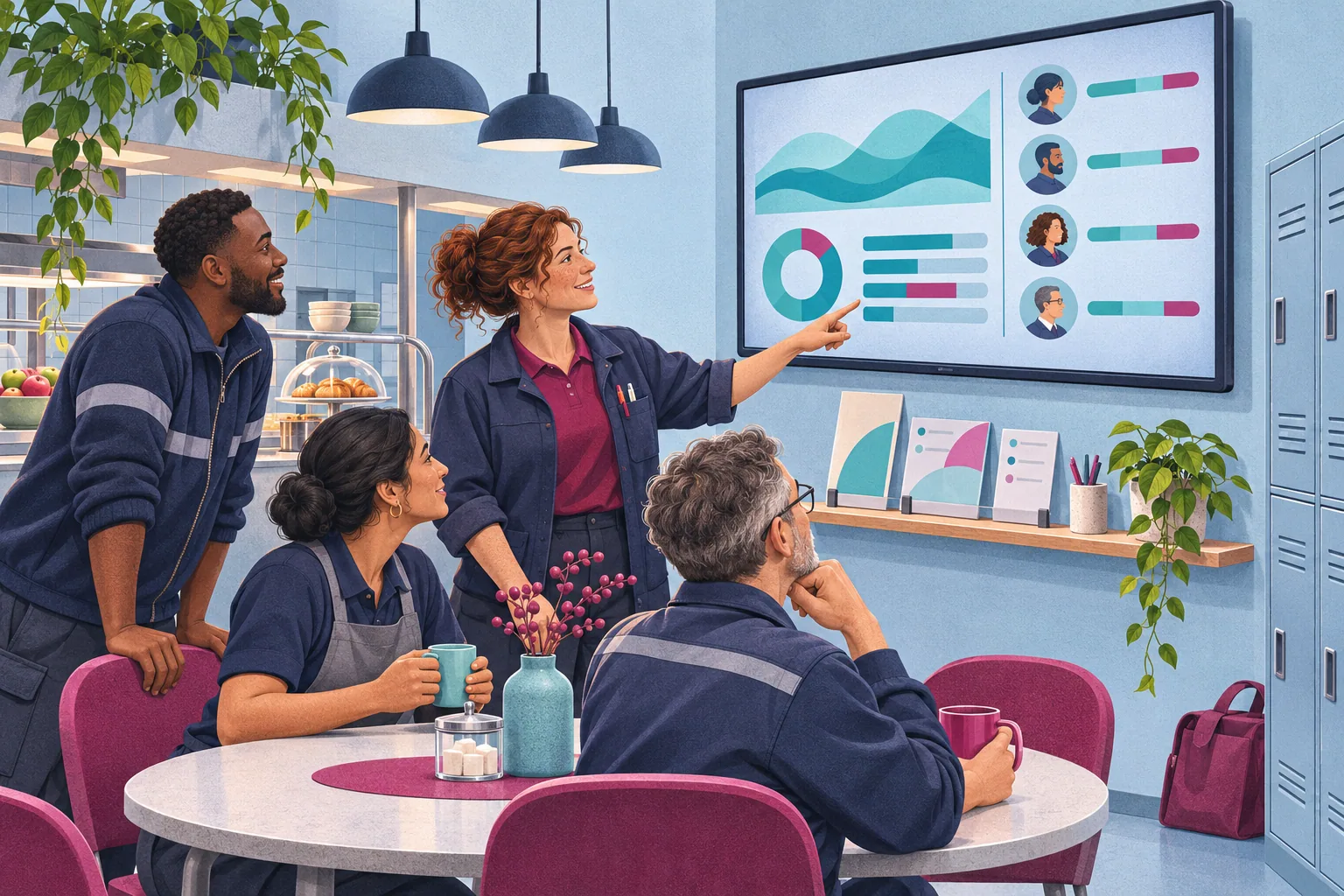
Workplaces
Make organisation updates visible beyond email and individual devices.
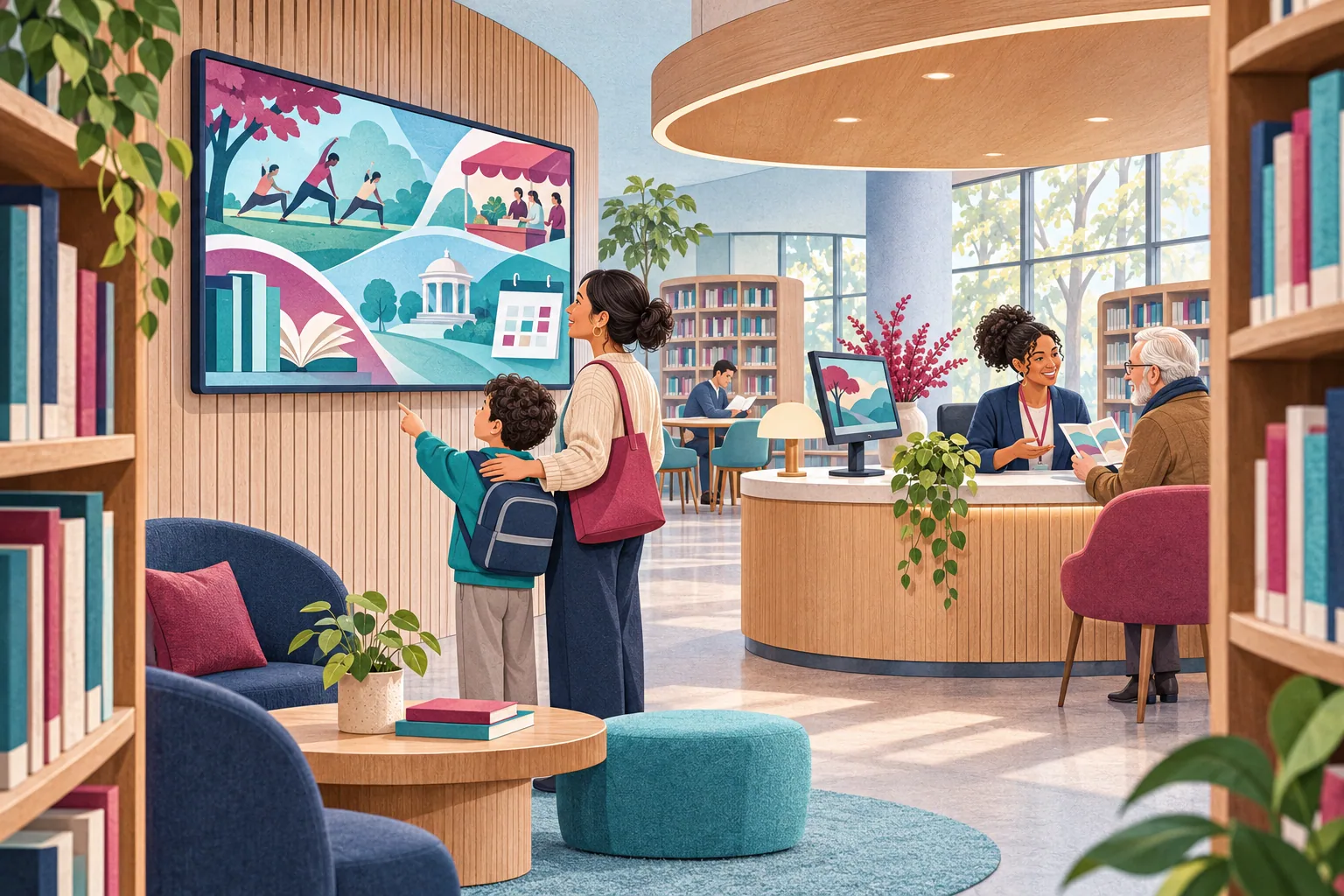
Public sector
Keep visitors informed about today’s services, events and changes.


CONTENT THAT WORKS TOGETHER
Your messages. Your media.
Useful live information.
Build a display from the information your audience can use: a clear notice, a changing gallery, the next meeting, a team measure or a local travel update. Give each item a sensible place and keep it relevant.
START WHERE IT HELPS
One screen. A building. Every site.
Use the same platform as your communication needs develop, with a setup that fits the way your organisation works.

One useful screen
A clear starting point for a reception, staff area or shared space.
A connected building
Give different screens a clear job while keeping the wider message consistent.

Several sites, local relevance
Share organisation information and give local teams a focused way to contribute.
MORE THAN A NOTICEBOARD
Make everyday spaces easier to understand.
Bring specialist information into the same signage approach, from a warmer welcome to a more useful event or workspace display.
Events & room booking
Help people see what is happening and where to go.
Welcome displays
Prepare a personal or organisation welcome before a visit.
Interactive Hub
Offer an at-a-glance view and a touch route into more detail.

CENTRAL OVERSIGHT. LOCAL KNOWLEDGE.
Keep it connected.
Let the right people contribute.
Organise screens by site, building or purpose. Maintain shared content centrally and give local colleagues a focused route to the updates they know best.
- Group and manage your devices.
- Choose appropriate content and user permissions.
- Delegate everyday updates through Frontline.
IDEAS YOU CAN PUT TO WORK
See how the pieces can fit together.
Explore practical example configurations, then adapt the approach to your own spaces.
A clearer shift briefing on shared screens
A shared screen can bring the most useful parts of a shift briefing into one visible place. The example is a communication setup, shaped around the team’s existing working routine.
Make the arrival feel connected
A welcome works best when the information around it makes sense too. This example brings a scheduled welcome, room information and a useful reception view together.
Build a useful community information point
A community information point can answer practical everyday questions while giving local activities and services a visible place.
Tell us what your screens need to do.
Start with your audience, your spaces and the information you want people to see. We’ll help shape a practical d|sign setup around them.