CONTENT APPS & LIVE FEEDS
Weather forecasts.
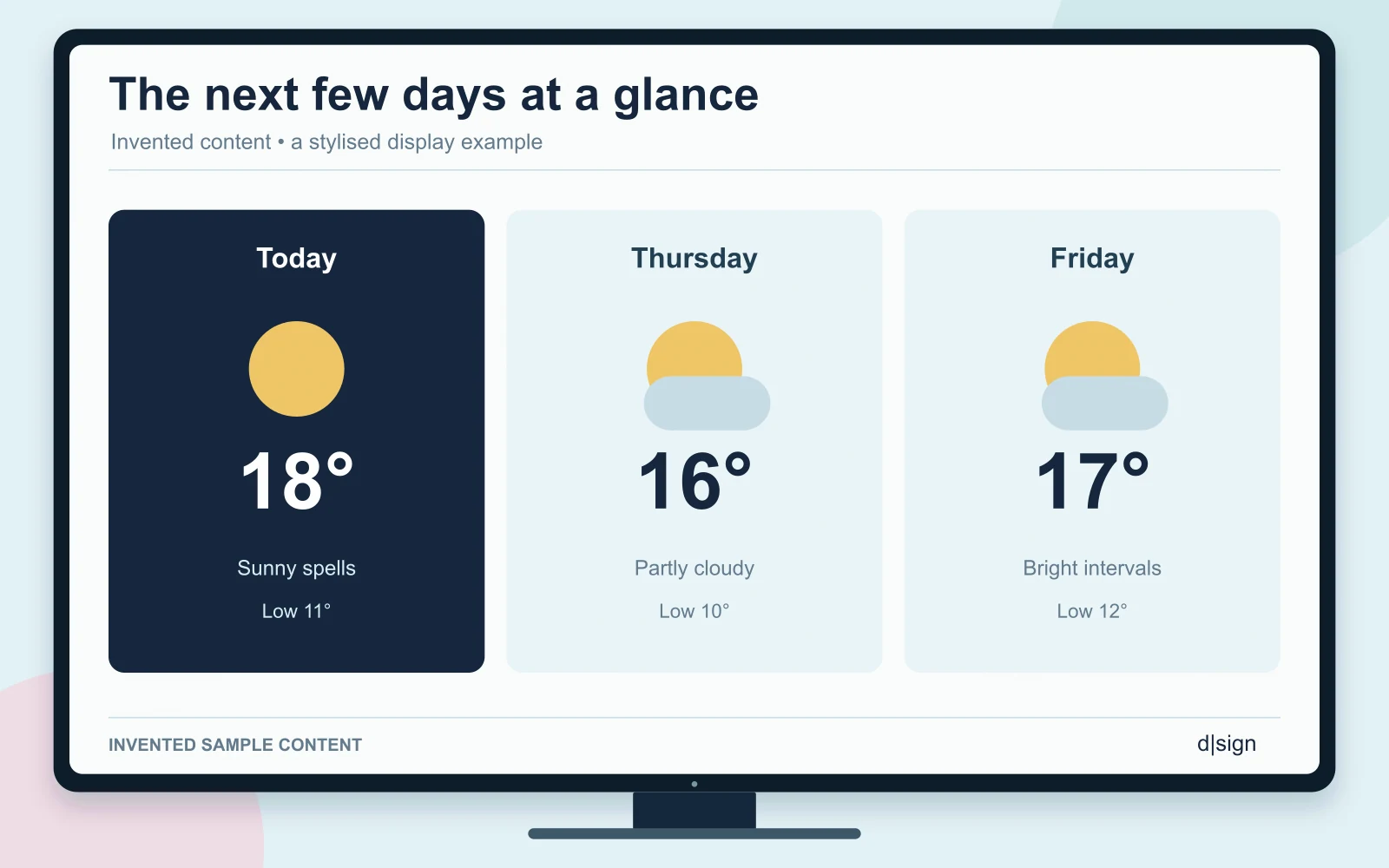
Give people useful local context before they head outside. Choose a short weather summary or a longer outlook and decide which details deserve screen space.
WHY IT IS USEFUL
Pair practical everyday information with your organisation’s messages so the screen remains useful throughout the day.
Use this capability as part of a display that has a clear job: inform a visitor, keep a team connected or make useful information easier to find. The right configuration depends on the audience and the information you maintain.
What you can do
- Configure the forecast for the relevant location.
- Choose a daily summary or an outlook extending to five days.
- Include available details such as temperature, conditions, wind, humidity or UV.
- Choose a presentation that works full screen or within a zone.
EXAMPLE USES
A few useful ways to put it to work.
These are example configurations, ready to adapt to your own setting.
Make the information visible
Help staff and visitors plan the journey home.
Keep it relevant to the place
Pair outdoor-activity notices with a local forecast.
Combine it with a wider view
Add useful context to a hotel, campus or community information screen.
WORKS AS PART OF A CONNECTED APPROACH
Explore related capabilities.
Combine the tools that make sense for the communication you want to achieve.
Traffic incidents
Make relevant road disruption visible before people travel. Select a location and radius so the display can focus on incidents and planned works in the surrounding area.
Sensors
Bring readings from connected building and environmental systems onto your screens. Use supported sensor integrations to make measures such as occupancy or air quality visible in the places they matter.
Live rail information
Help people plan their onward journey with rail information on the screens they already pass. Choose the relevant station and a display that makes the next services easy to scan.
SAME INFORMATION, DIFFERENT PRESENTATIONS
Choose how the information appears.
The examples below use invented information to show different ways this content can appear. Give it the whole screen, combine it with other information in a screen area, or use the alternative presentation shown. Available settings depend on the app and the chosen layout.

Full-screen presentation
Give this content the whole screen when it deserves the focus.

Part of a wider display
The same information occupies one area, alongside complementary content.
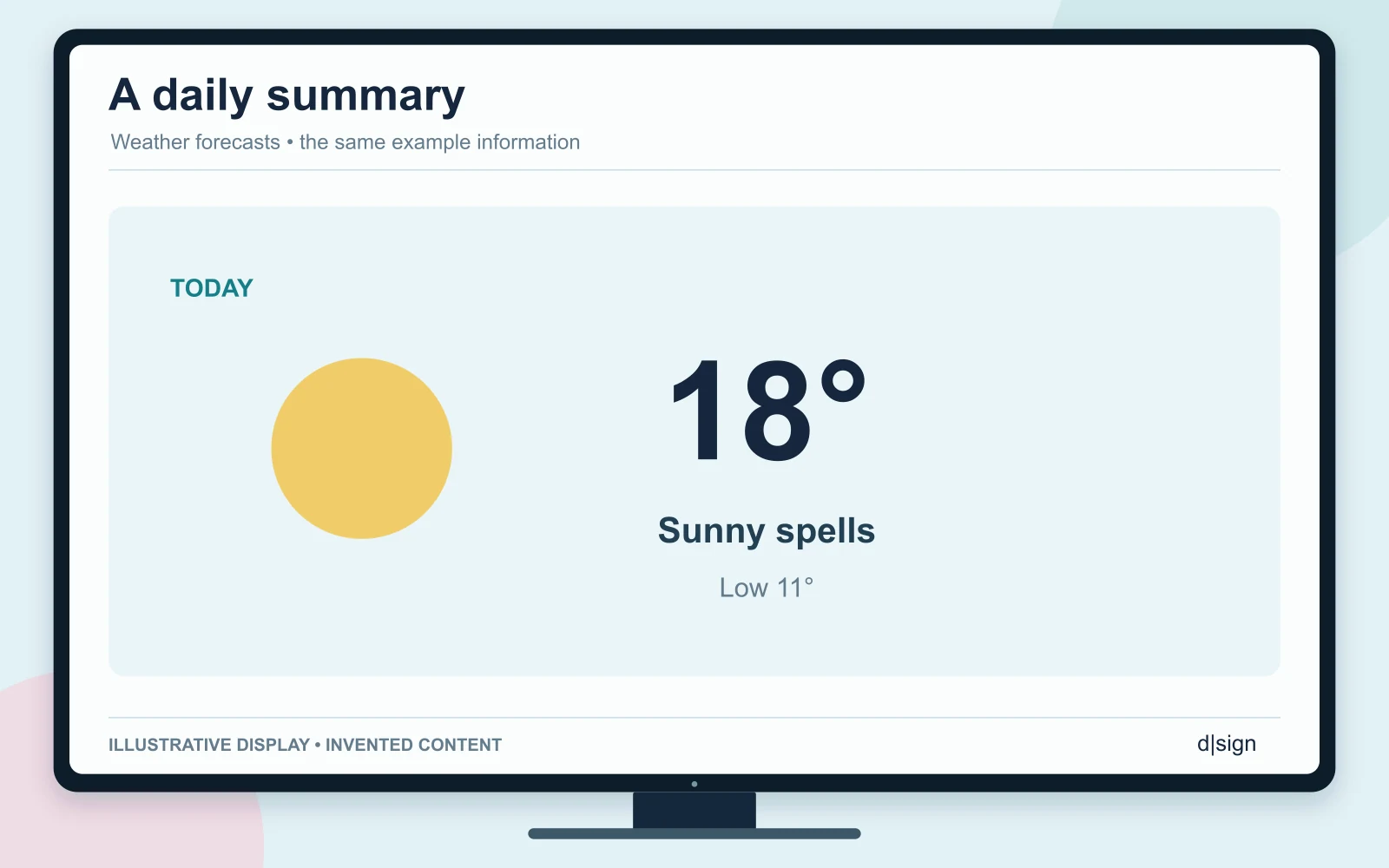
A daily summary
Switch from a multi-day outlook to a focused daily summary.
Let’s put weather forecasts to work.
Start with your audience, your spaces and the information you want people to see. We’ll help shape a practical d|sign setup around them.