CONTENT APPS & LIVE FEEDS
Sensors.
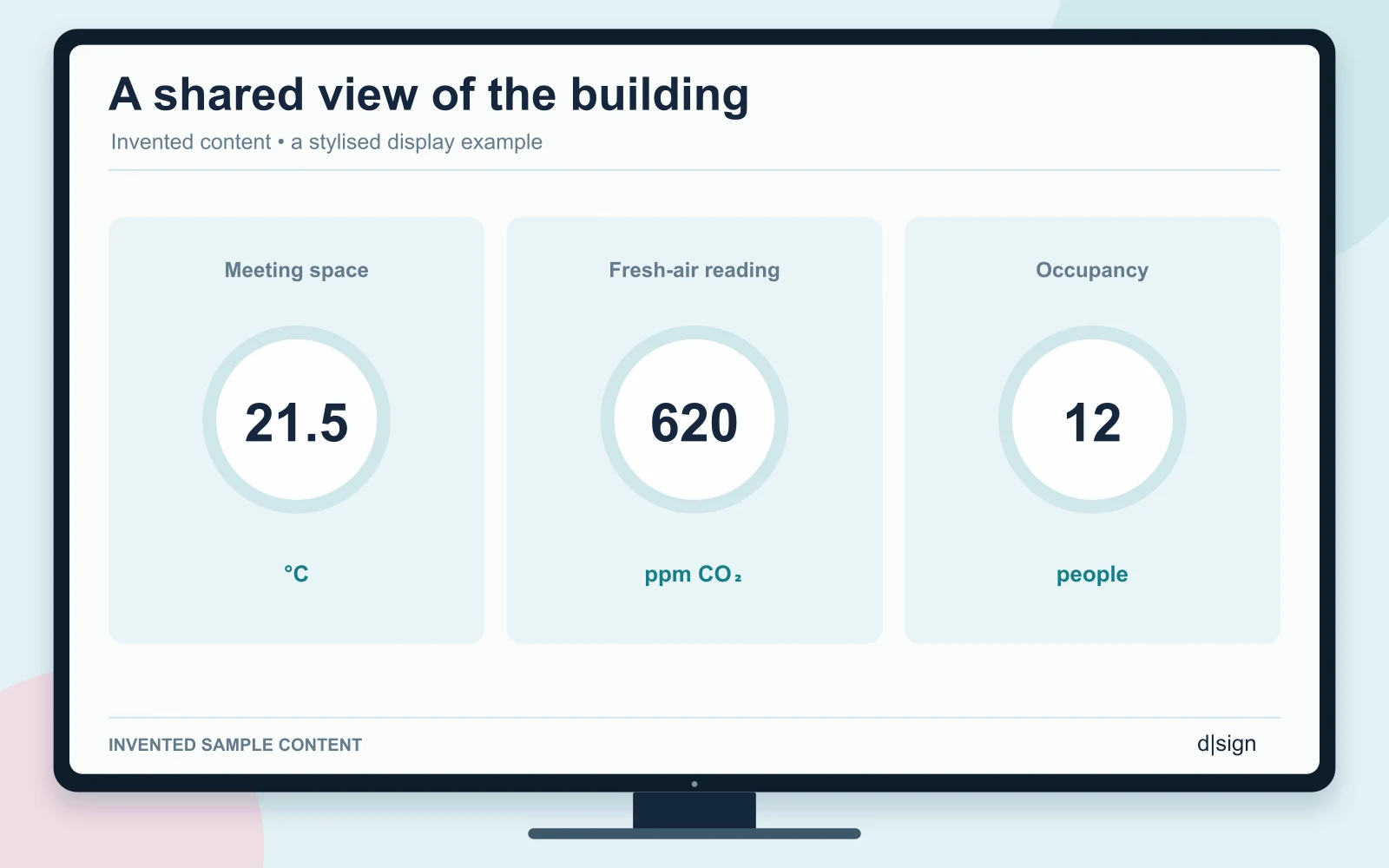
Bring readings from connected building and environmental systems onto your screens. Use supported sensor integrations to make measures such as occupancy or air quality visible in the places they matter.
WHY IT IS USEFUL
Help people understand their surroundings and give facilities teams a shared way to communicate the information they already collect.
Use this capability as part of a display that has a clear job: inform a visitor, keep a team connected or make useful information easier to find. The right configuration depends on the audience and the information you maintain.
What you can do
- Display the readings supplied by a supported sensor system.
- Available measures can include CO₂, temperature, humidity, VOCs and occupancy, depending on the connected hardware.
- Present readings in a dedicated zone, a dashboard or a larger display.
- Discuss an additional internet-connected sensor system with us when planning an integration.
EXAMPLE USES
A few useful ways to put it to work.
These are example configurations, ready to adapt to your own setting.
Make the information visible
Show environmental readings in a workplace or learning space.
Keep it relevant to the place
Pair room occupancy information with workspace guidance.
Combine it with a wider view
Explain a building’s environmental measures in a public-facing area.
WORKS AS PART OF A CONNECTED APPROACH
Explore related capabilities.
Combine the tools that make sense for the communication you want to achieve.
Live rail information
Help people plan their onward journey with rail information on the screens they already pass. Choose the relevant station and a display that makes the next services easy to scan.
London Tube status
Give London travellers a quick overview of Underground service conditions. Show recognisable line names and colours alongside the latest status information supplied by the feed.
Posters
Combine pictures and text into a clear visual notice. Poster gives a message more structure when a simple line of text is not enough and a separate design workflow would slow the update down.
SAME INFORMATION, DIFFERENT PRESENTATIONS
Choose how the information appears.
The examples below use invented information to show different ways this content can appear. Give it the whole screen, combine it with other information in a screen area, or use the alternative presentation shown. Available settings depend on the app and the chosen layout.
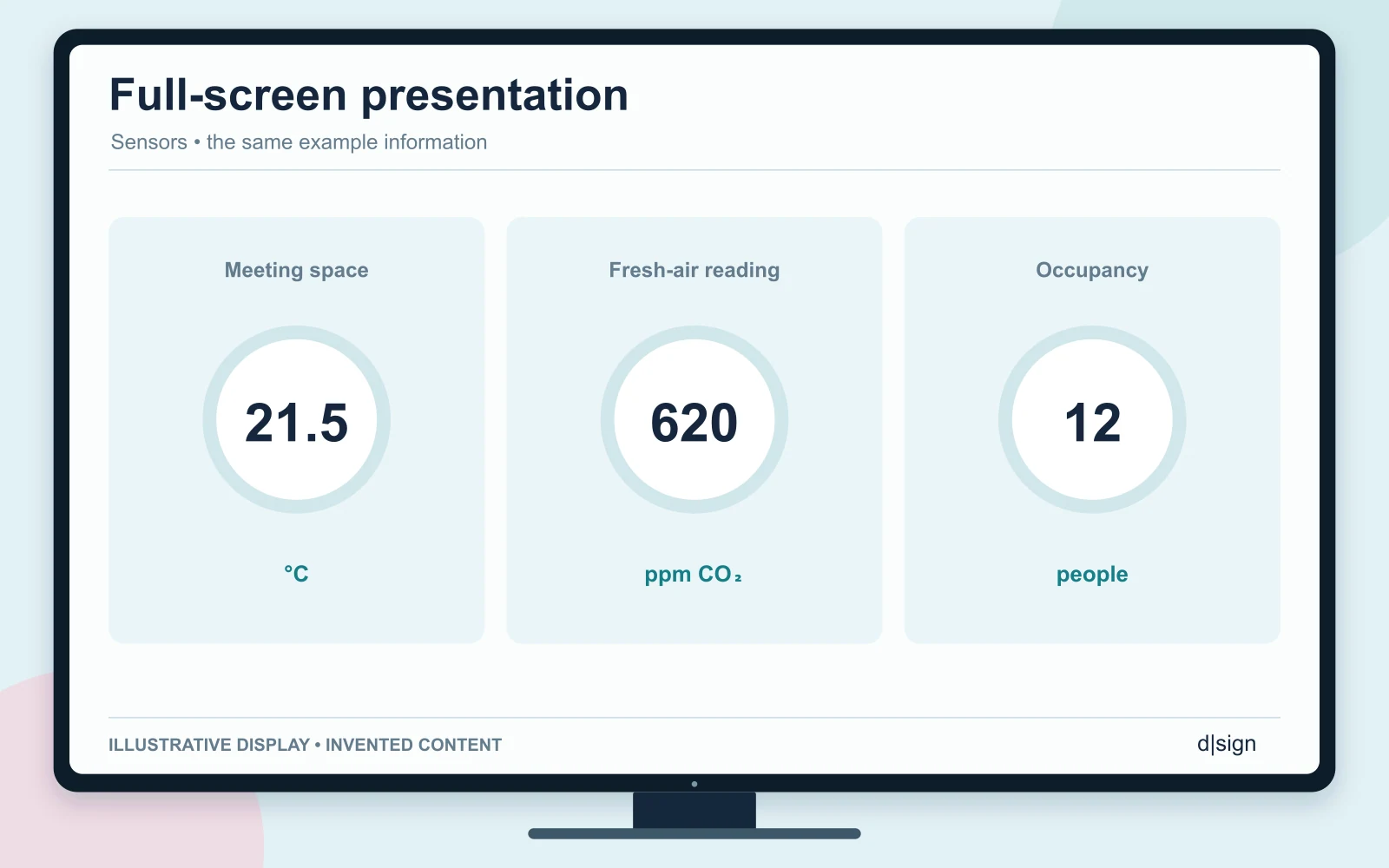
Full-screen presentation
Give this content the whole screen when it deserves the focus.
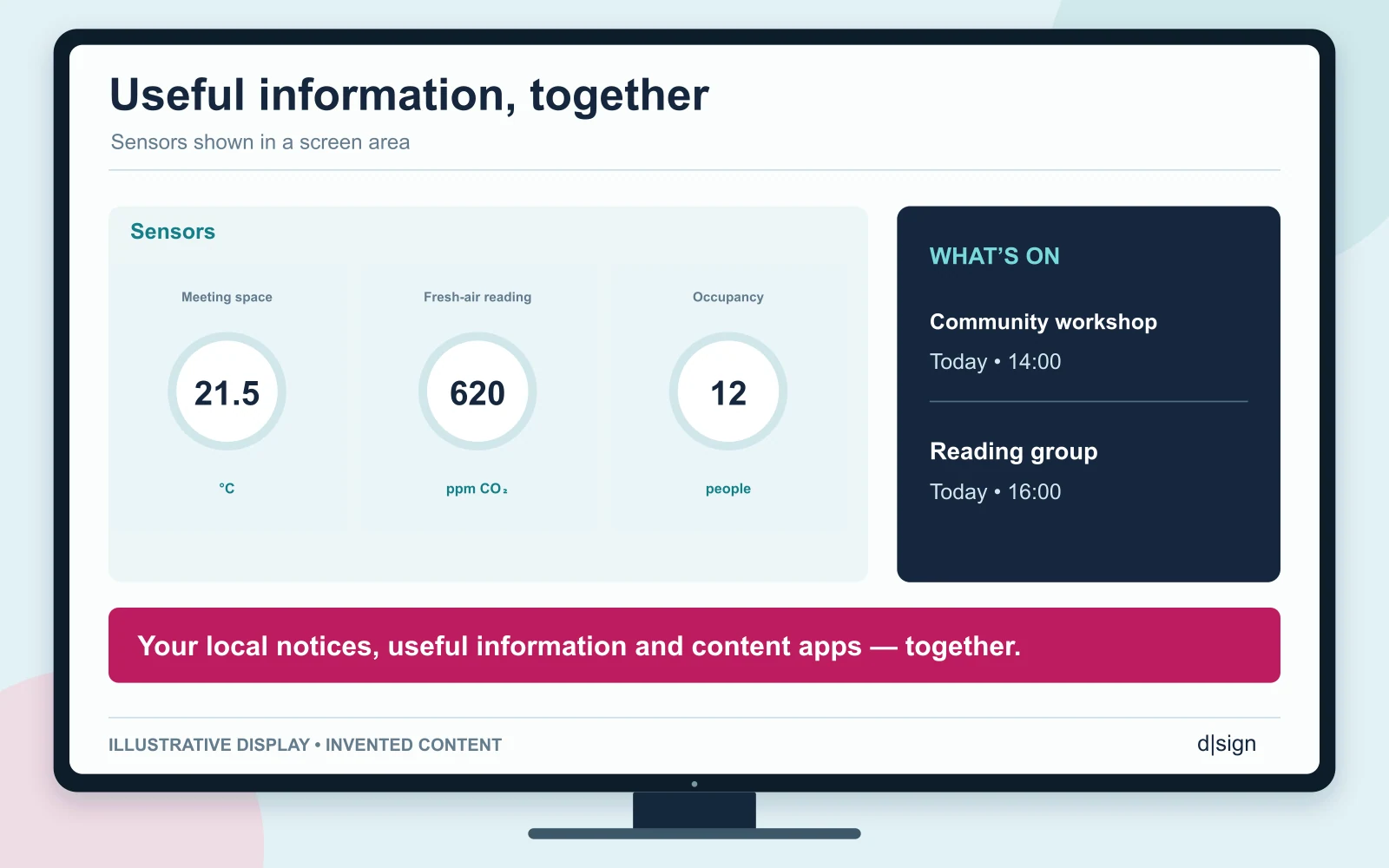
Part of a wider display
The same information occupies one area, alongside complementary content.
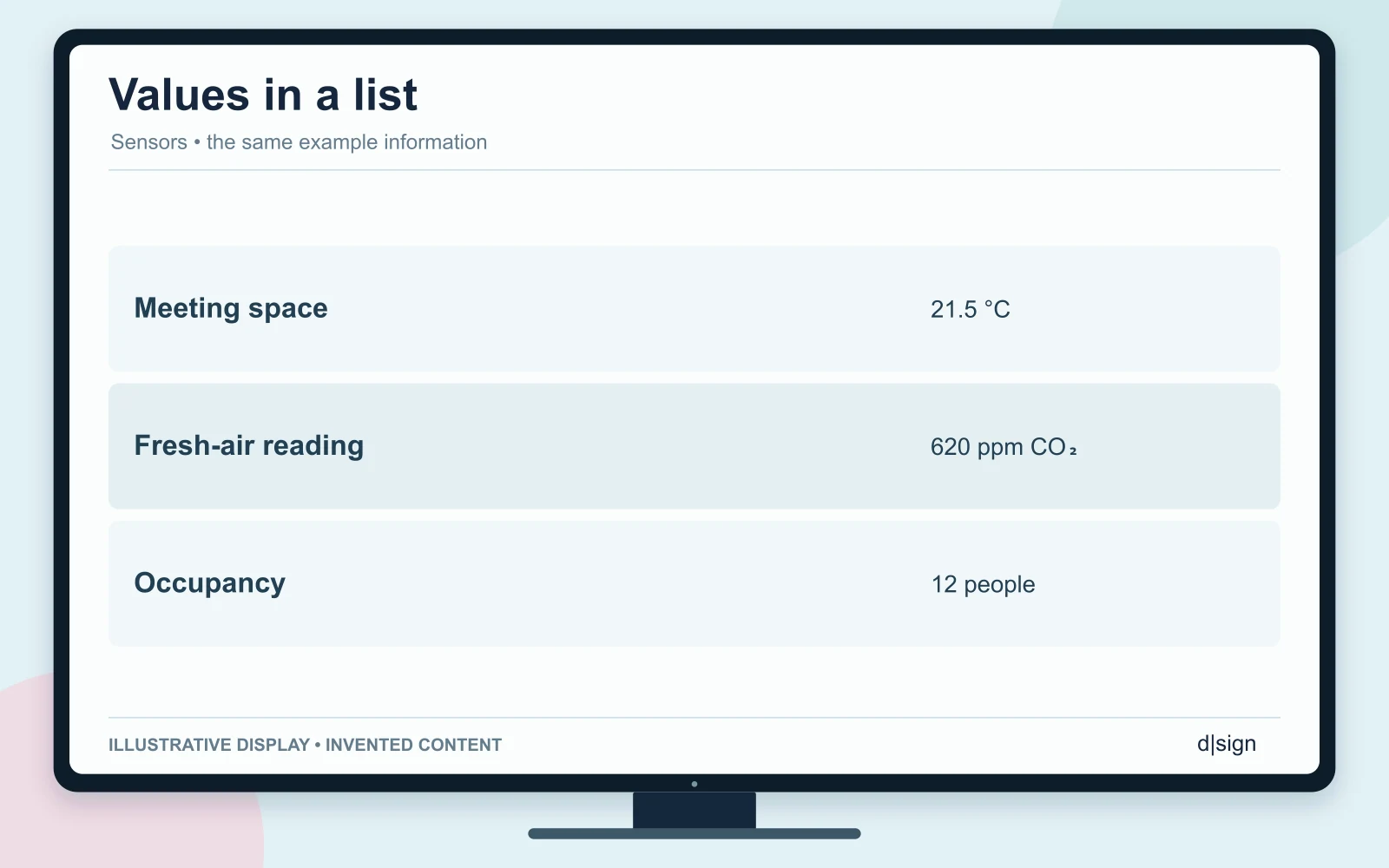
Values in a list
Use labelled values and units instead of gauges.
Let’s put sensors to work.
Start with your audience, your spaces and the information you want people to see. We’ll help shape a practical d|sign setup around them.