DIGITAL SIGNAGE FOR YOUR SETTING
Visitor attractions, leisure & community venues.
Help visitors make more of their time with you. Combine activities, practical notices, menus, weather and onward travel information in a welcoming display approach.
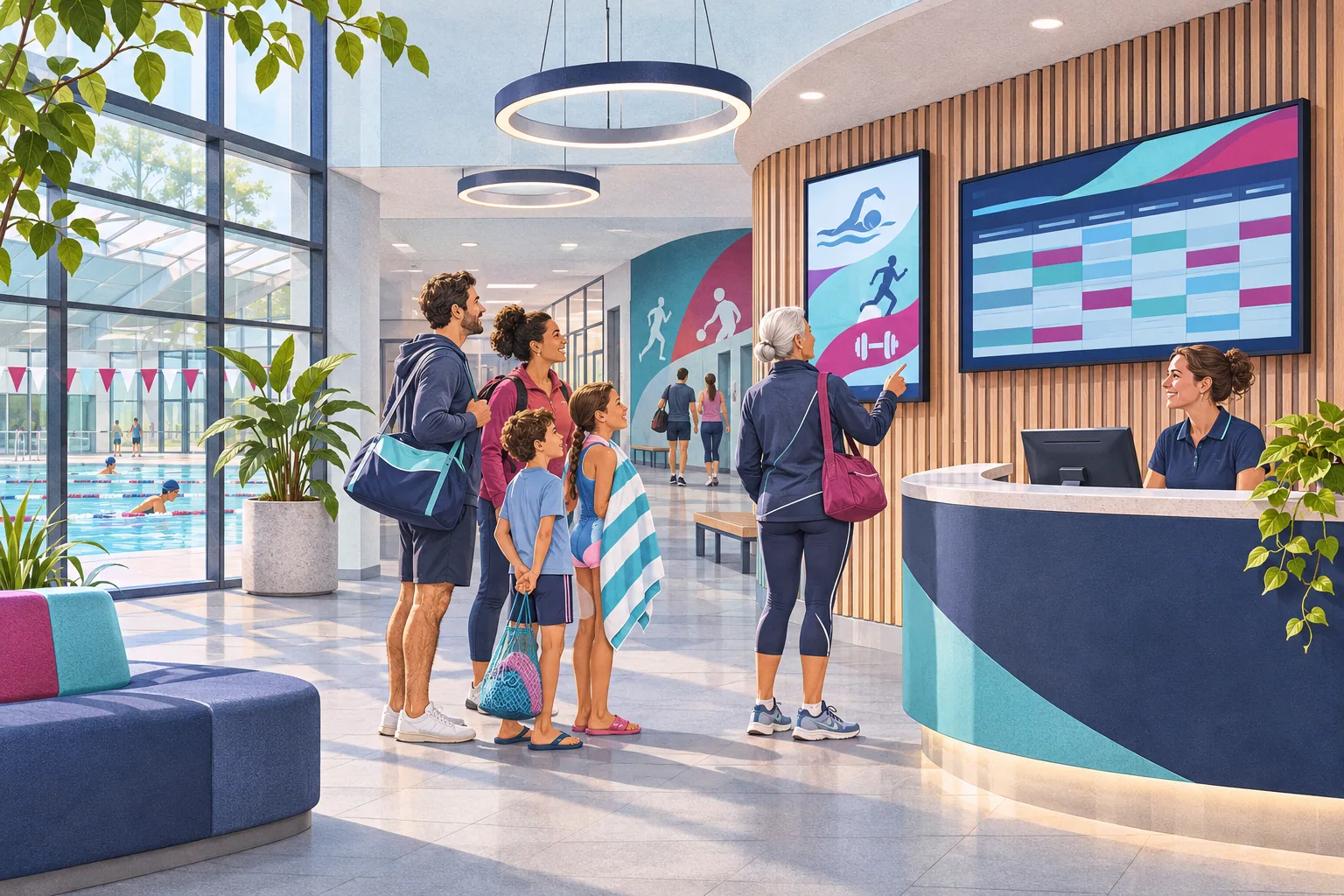
THE EVERYDAY BENEFIT
Give a venue a flexible information channel that can change with its programme, audience and day-to-day arrangements.
Build around the information people can use and the team responsible for maintaining it.
Make information visible
Make today’s activities and useful notices easier to find.
Keep the content relevant
Keep food, service and visitor information current.
Give the team a practical approach
Offer a deeper route into venue information where a touch display is useful.
EXAMPLE CONFIGURATIONS
Useful combinations for your spaces.
These examples show how apps and feeds can complement one another. They can be adapted to your audience and working routine.
Today at the venue
Bring event information, short notices and activity imagery together. Schedule the programme around the day’s activities, with a clear message area for changes made by the venue team.
A helpful stop before heading outside
Pair a local forecast with relevant venue notices and onward travel information. Staff can update the practical message as conditions or arrangements change.
More information when people want it
Use an interactive Hub for a navigable route into activities, facilities and useful resources, while its main view continues to show information for people passing by.
MAKE THE UPDATE PROCESS WORK
The right people, with a clear contribution.
The display is only part of the approach. Give the people closest to the information a useful role in maintaining it.
Visitor teams
Keep practical information useful and welcoming.
Programme teams
Prepare activity and event content in advance.
Venue managers
Choose a display and update approach suited to the setting.

PLAN THE COMPLETE APPROACH
Audience. Content. Screens. People.
These are example uses of the platform’s content and information tools. We can shape the configuration around the venue’s real visitor questions and the team’s working routine.
Let’s talk about your setting.
Start with your audience, your spaces and the information you want people to see. We’ll help shape a practical d|sign setup around them.