DIGITAL SIGNAGE FOR YOUR SETTING
Managed buildings & shared workspaces.
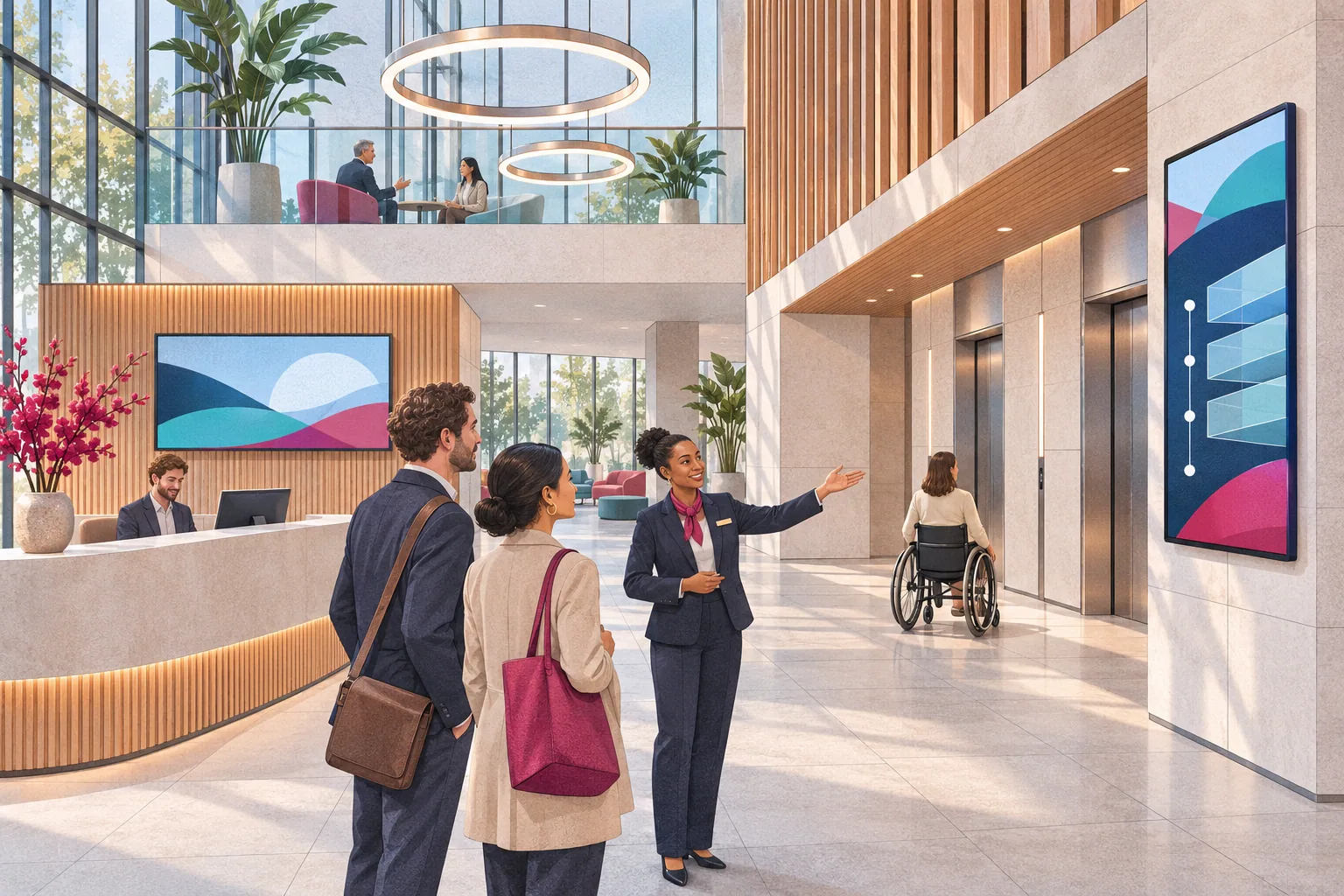
Make a shared building easier to understand. Bring tenant information, welcomes, room schedules and workspace communication together across reception and the places people use.
THE EVERYDAY BENEFIT
Give building teams a connected way to communicate with occupants and visitors as spaces and arrangements change.
Build around the information people can use and the team responsible for maintaining it.
Make information visible
Keep the building’s occupant information current.
Keep the content relevant
Help visitors understand the relevant rooms and events.
Give the team a practical approach
Make shared workspace availability and local notices easier to find.
EXAMPLE CONFIGURATIONS
Useful combinations for your spaces.
These examples show how apps and feeds can complement one another. They can be adapted to your audience and working routine.
A reception that explains the building
Combine a tenant directory with the relevant events and a clear welcome. A Hub can provide a route into more detailed information where the building needs it.
Shared workspaces with clearer information
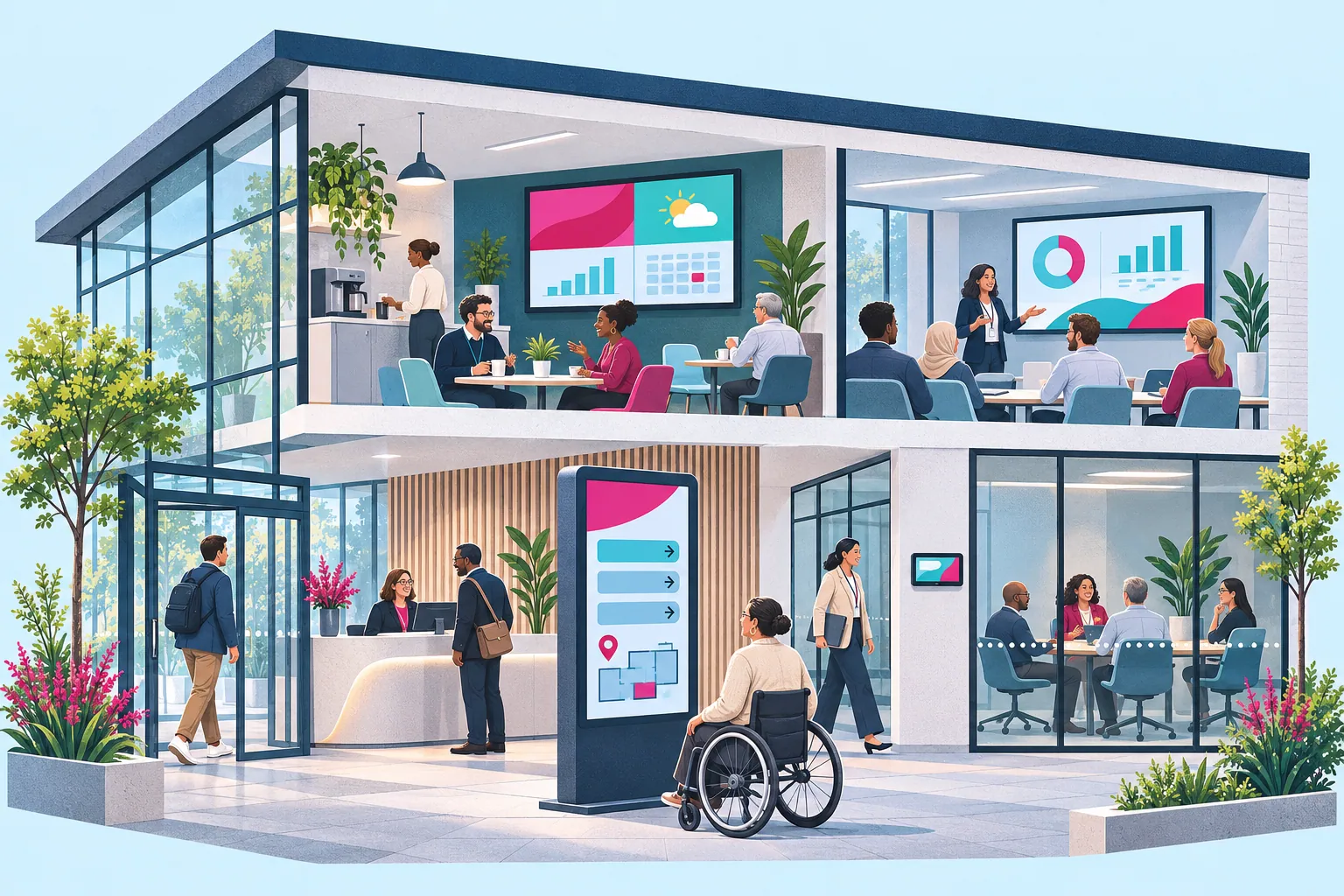
Bring desk or room allocations and availability into view. Pair the workspace information with building notices and the relevant people or organisation context.
Local updates with a consistent identity
Maintain the building’s shared design while giving authorised staff a focused way to update everyday content. Use the same approach across a portfolio of buildings where useful.
MAKE THE UPDATE PROCESS WORK
The right people, with a clear contribution.
The display is only part of the approach. Give the people closest to the information a useful role in maintaining it.
Building managers
Keep occupant, service and screen responsibilities organised.
Reception
Maintain useful arrival and day-to-day information.
Workspace teams
Communicate the relevant allocation and availability information.
PLAN THE COMPLETE APPROACH
Audience. Content. Screens. People.
Consider the building’s shared identity, the information different occupants need and the responsibilities of reception or site teams. Useful example configurations can be adapted to the way the building operates.
Let’s talk about your setting.
Start with your audience, your spaces and the information you want people to see. We’ll help shape a practical d|sign setup around them.