D|SIGN SOLUTIONS
Interactive Hub.
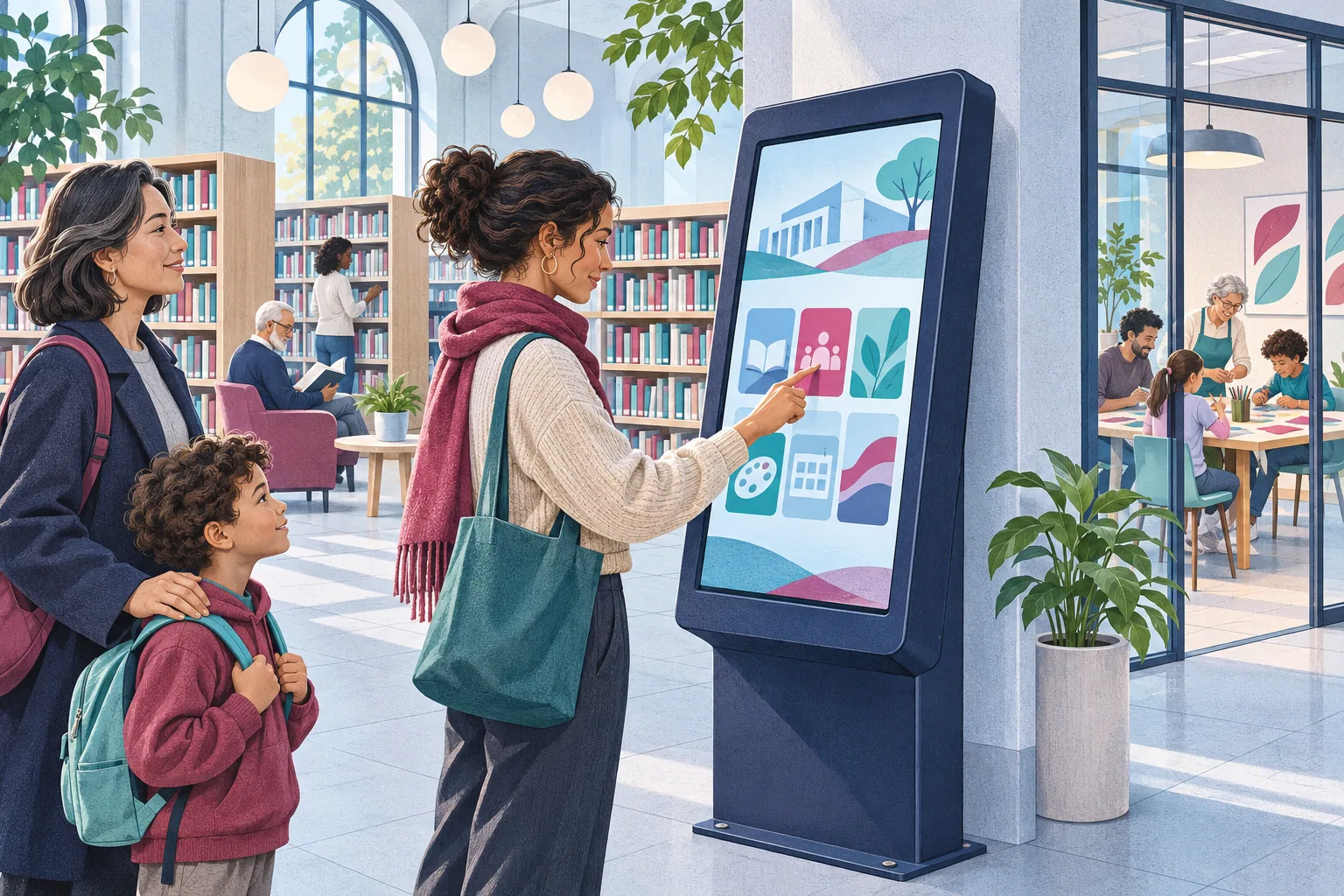
Make a screen useful both at a glance and by touch. Hub combines a changing information display with a navigable route into more detailed content and services.
THE PRACTICAL BENEFIT
Let people find the information they need while the screen continues to serve the wider passing audience.
Plan the information and the update process together. A useful setup gives each display a clear purpose and the right people a practical way to keep it current.
What the solution brings together
- Show media and live information on the main display while nobody is interacting.
- Offer a touch navigation structure for more detailed content.
- Organise information into pages and sections using suitable InfoPoint content.
- Combine relevant travel information, directories, event information and useful web resources.
- Tailor the content and navigation to the venue and audience.
EXAMPLE CONFIGURATIONS
See the solution in context.
Use these combinations as a starting point for your own spaces.
A clearer everyday view
A community venue combines local notices, events and onward travel information.
A more connected venue
A shared building offers a directory and useful visitor information.
An approach that fits the setting
A visitor destination brings maps, activities and service information into one approachable point.
COMBINE THE RIGHT TOOLS
Part of your wider communication approach.
Explore the related capabilities that can help shape the complete setup.
SAME INFORMATION, DIFFERENT PRESENTATIONS
Choose how the information appears.
The examples below use invented information to show different ways this content can appear. Give it the whole screen, combine it with other information in a screen area, or use the alternative presentation shown. Available settings depend on the app and the chosen layout.
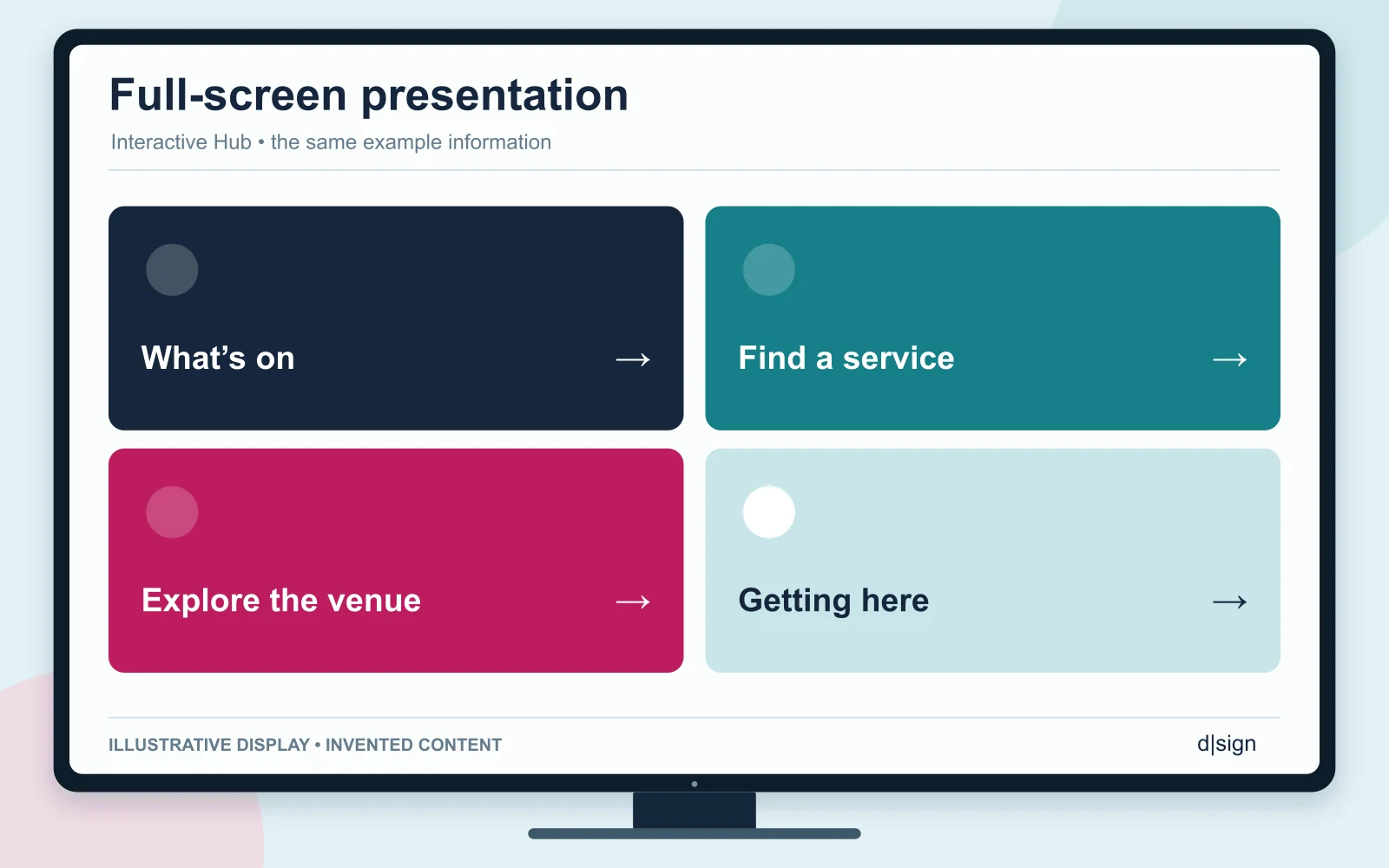
Full-screen presentation
Give this content the whole screen when it deserves the focus.
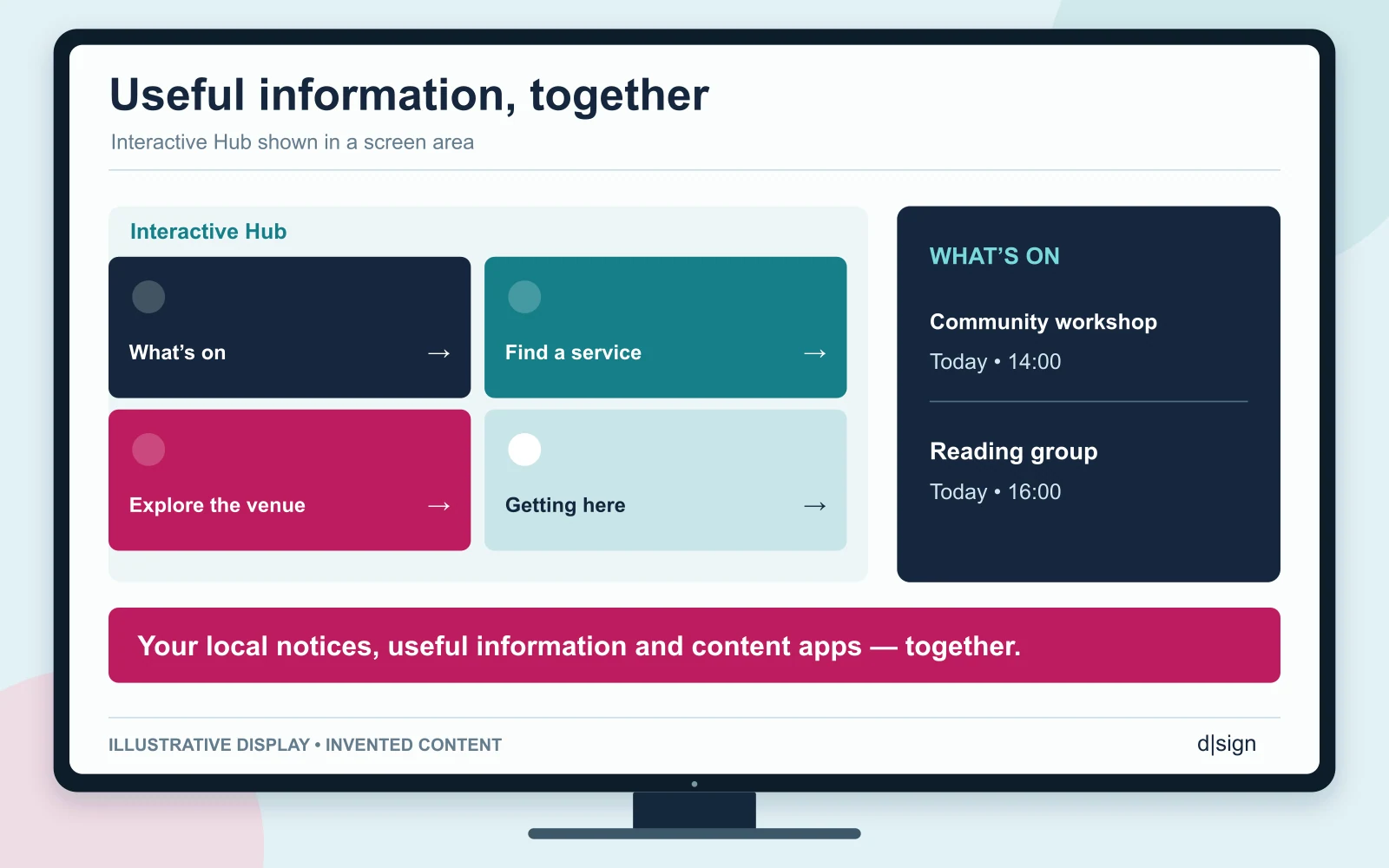
Part of a wider display
The same information occupies one area, alongside complementary content.
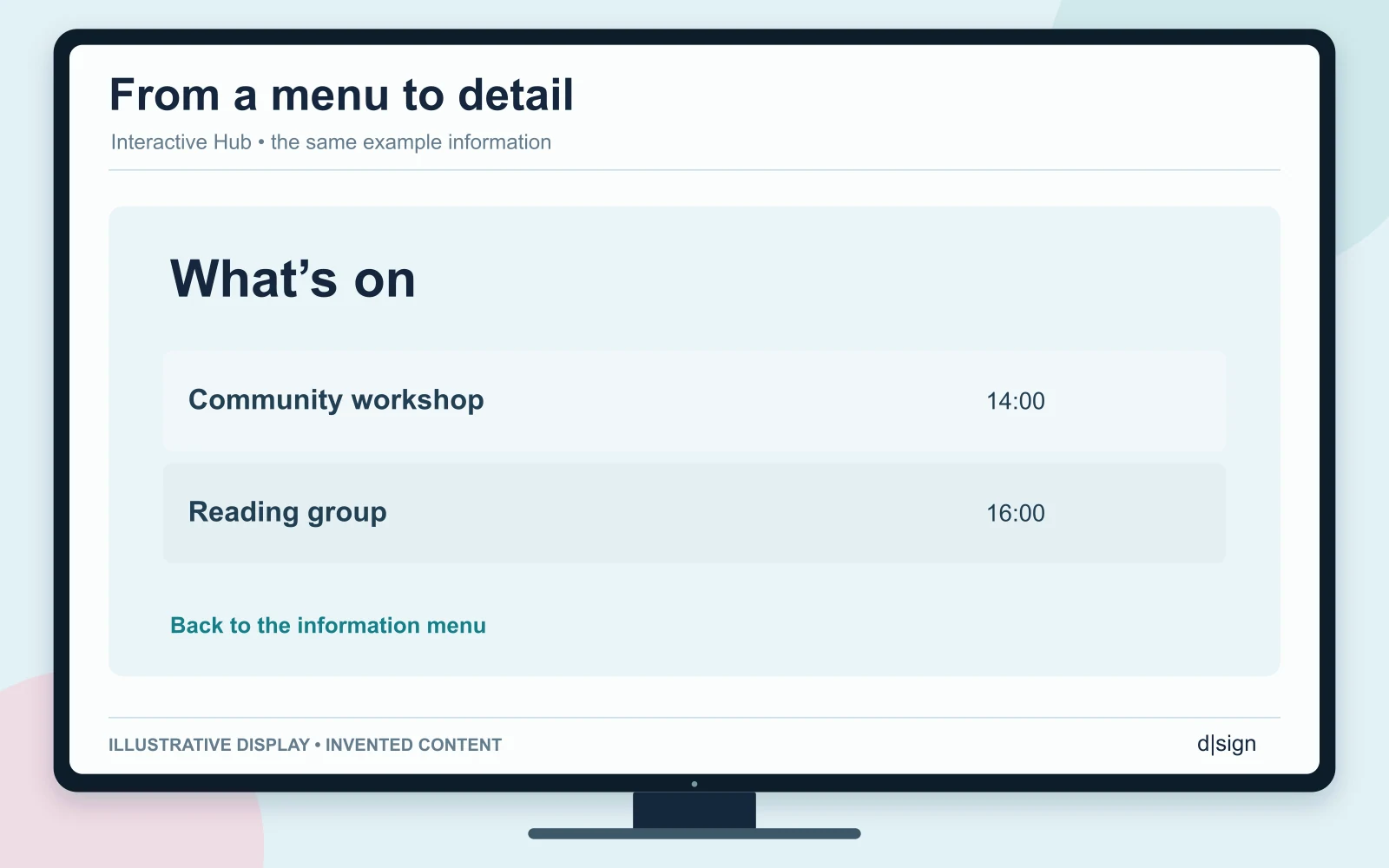
From a menu to detail
A touch information menu can lead into the relevant content.
Tell us about your information point.
Start with your audience, your spaces and the information you want people to see. We’ll help shape a practical d|sign setup around them.