D|SIGN SOLUTIONS
Welcome displays.
Make an arrival feel expected. Schedule welcomes for people and organisations from your Directory, using reusable profiles that define the screens, appearance and display area.

THE PRACTICAL BENEFIT
Prepare the welcome in advance and keep reception communication connected to the people due to visit.
Plan the information and the update process together. A useful setup gives each display a clear purpose and the right people a practical way to keep it current.
What the solution brings together
- Create reusable Welcome profiles with appropriate screen targets and display regions.
- Select people and organisations from the Directory for a scheduled visit.
- Include configured messages, photographs and organisation imagery where appropriate.
- Choose presentation and pagination arrangements for individual or group visits.
- Let authorised Frontline users manage delegated visits while central administrators retain the setup.
EXAMPLE CONFIGURATIONS
See the solution in context.
Use these combinations as a starting point for your own spaces.
A clearer everyday view
A workplace prepares a welcome for a visiting group and its organisation.
A more connected venue
A shared building gives an arriving delegation a clear reception message.
An approach that fits the setting
A venue combines a scheduled welcome with event and room information.
COMBINE THE RIGHT TOOLS
Part of your wider communication approach.
Explore the related capabilities that can help shape the complete setup.
SAME INFORMATION, DIFFERENT PRESENTATIONS
Choose how the information appears.
The examples below use invented information to show different ways this content can appear. Give it the whole screen, combine it with other information in a screen area, or use the alternative presentation shown. Available settings depend on the app and the chosen layout.
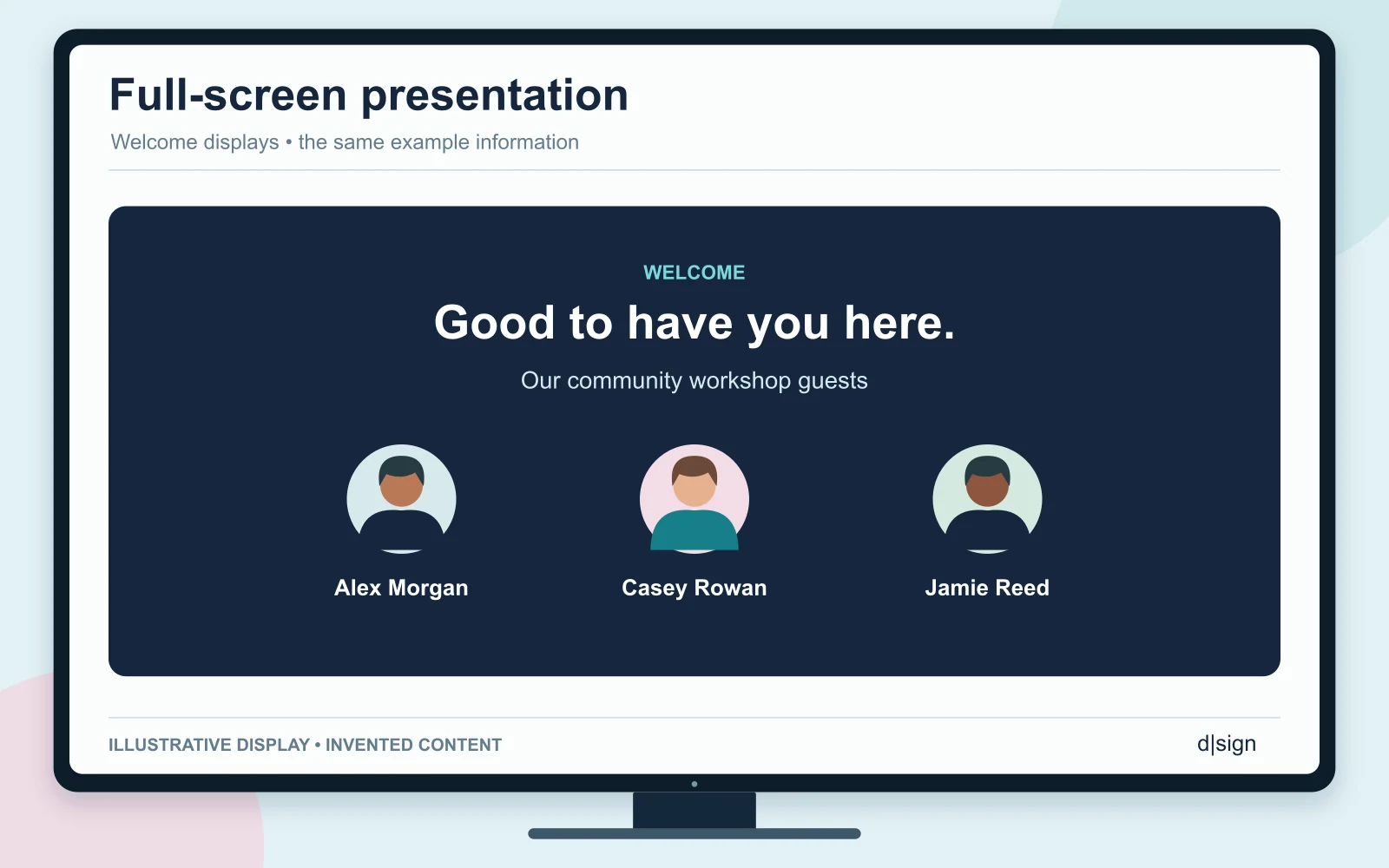
Full-screen presentation
Give this content the whole screen when it deserves the focus.
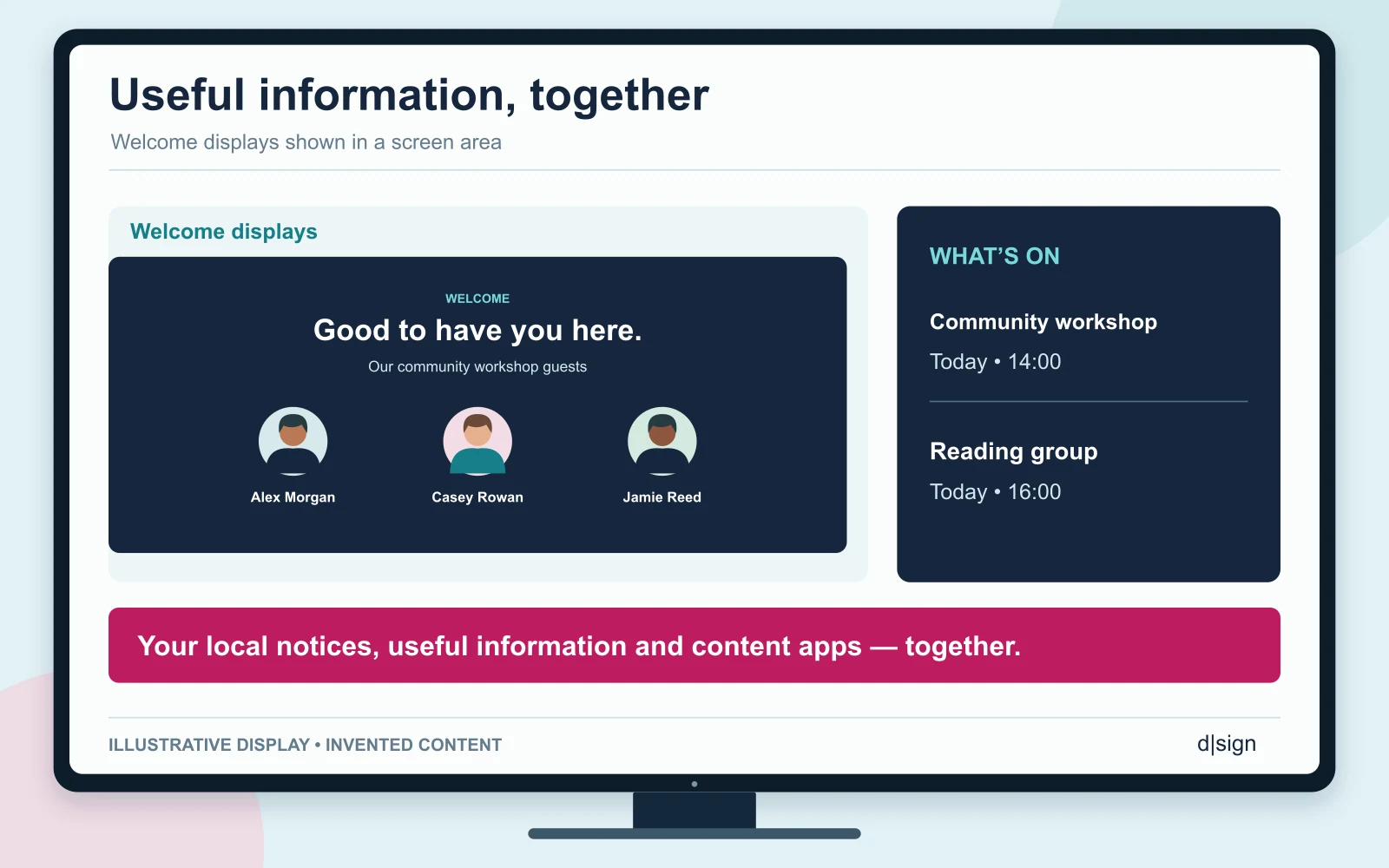
Part of a wider display
The same information occupies one area, alongside complementary content.
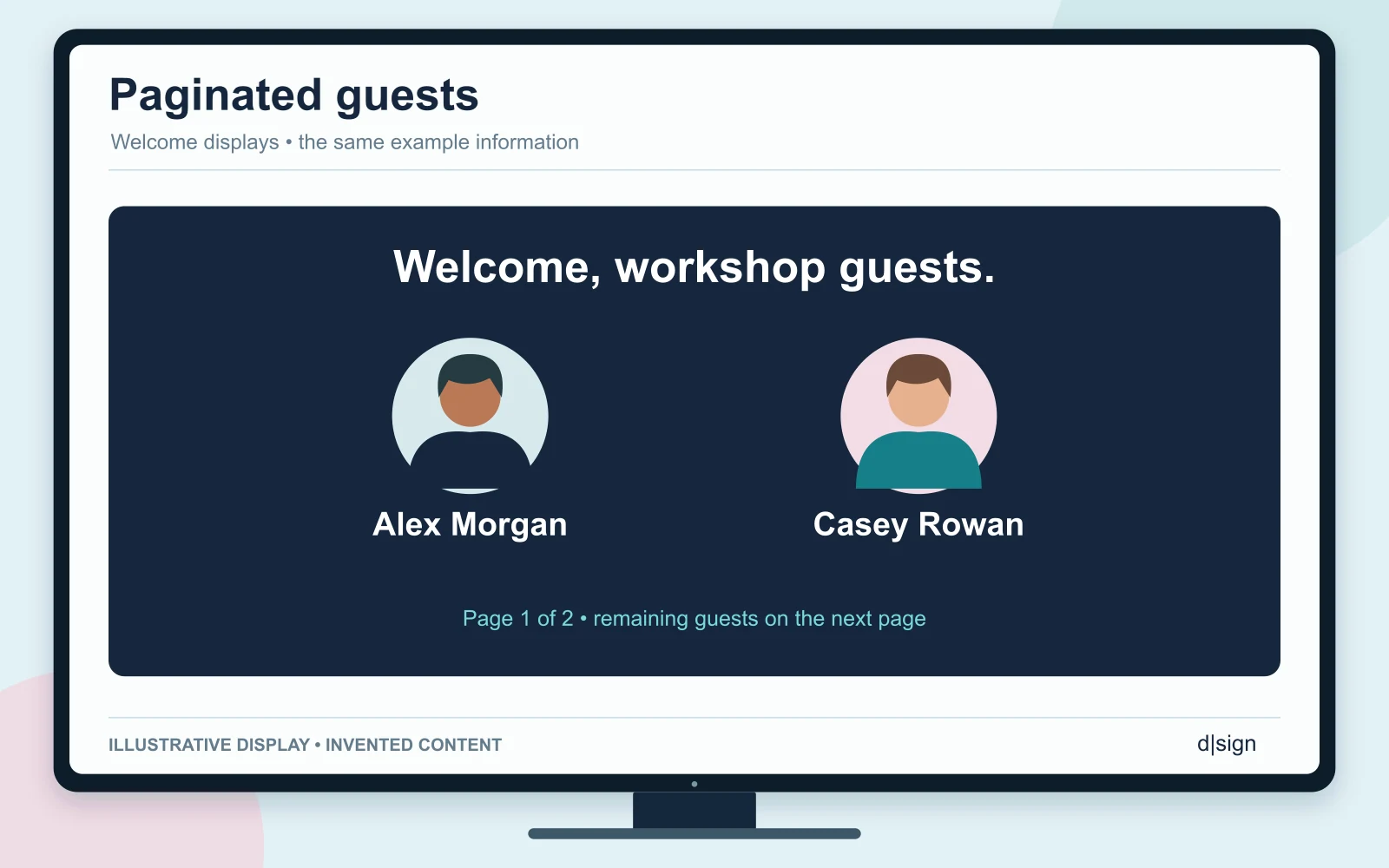
Paginated guests
Use the configured page size and interval for longer guest lists.
Tell us about your visitor welcome.
Start with your audience, your spaces and the information you want people to see. We’ll help shape a practical d|sign setup around them.