D|SIGN SOLUTIONS
Desking & workspace management.
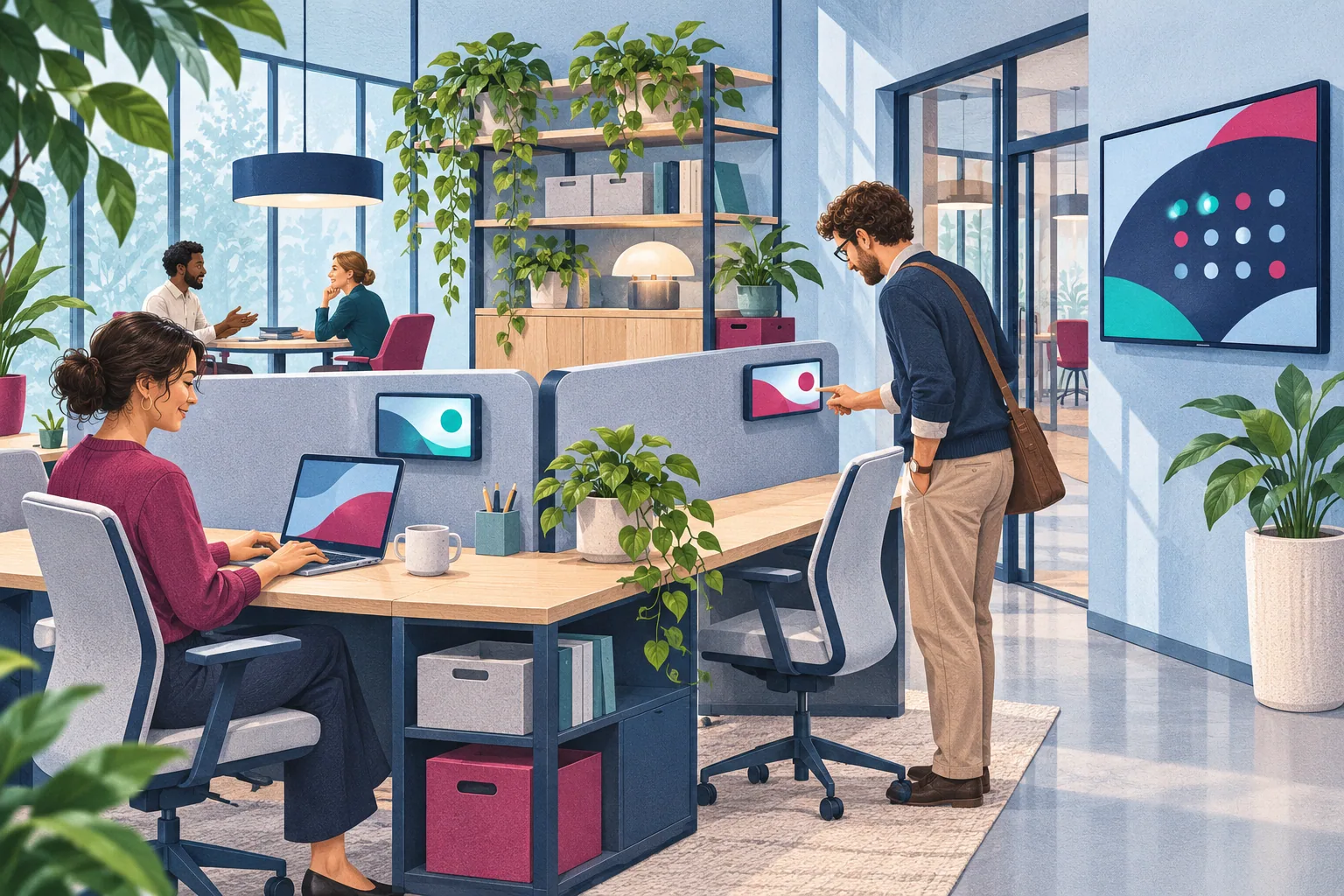
Help people understand and use shared workspaces. Bring desk and room allocations, availability and booking information into a connected approach for flexible offices and managed buildings.
THE PRACTICAL BENEFIT
Make shared space easier to navigate and reduce the uncertainty around where people can work.
Plan the information and the update process together. A useful setup gives each display a clear purpose and the right people a practical way to keep it current.
What the solution brings together
- Allocate desks or rooms to the relevant people or organisations.
- Provide supported self-booking arrangements for shared workspaces.
- Display the relevant use and availability information at entrances, desks or room locations.
- Give administrators a view of workspace use and associated reporting.
- Connect workspace communication with relevant tenant, event and directory information.
EXAMPLE CONFIGURATIONS
See the solution in context.
Use these combinations as a starting point for your own spaces.
A clearer everyday view
A flexible office makes desk availability easier for arriving staff to understand.
A more connected venue
A co-working building combines workspace allocation with tenant information.
An approach that fits the setting
A campus or shared service plans bookable work areas and suitable information points.
COMBINE THE RIGHT TOOLS
Part of your wider communication approach.
Explore the related capabilities that can help shape the complete setup.
SAME INFORMATION, DIFFERENT PRESENTATIONS
Choose how the information appears.
The examples below use invented information to show different ways this content can appear. Give it the whole screen, combine it with other information in a screen area, or use the alternative presentation shown. Available settings depend on the app and the chosen layout.
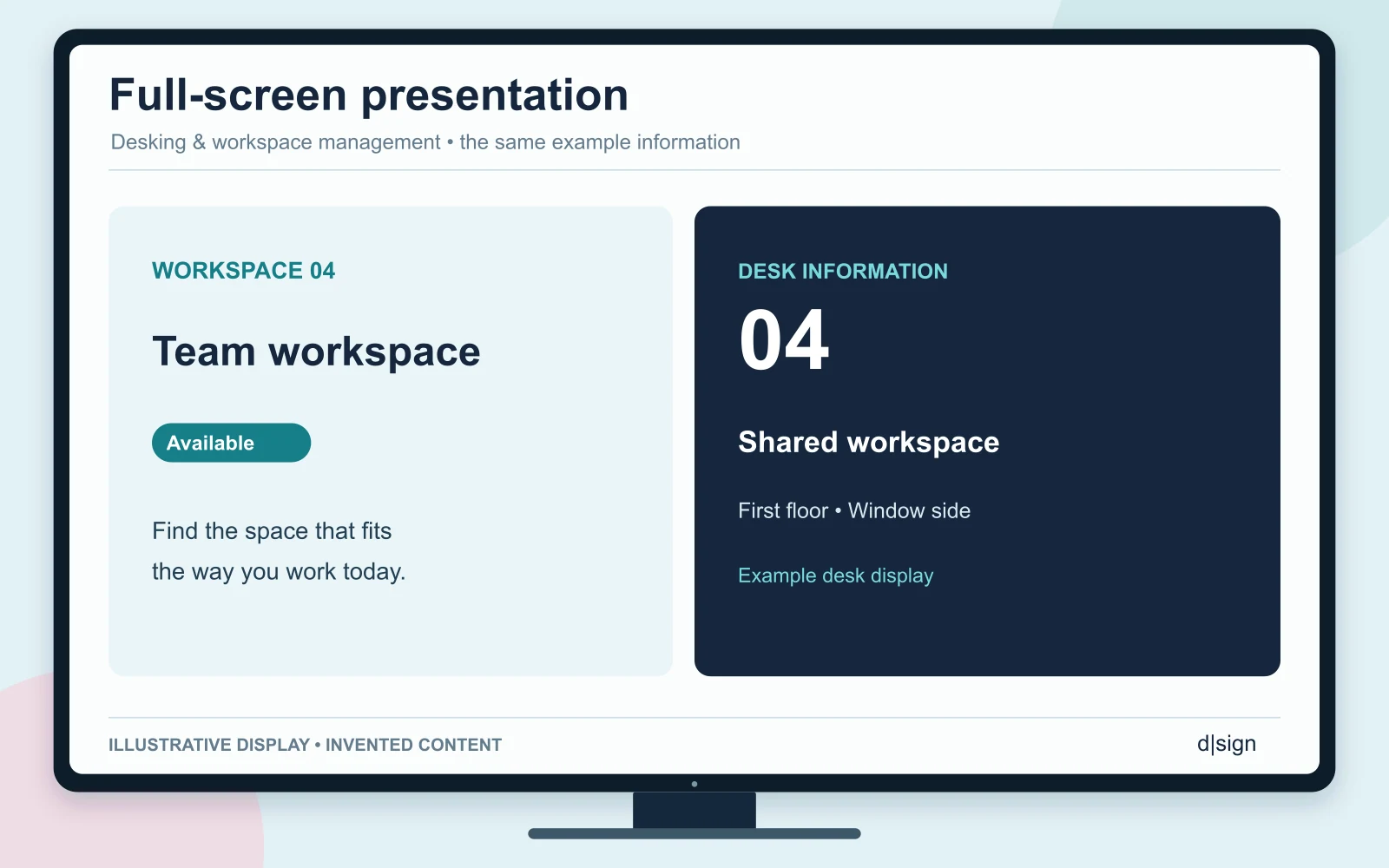
Full-screen presentation
Give this content the whole screen when it deserves the focus.
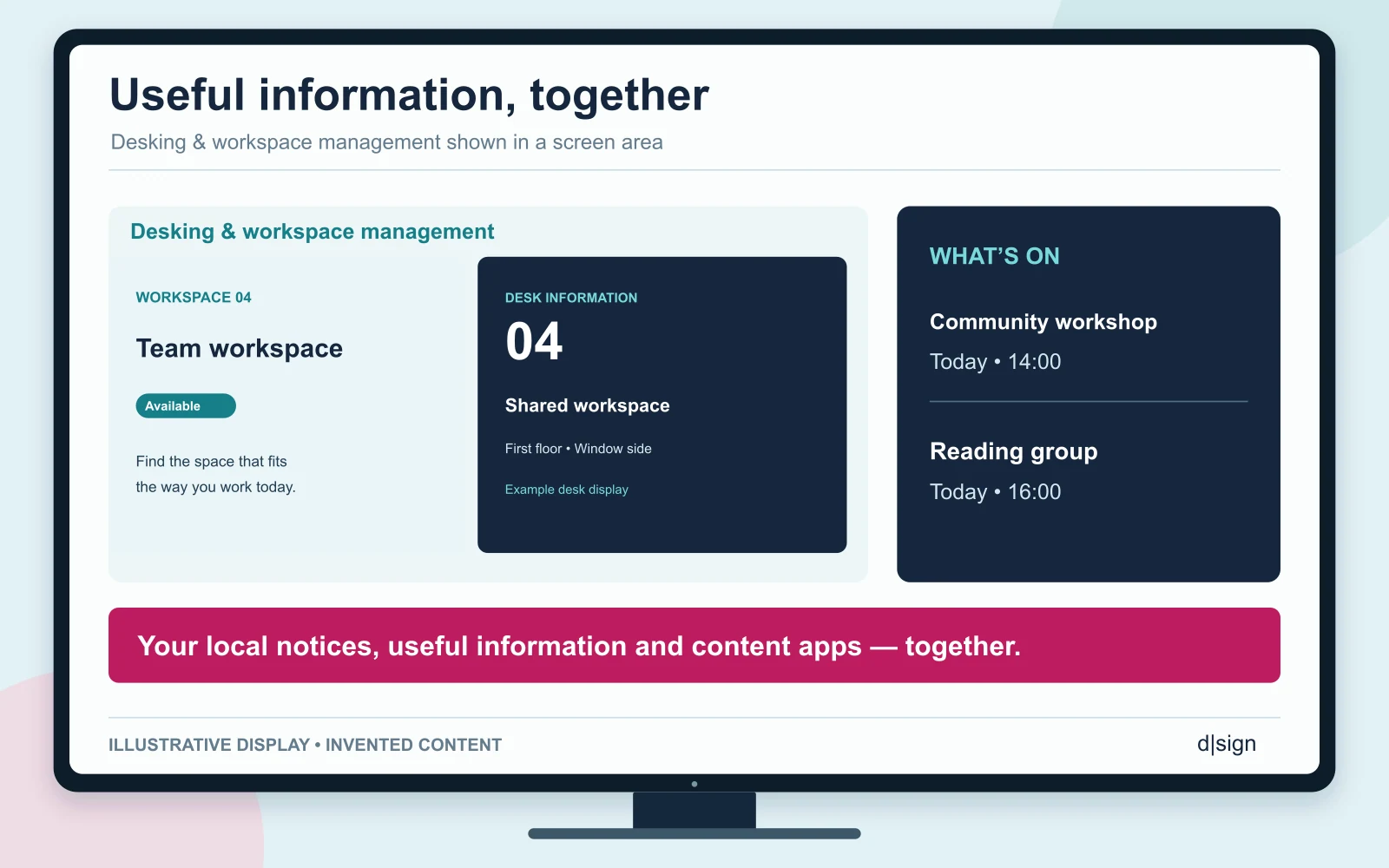
Part of a wider display
The same information occupies one area, alongside complementary content.
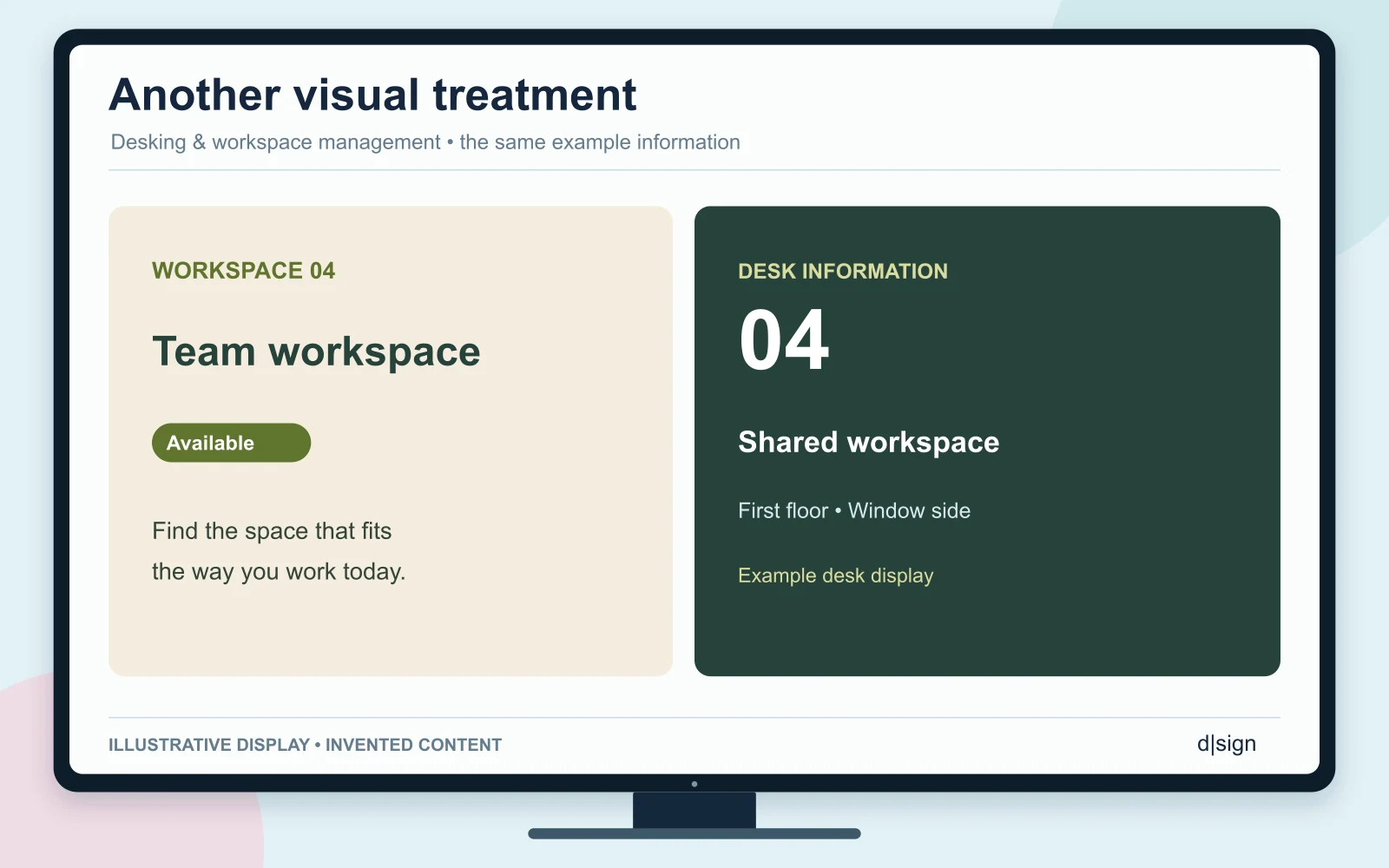
Another visual treatment
The same workspace information with a complementary palette.
Tell us about your workspace.
Start with your audience, your spaces and the information you want people to see. We’ll help shape a practical d|sign setup around them.