SCREENS, PEOPLE & CONTROL
Frontline delegation.
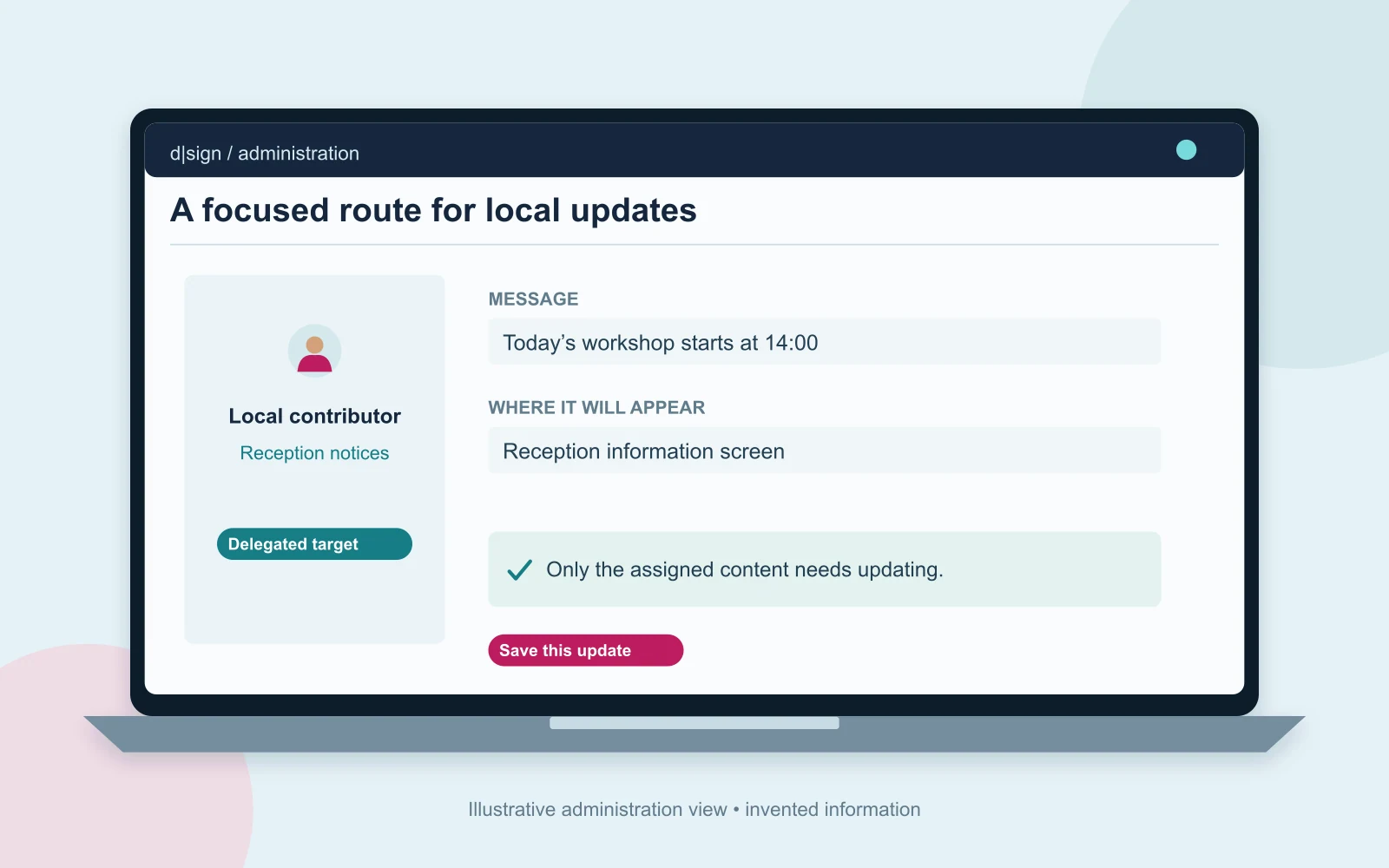
Put everyday updates in the hands of the people closest to the information. Frontline gives authorised colleagues a focused way to update delegated content without taking on the wider administration of the platform.
WHY IT IS USEFUL
Keep central control of the setup while helping local teams make the small changes that keep screens useful.
Use this capability as part of a display that has a clear job: inform a visitor, keep a team connected or make useful information easier to find. The right configuration depends on the audience and the information you maintain.
What you can do
- Delegate specific content targets to people, companies or company groups.
- Support focused updates to messages, Welcome visits, roster occupants and counter values.
- Use the supported delegated Gallery and Alert controls where assigned.
- Keep the broader configuration and delegation decisions with authorised main-portal administrators.
EXAMPLE USES
A few useful ways to put it to work.
These are example configurations, ready to adapt to your own setting.
Make the information visible
Let reception keep the day’s Welcome visits up to date.
Keep it relevant to the place
Give a shift lead responsibility for a roster role and selected notices.
Combine it with a wider view
Allow a local communicator to update a nominated gallery or KPI.
WORKS AS PART OF A CONNECTED APPROACH
Explore related capabilities.
Combine the tools that make sense for the communication you want to achieve.
People & organisation Directory
Maintain the people and organisations used in your communication. Keep profile details, associations and images together so they can support Welcome and other appropriate workflows.
Feed sharing
Make useful content available to another authorised part of the organisation. Manage the feeds you share and the feeds that have been shared with you through the existing platform workflow.
Device management
Organise the screens behind your communication. Group devices by site, floor, department or purpose, then manage their content and access from a central view.
Let’s put frontline delegation to work.
Start with your audience, your spaces and the information you want people to see. We’ll help shape a practical d|sign setup around them.