SCREENS, PEOPLE & CONTROL
Device management.
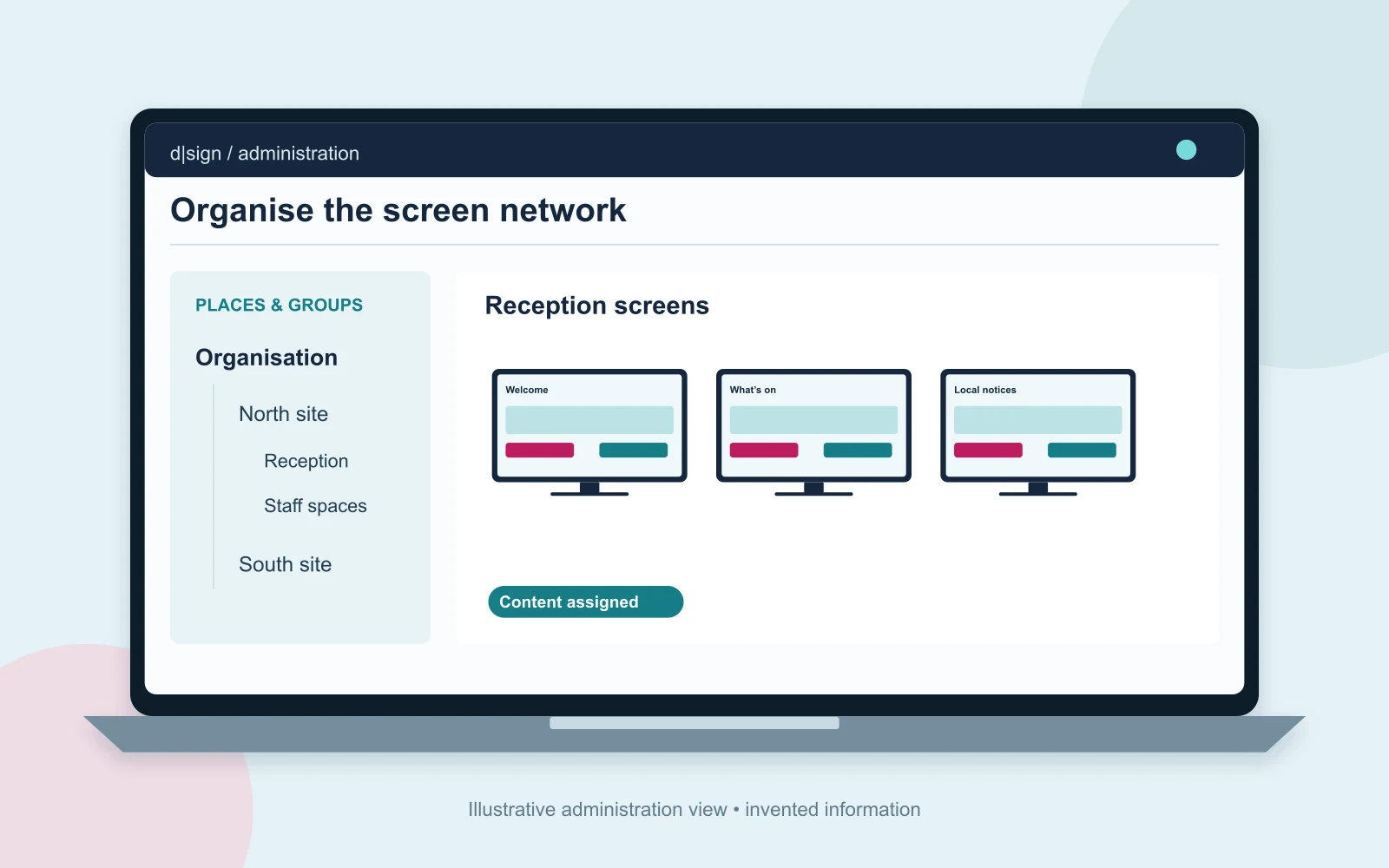
Organise the screens behind your communication. Group devices by site, floor, department or purpose, then manage their content and access from a central view.
WHY IT IS USEFUL
Keep a growing screen network understandable while allowing a useful balance between shared and local content.
Use this capability as part of a display that has a clear job: inform a visitor, keep a team connected or make useful information easier to find. The right configuration depends on the audience and the information you maintain.
What you can do
- Use folders and groups to organise devices in a hierarchy.
- Assign content to individual devices or relevant groups, including inherited content where configured.
- View device information and status to support day-to-day oversight.
- Control access through user groups and the relevant device-folder permissions.
EXAMPLE USES
A few useful ways to put it to work.
These are example configurations, ready to adapt to your own setting.
Make the information visible
Publish an organisation notice across sites while keeping local items alongside it.
Keep it relevant to the place
Separate public-facing screens from internal staff screens.
Combine it with a wider view
Give a building team responsibility for the screens in its area.
WORKS AS PART OF A CONNECTED APPROACH
Explore related capabilities.
Combine the tools that make sense for the communication you want to achieve.
User management
Bring the right people into your signage workflow. Invite users, manage their organisation access and assign responsibilities that match the work they need to do.
Granular permissions
Give people the access they need for their contribution. Set boundaries around content, media, apps and devices so local responsibility can sit alongside central oversight.
Support portal & assets
Keep requests and the equipment they relate to connected. The support portal gives your organisation a place to raise issues, follow their progress and retain useful device and asset context.
Let’s put device management to work.
Start with your audience, your spaces and the information you want people to see. We’ll help shape a practical d|sign setup around them.