SCREENS, PEOPLE & CONTROL
Support portal & assets.
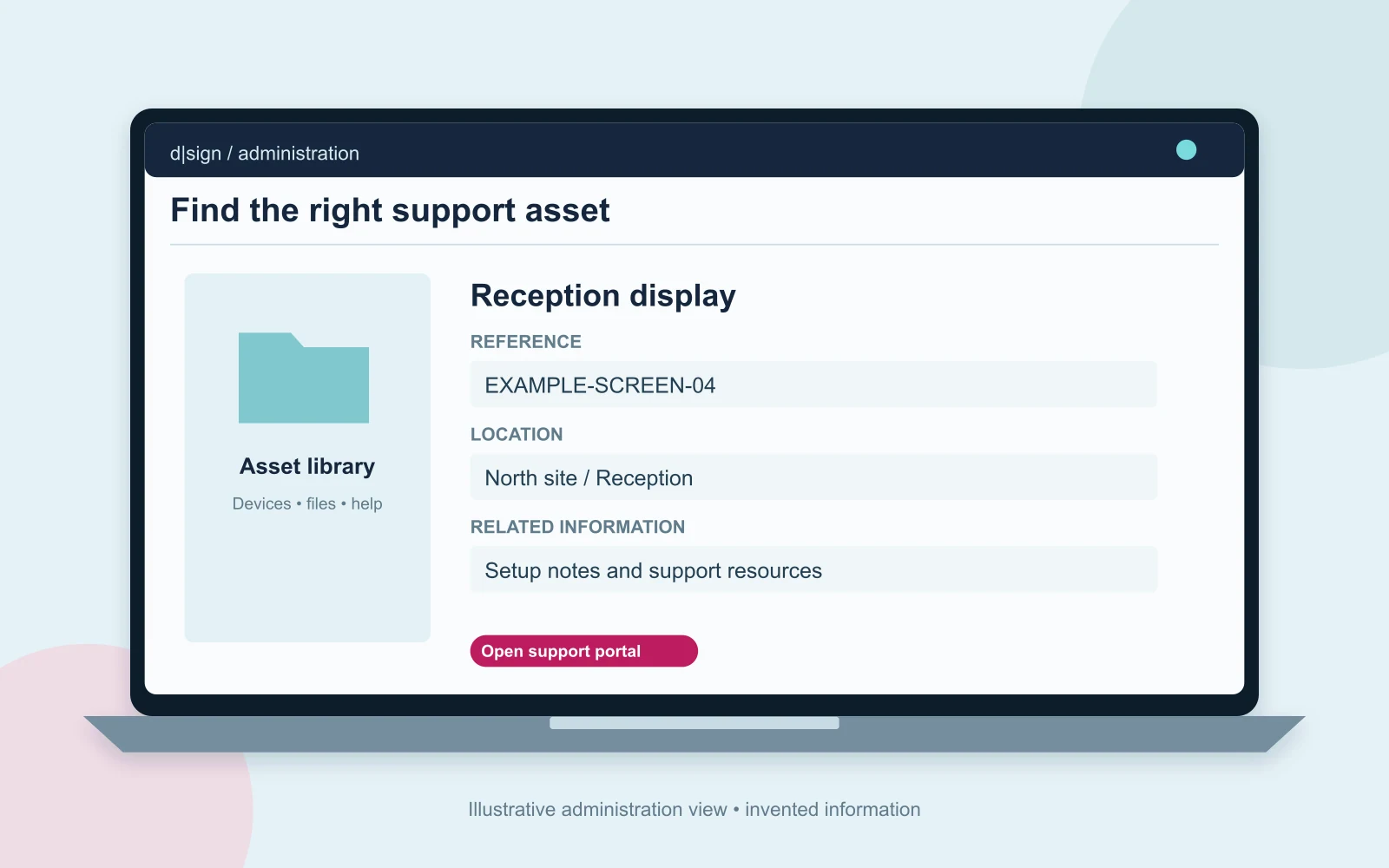
Keep requests and the equipment they relate to connected. The support portal gives your organisation a place to raise issues, follow their progress and retain useful device and asset context.
WHY IT IS USEFUL
Make it easier for colleagues and the support team to work from the same account of an issue.
Use this capability as part of a display that has a clear job: inform a visitor, keep a team connected or make useful information easier to find. The right configuration depends on the audience and the information you maintain.
What you can do
- Create and follow support tickets for your account or organisation.
- Add relevant files and images when explaining a problem.
- Associate requests with devices or components and retain useful asset history.
- Review device status and supported remote-management options when troubleshooting.
EXAMPLE USES
A few useful ways to put it to work.
These are example configurations, ready to adapt to your own setting.
Make the information visible
Report an issue against the relevant screen rather than an informal description.
Keep it relevant to the place
Let colleagues contribute to a shared support request.
Combine it with a wider view
Keep warranty and replacement context with the equipment it concerns.
WORKS AS PART OF A CONNECTED APPROACH
Explore related capabilities.
Combine the tools that make sense for the communication you want to achieve.
Notify
Add a short notice while normal content continues. Notify presents a temporary on-screen bubble for an update that needs attention without taking over the whole display.
Alerts
Bring a preconfigured message to the foreground when it needs priority. Alerts can replace the usual display content with a clear message or image for the screens selected.
Focus
Give planned content a turn in the foreground. Schedule a full-screen or larger-area presentation that temporarily changes the balance of information on the display.
Let’s put support portal & assets to work.
Start with your audience, your spaces and the information you want people to see. We’ll help shape a practical d|sign setup around them.