SCREENS, PEOPLE & CONTROL
Notify.
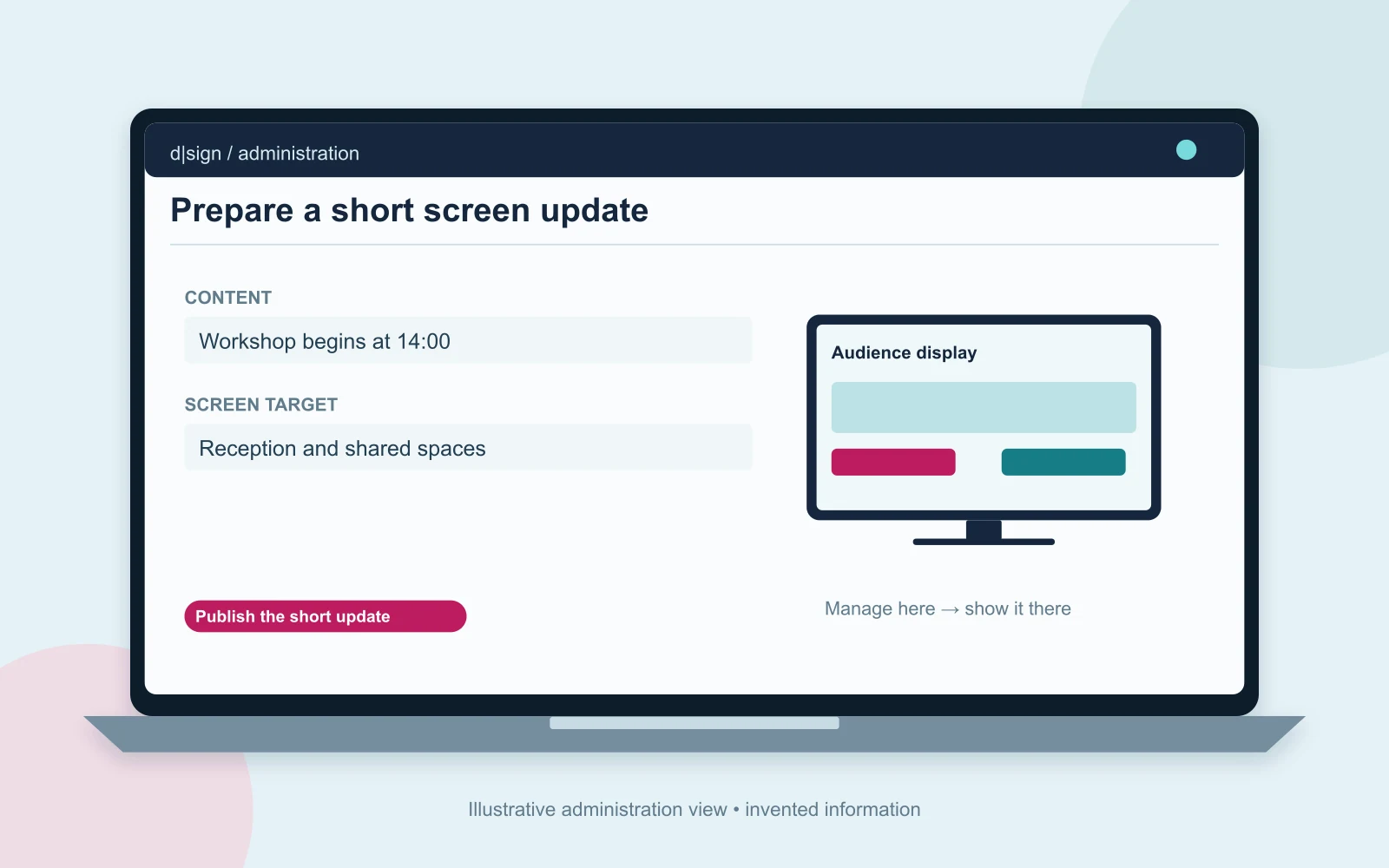
Add a short notice while normal content continues. Notify presents a temporary on-screen bubble for an update that needs attention without taking over the whole display.
WHY IT IS USEFUL
Give routine announcements a visible place without interrupting every part of the screen.
Use this capability as part of a display that has a clear job: inform a visitor, keep a team connected or make useful information easier to find. The right configuration depends on the audience and the information you maintain.
What you can do
- Display a temporary notification over the usual content.
- Choose its colours and how long it remains visible.
- Use an optional audible notification where suitable for the environment.
- Allow multiple notifications to appear in an orderly stack.
EXAMPLE USES
A few useful ways to put it to work.
These are example configurations, ready to adapt to your own setting.
Make the information visible
Let a staff area know that a meeting is about to begin.
Keep it relevant to the place
Share a brief reception or service update.
Combine it with a wider view
Call attention to a short operational notice while the main information remains visible.
WORKS AS PART OF A CONNECTED APPROACH
Explore related capabilities.
Combine the tools that make sense for the communication you want to achieve.
Alerts
Bring a preconfigured message to the foreground when it needs priority. Alerts can replace the usual display content with a clear message or image for the screens selected.
Focus
Give planned content a turn in the foreground. Schedule a full-screen or larger-area presentation that temporarily changes the balance of information on the display.
Content scheduling
Decide when information belongs on the screen. Plan dates and times for content so today’s notices, changing menus and recurring communication fit the working day.
Let’s put notify to work.
Start with your audience, your spaces and the information you want people to see. We’ll help shape a practical d|sign setup around them.