Skip to content

WHO IT’S FOR

Different spaces. Useful shared information.

Start with the people you want to reach and the places they use. The platform brings content and control together; the useful combinations depend on your setting.

Concept illustration: connected places under shared control.

EXPLORE YOUR SETTING

Find a practical starting point.

Each page combines relevant capabilities with example uses and the people who can maintain them.
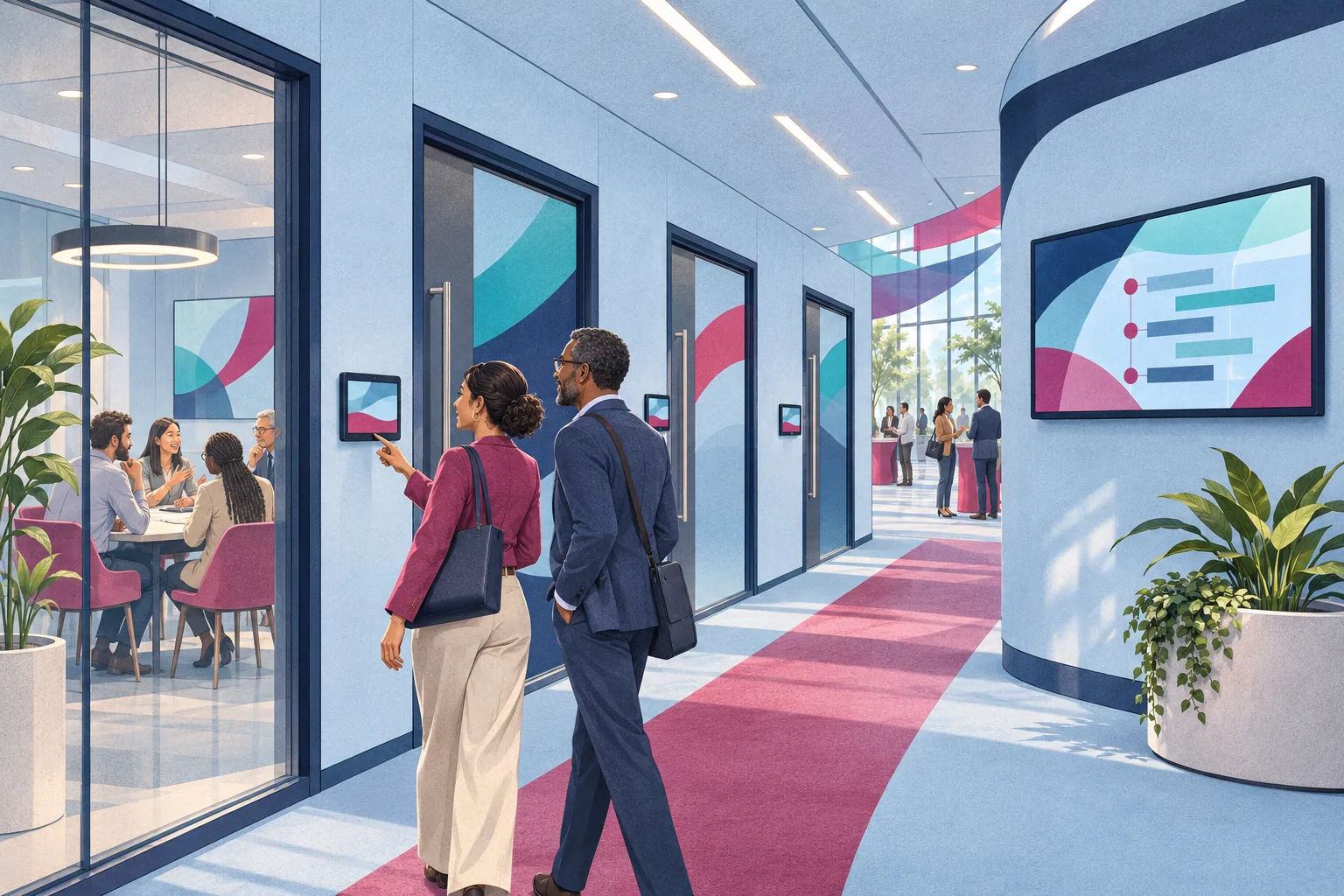
Concept illustration: staff briefing area.

Workplaces

Make organisation updates visible beyond email and individual devices.

Explore Workplaces

Concept illustration: library services and local activities.

Public sector

Keep visitors informed about today’s services, events and changes.

Explore Public sector

Concept illustration: campus atrium information.

Education

Make important information visible in busy shared spaces.

Explore Education

Concept illustration: clinic waiting information.

Healthcare

Explain today’s arrangements in a visible and consistent way.

Explore Healthcare

Concept illustration: events and room information.

Hospitality & venues

Keep guests informed about events, rooms and practical arrangements.

Explore Hospitality & venues

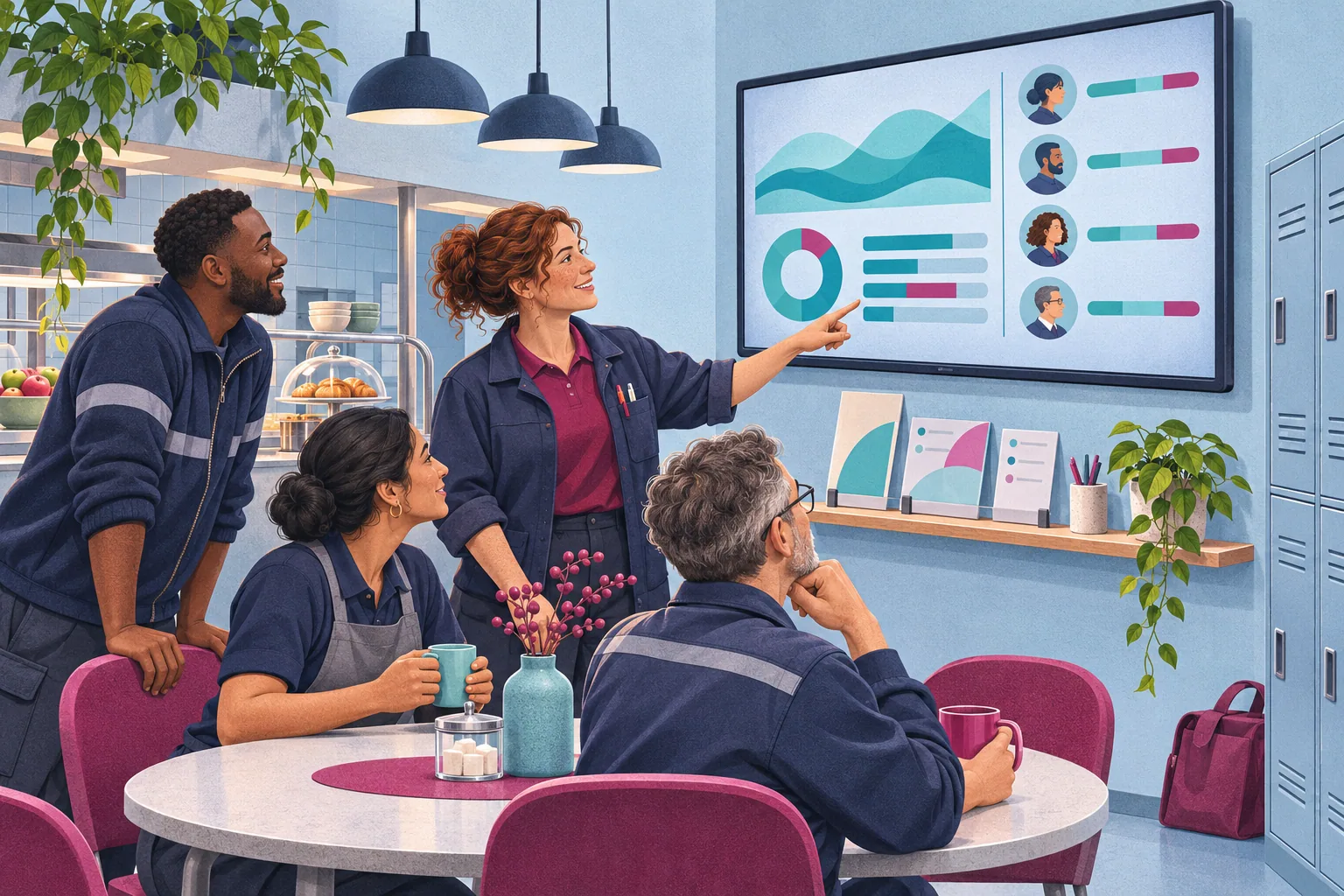
Concept illustration of a shift team using shared notices, roles and measures in a staff area.

Industry & operations

Make notices and agreed measures easier to see in shared staff areas.
Explore Industry & operations

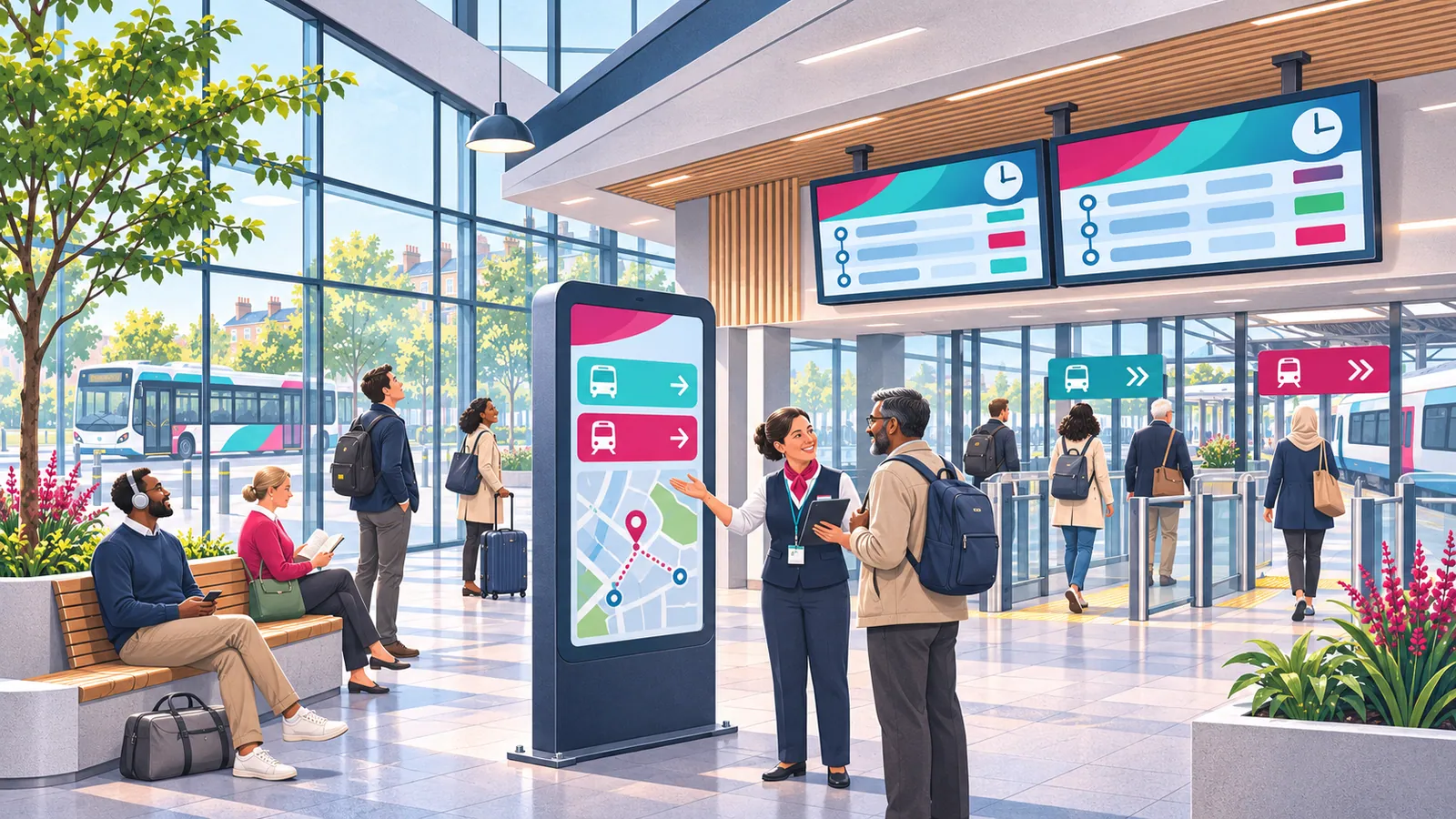
Concept illustration of passengers using departure displays and an information point at an interchange.

Transport

Present relevant scheduled and live information clearly.

Explore Transport

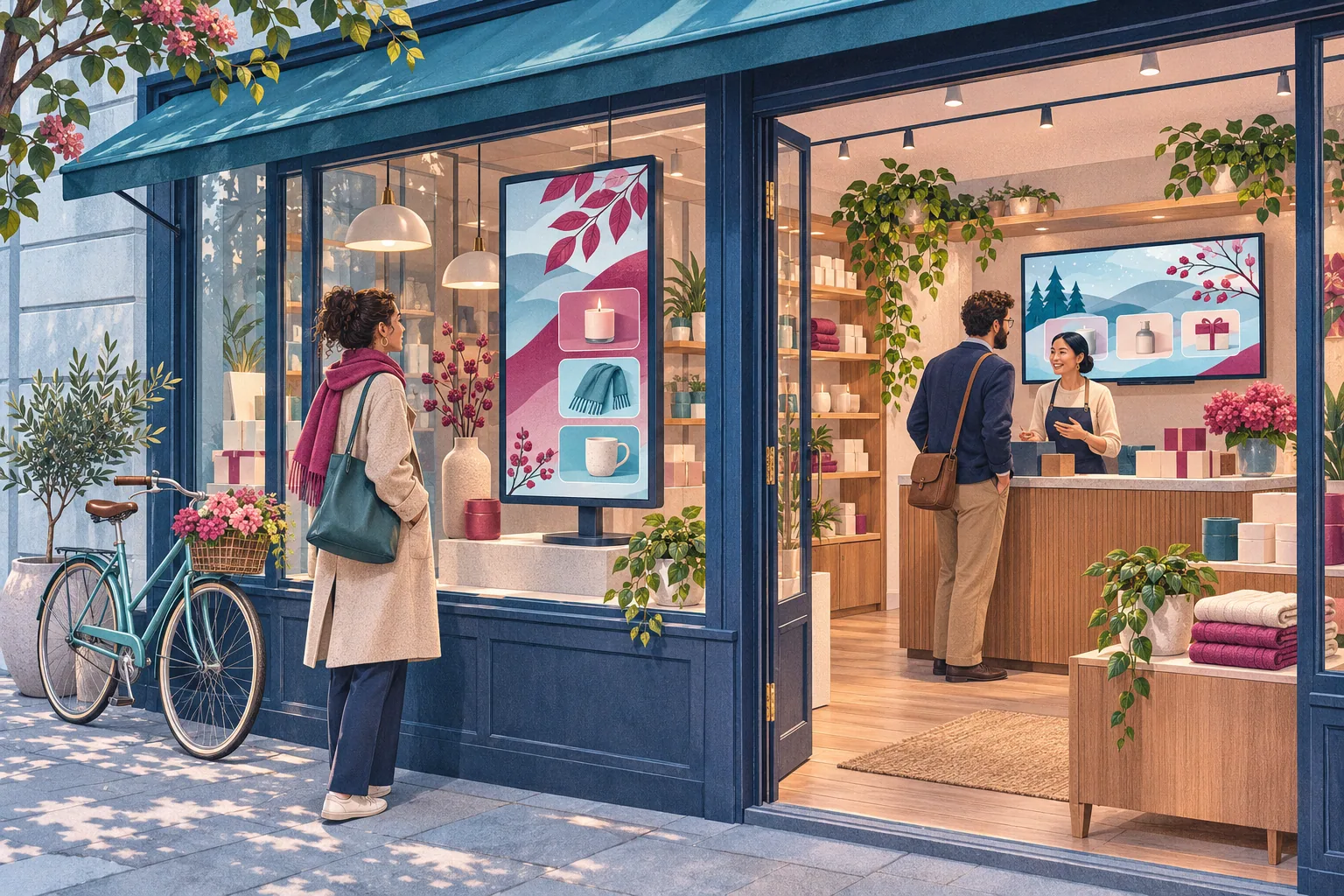
Concept illustration: retail window and shop interior.

Retail

Keep approved promotions and useful information in circulation.

Explore Retail

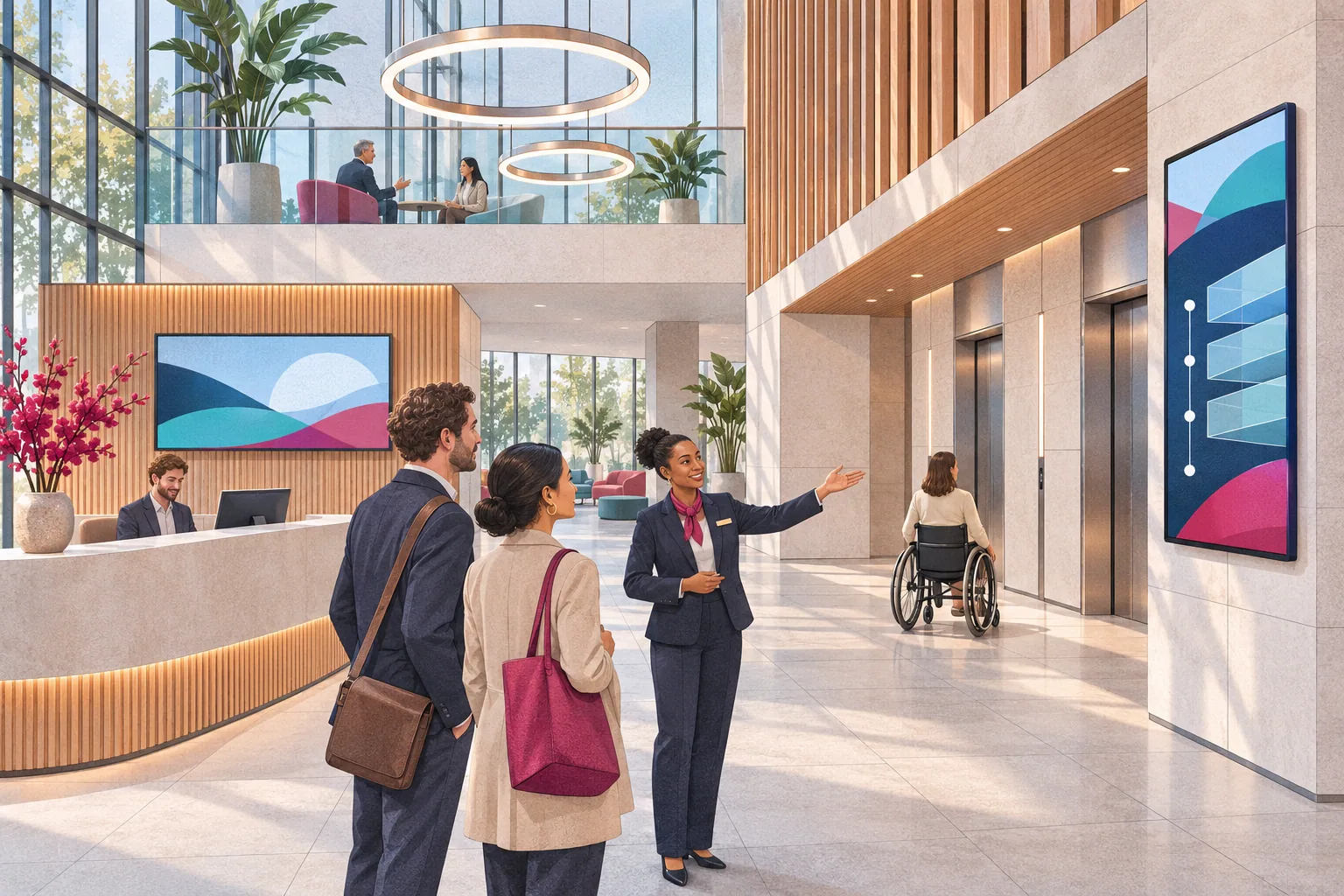
Concept illustration: shared building reception.

Managed buildings

Keep the building’s occupant information current.

Explore Managed buildings

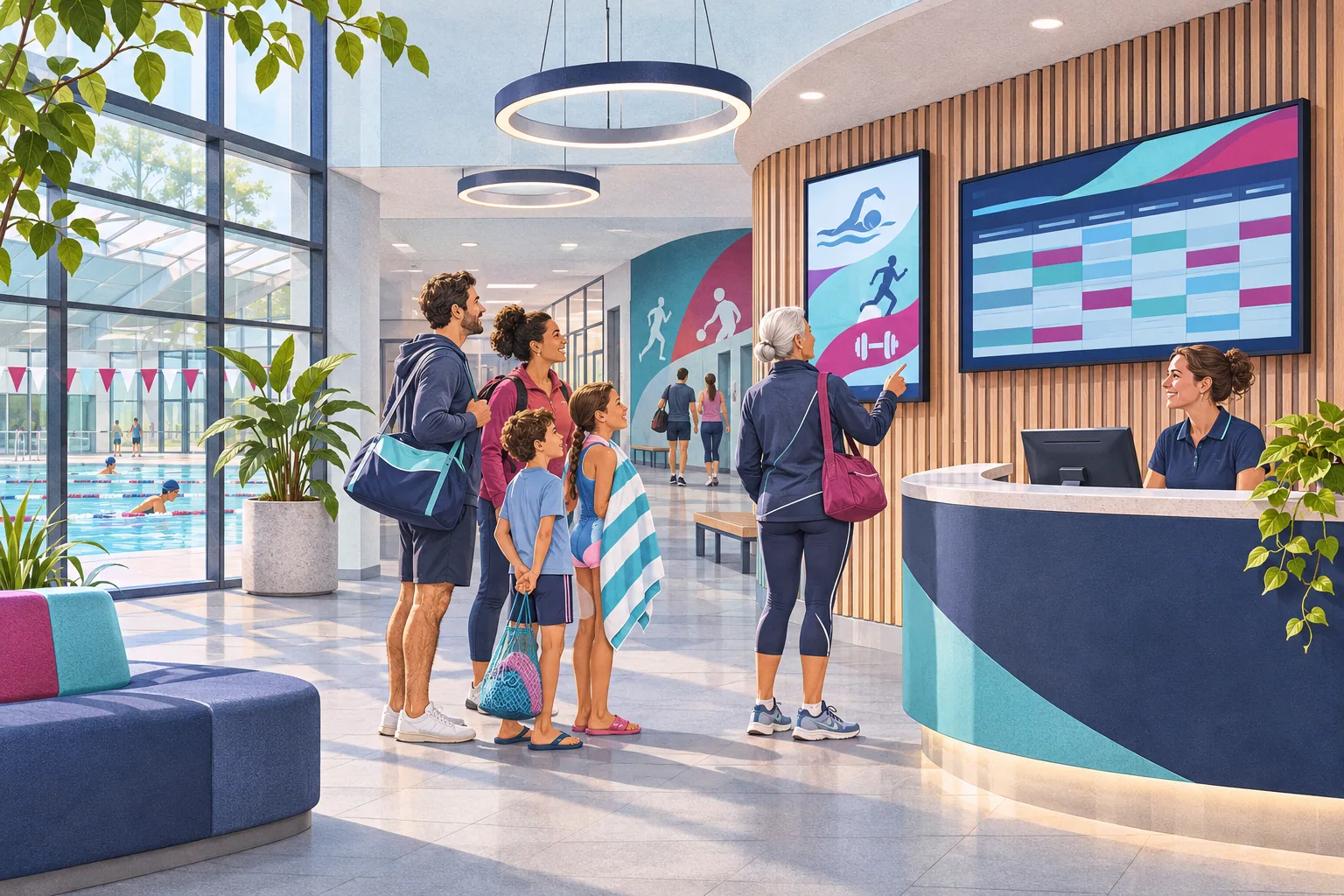
Concept illustration: leisure centre activity information.

Visitor venues & leisure

Make today’s activities and useful notices easier to find.

Explore Visitor venues & leisure

Tell us what your screens need to do.

Start with your audience, your spaces and the information you want people to see. We’ll help shape a practical d|sign setup around them.