DIGITAL SIGNAGE FOR YOUR SETTING
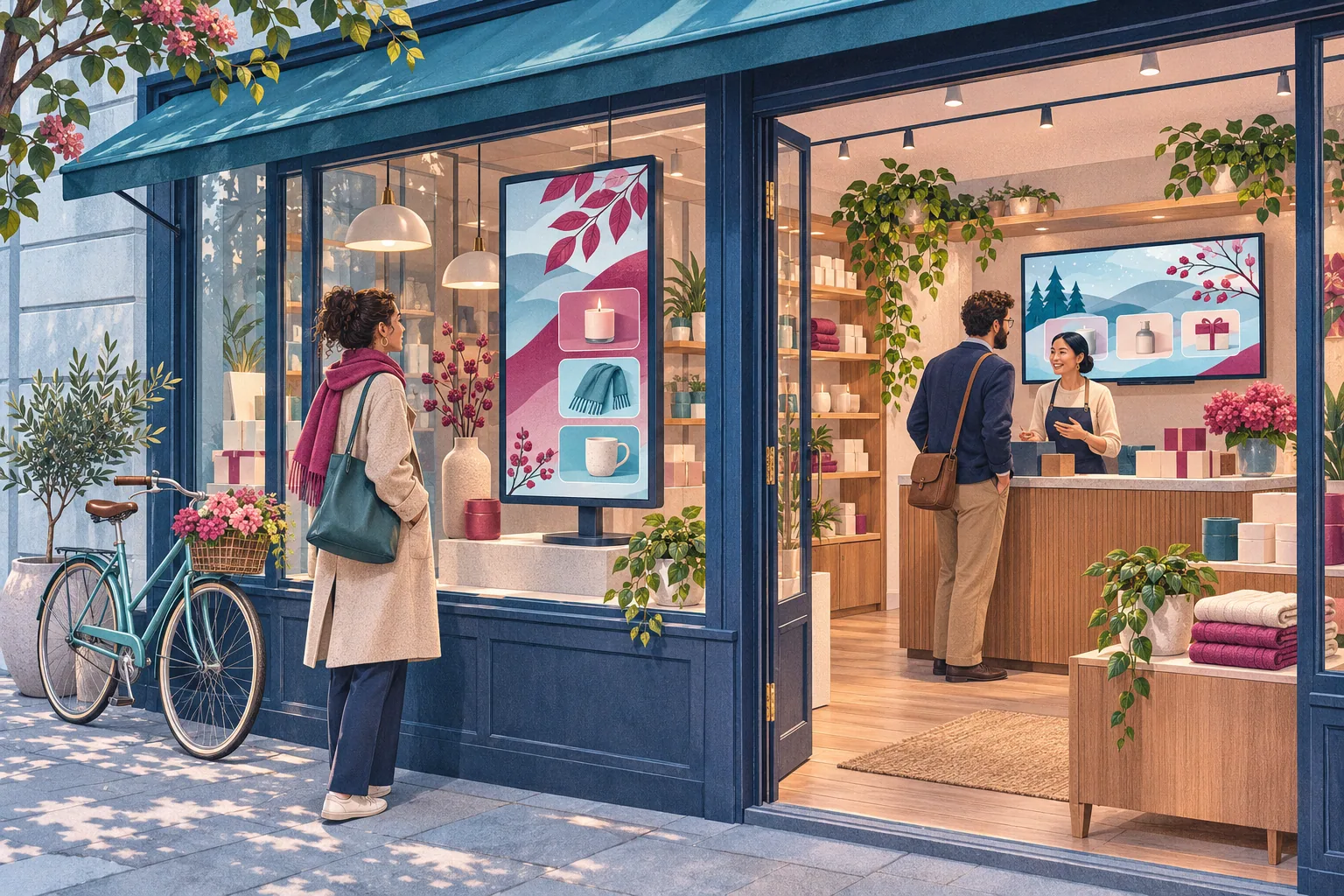
Retail & customer spaces.
Give promotions, product information and practical notices a clear place in the customer journey. Keep the content relevant to the location, time and people using the space.
THE EVERYDAY BENEFIT
Make visual communication easier to change without treating every update as a new print project.
Build around the information people can use and the team responsible for maintaining it.
Make information visible
Keep approved promotions and useful information in circulation.
Keep the content relevant
Plan content around a service period, event or campaign.
Give the team a practical approach
Maintain a consistent identity across locations while supporting relevant local updates.
EXAMPLE CONFIGURATIONS
Useful combinations for your spaces.
These examples show how apps and feeds can complement one another. They can be adapted to your audience and working routine.
A changing promotional programme
Build a gallery of approved images and videos, add a clear message and schedule the relevant items for the campaign. Use full-screen presentation when one idea needs the audience’s attention.
Useful information at the point of choice
Combine menu or service information with relevant imagery and notices. Use a layout that makes the decision easy to understand rather than filling every part of the screen.
Local relevance across locations
Keep the shared campaign consistent while allowing an authorised local colleague to maintain selected messages or media. Group the screens around the way the organisation operates.
MAKE THE UPDATE PROCESS WORK
The right people, with a clear contribution.
The display is only part of the approach. Give the people closest to the information a useful role in maintaining it.
Marketing
Maintain the approved visual programme.
Local teams
Keep nominated notices and relevant local content current.
Operations
Plan a coherent display and support approach across locations.

PLAN THE COMPLETE APPROACH
Audience. Content. Screens. People.
Choose the communication moment first: arriving, waiting, deciding or leaving. Then match the screen, content and update responsibility to that moment.
Let’s talk about your setting.
Start with your audience, your spaces and the information you want people to see. We’ll help shape a practical d|sign setup around them.