SCREENS, PEOPLE & CONTROL
Focus.
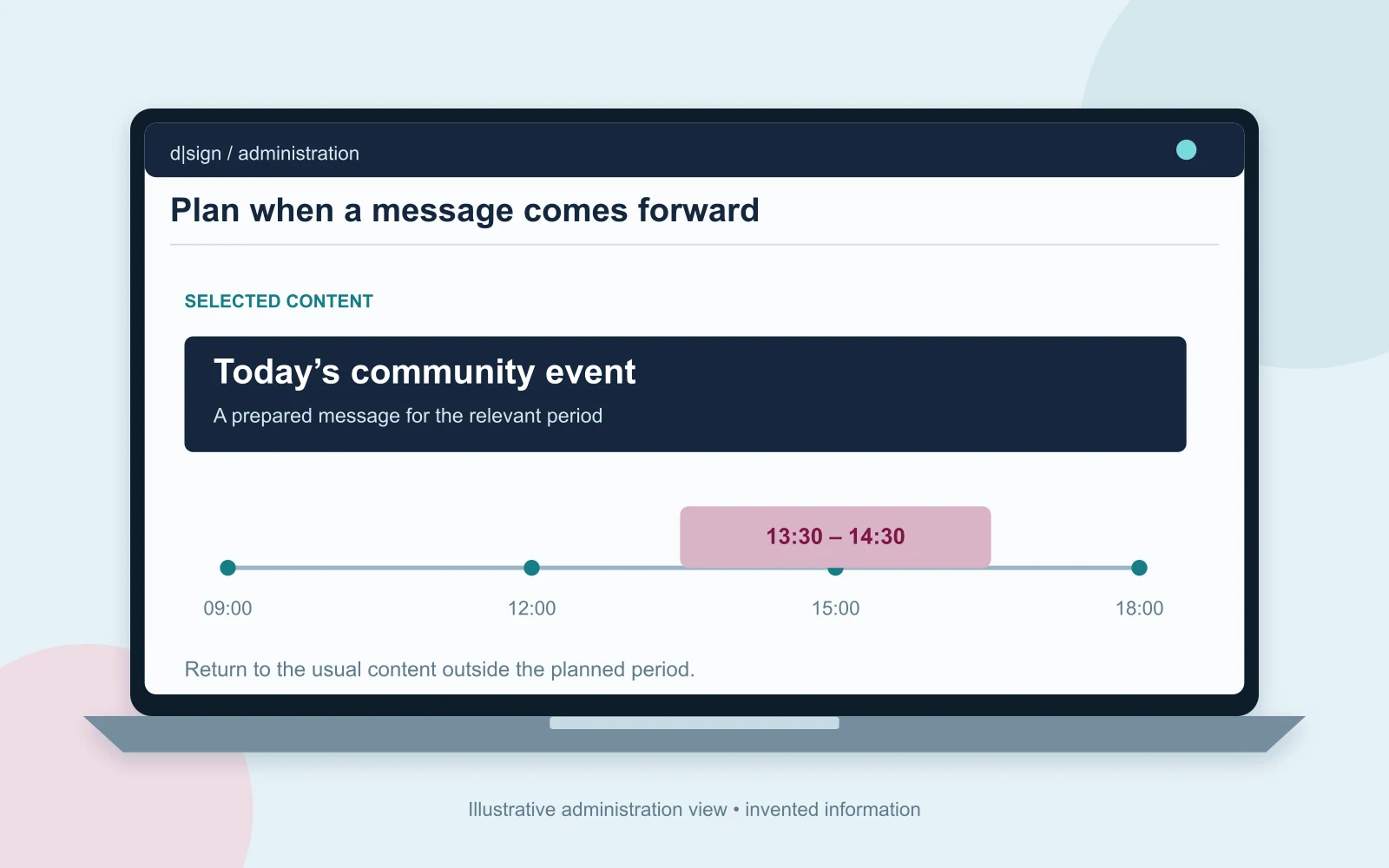
Give planned content a turn in the foreground. Schedule a full-screen or larger-area presentation that temporarily changes the balance of information on the display.
WHY IT IS USEFUL
Keep recurring briefings and important notices visible without permanently changing the everyday layout.
Use this capability as part of a display that has a clear job: inform a visitor, keep a team connected or make useful information easier to find. The right configuration depends on the audience and the information you maintain.
What you can do
- Set one-off or recurring Focus periods.
- Use the whole screen or a supported combination of display areas.
- Bring suitable content feeds into a scheduled presentation.
- Combine relevant overlapping Focus content in the supported playlist arrangement.
EXAMPLE USES
A few useful ways to put it to work.
These are example configurations, ready to adapt to your own setting.
Make the information visible
Run a short staff briefing at the start of a shift.
Keep it relevant to the place
Give an upcoming event a scheduled moment of prominence.
Combine it with a wider view
Repeat a policy reminder at useful points in the day.
WORKS AS PART OF A CONNECTED APPROACH
Explore related capabilities.
Combine the tools that make sense for the communication you want to achieve.
Content scheduling
Decide when information belongs on the screen. Plan dates and times for content so today’s notices, changing menus and recurring communication fit the working day.
Frontline delegation
Put everyday updates in the hands of the people closest to the information. Frontline gives authorised colleagues a focused way to update delegated content without taking on the wider administration of the platform.
People & organisation Directory
Maintain the people and organisations used in your communication. Keep profile details, associations and images together so they can support Welcome and other appropriate workflows.
Let’s put focus to work.
Start with your audience, your spaces and the information you want people to see. We’ll help shape a practical d|sign setup around them.