CONTENT APPS & LIVE FEEDS
Tenants & occupancy directories.
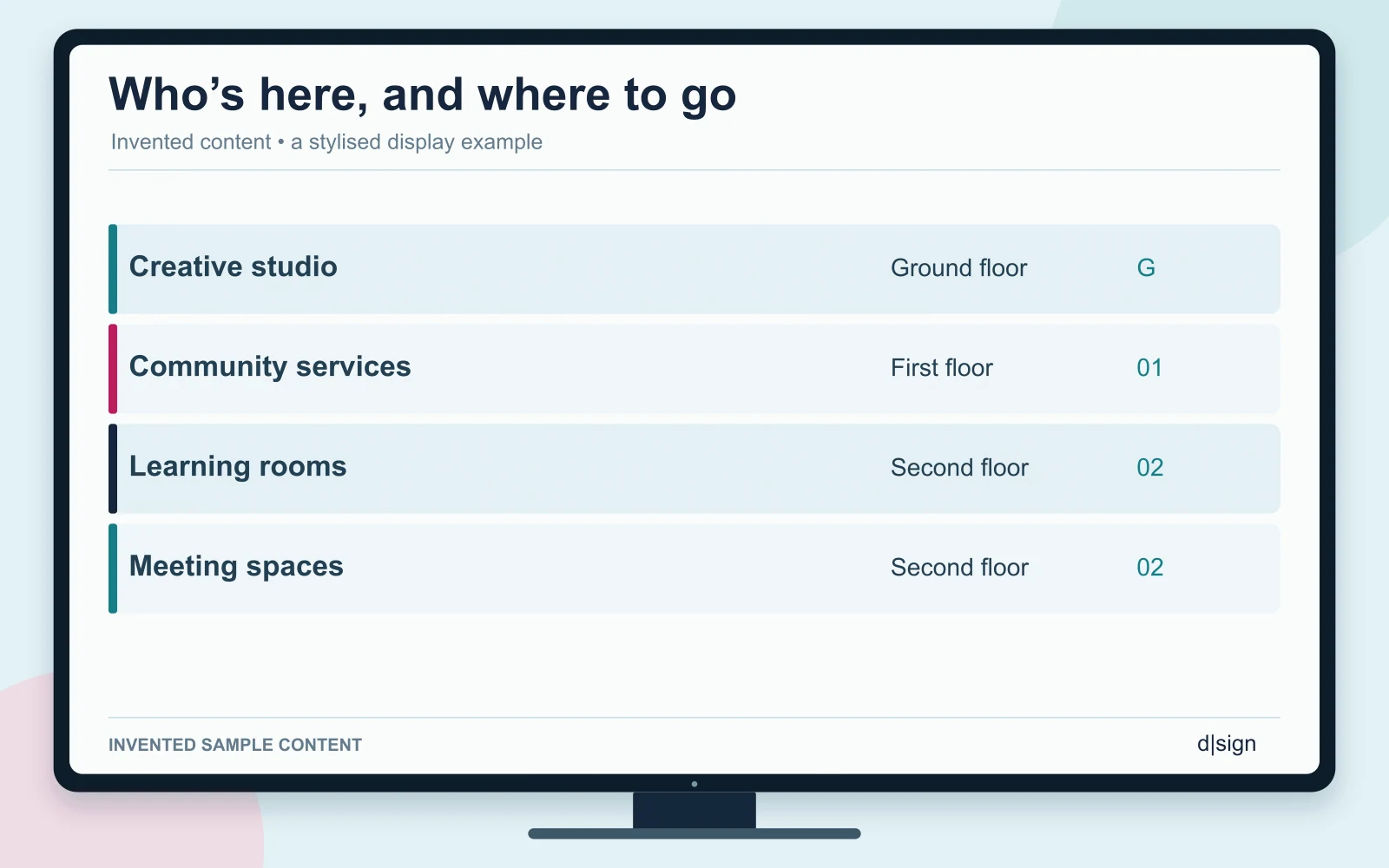
Help visitors understand who is based in your building and where to go. Maintain tenant information and present it as a clear directory, a set of cards or part of a wider reception display.
WHY IT IS USEFUL
Keep building information current without producing a new printed directory each time an occupant changes.
Use this capability as part of a display that has a clear job: inform a visitor, keep a team connected or make useful information easier to find. The right configuration depends on the audience and the information you maintain.
What you can do
- List organisations, departments, teams or other occupants with relevant details.
- Include names, logos, floor or room information and contact details where appropriate.
- Choose directory-style grids or individual profile cards.
- Add useful status or reception notices alongside tenant information.
EXAMPLE USES
A few useful ways to put it to work.
These are example configurations, ready to adapt to your own setting.
Make the information visible
Introduce the businesses in a managed office or shared workspace.
Keep it relevant to the place
List departments in a public building.
Combine it with a wider view
Combine a directory with event information and messages from reception.
WORKS AS PART OF A CONNECTED APPROACH
Explore related capabilities.
Combine the tools that make sense for the communication you want to achieve.
Rosters, rotas & teams
Put faces, roles and responsibilities in view. Create people profiles and organise them into team lists, duty rosters or other groups that make sense for your organisation.
News headlines
Add a changing layer of useful information to your own messages. Display headlines and summaries from available news sources, with a category and presentation suited to your audience.
Weather forecasts
Give people useful local context before they head outside. Choose a short weather summary or a longer outlook and decide which details deserve screen space.
SAME INFORMATION, DIFFERENT PRESENTATIONS
Choose how the information appears.
The examples below use invented information to show different ways this content can appear. Give it the whole screen, combine it with other information in a screen area, or use the alternative presentation shown. Available settings depend on the app and the chosen layout.
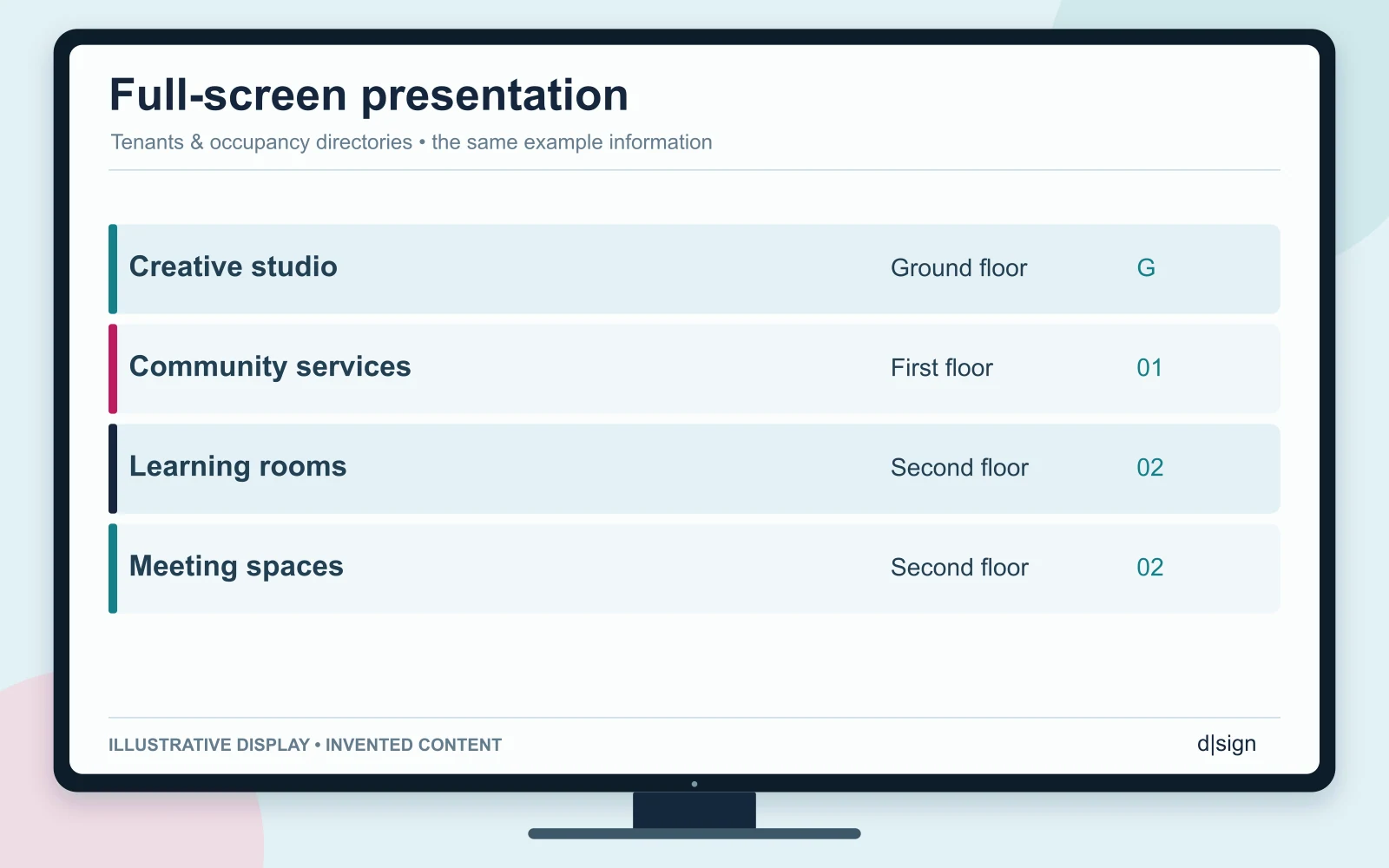
Full-screen presentation
Give this content the whole screen when it deserves the focus.
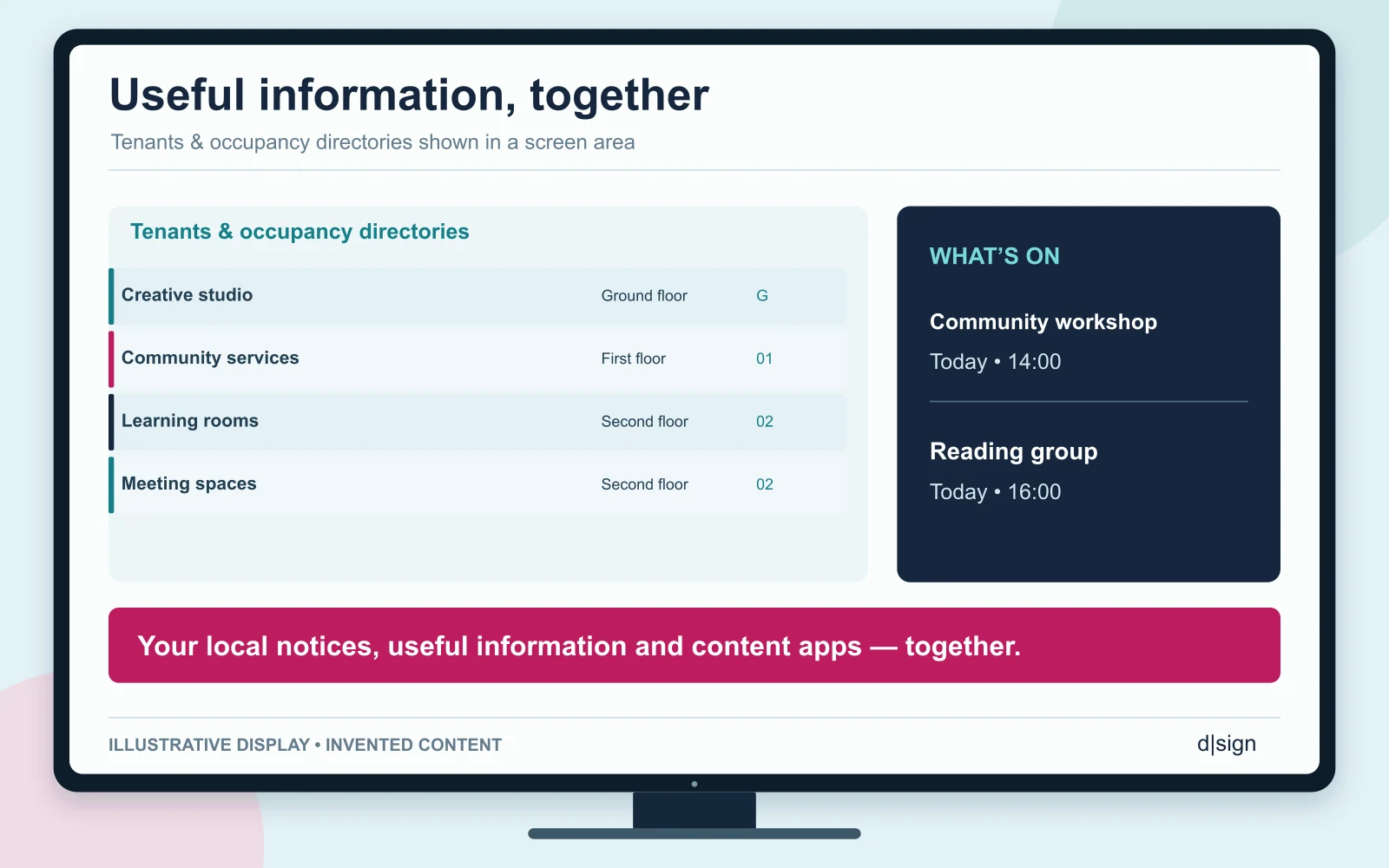
Part of a wider display
The same information occupies one area, alongside complementary content.
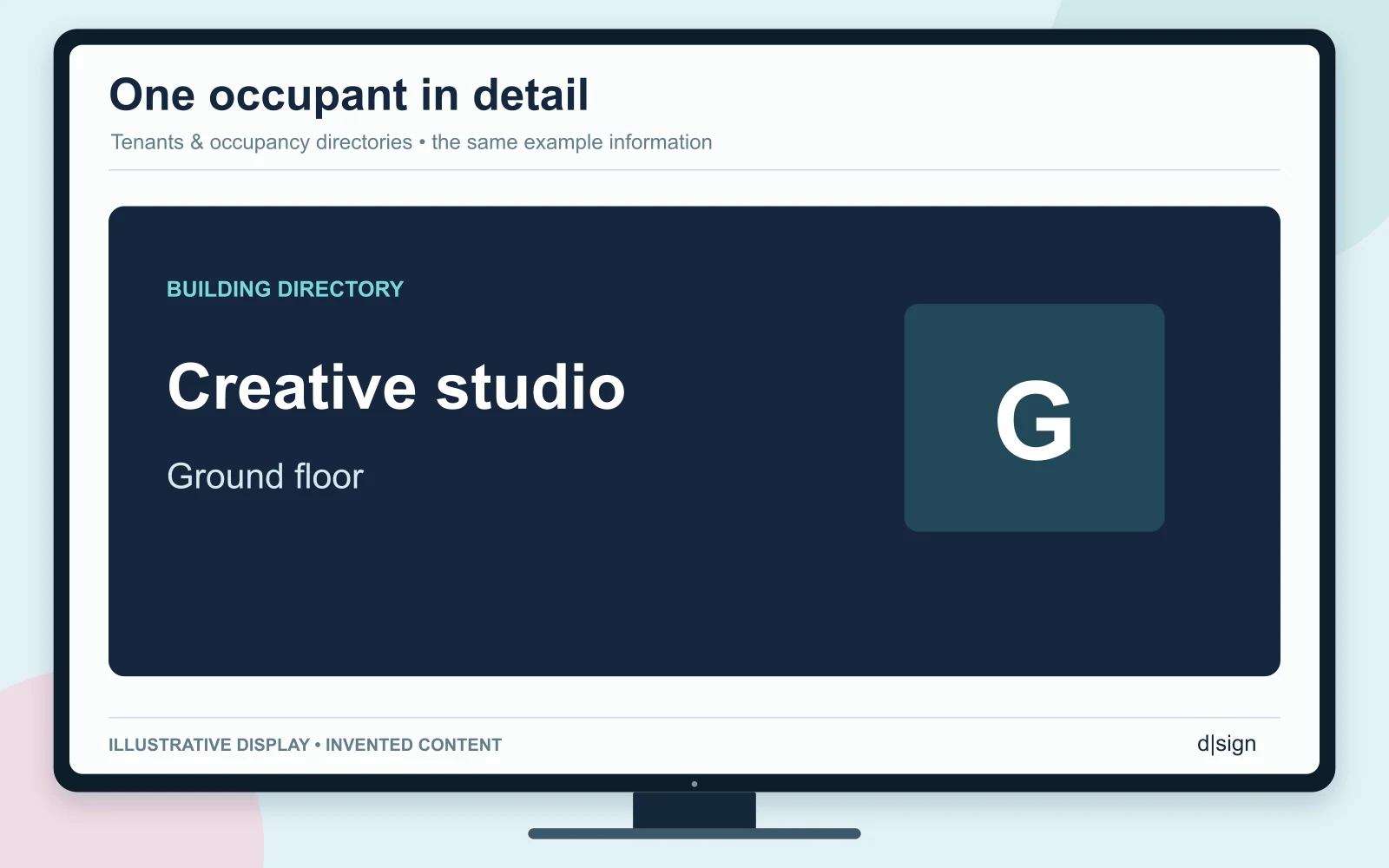
One occupant in detail
Use an individual occupant view instead of the full directory.
Let’s put tenants & occupancy directories to work.
Start with your audience, your spaces and the information you want people to see. We’ll help shape a practical d|sign setup around them.