A PRACTICAL D|SIGN GUIDE
Build a useful community information point.
A community information point can answer practical everyday questions while giving local activities and services a visible place.
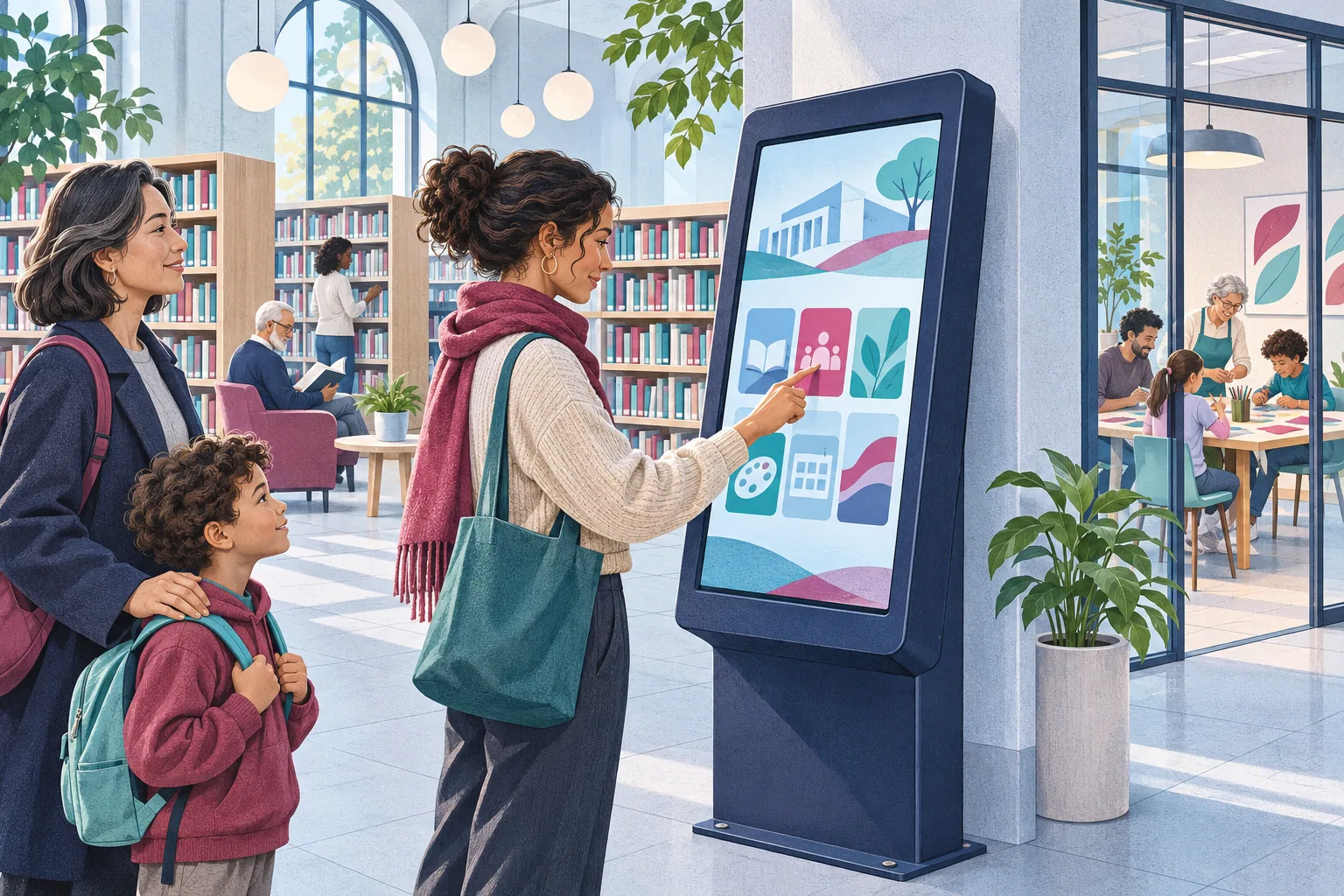
Start with the questions people ask
Choose a few useful themes such as today’s activities, service information, local travel and where to find more detail. Keep the first view approachable rather than showing every available source at once.
Combine passing information and touch navigation
Hub can keep its main display useful to the passing audience while offering a route into deeper content. Organise that content into sections that fit the venue and the way visitors think about their questions.
Mix maintained content with live information
Use local notices and approved media for the organisation’s information. Add relevant weather or travel feeds where they help. Agree who maintains each local item and how time-limited notices are reviewed.
Make a connected network if it helps
A larger service may share common campaigns across venues while leaving local staff responsible for their activities and notices. Group screens and delegate the appropriate updates to support that balance.
Make the example fit your setting.
Choose the parts that solve a real communication need. We can work through the content, responsibilities, screens and relevant integration scope with you.
EXPLORE THE TOOLS
The capabilities behind the idea.
See what each part does and how it can fit a wider setup.
Tell us what your screens need to do.
Start with your audience, your spaces and the information you want people to see. We’ll help shape a practical d|sign setup around them.