DIGITAL SIGNAGE FOR YOUR SETTING
Schools, colleges & universities.
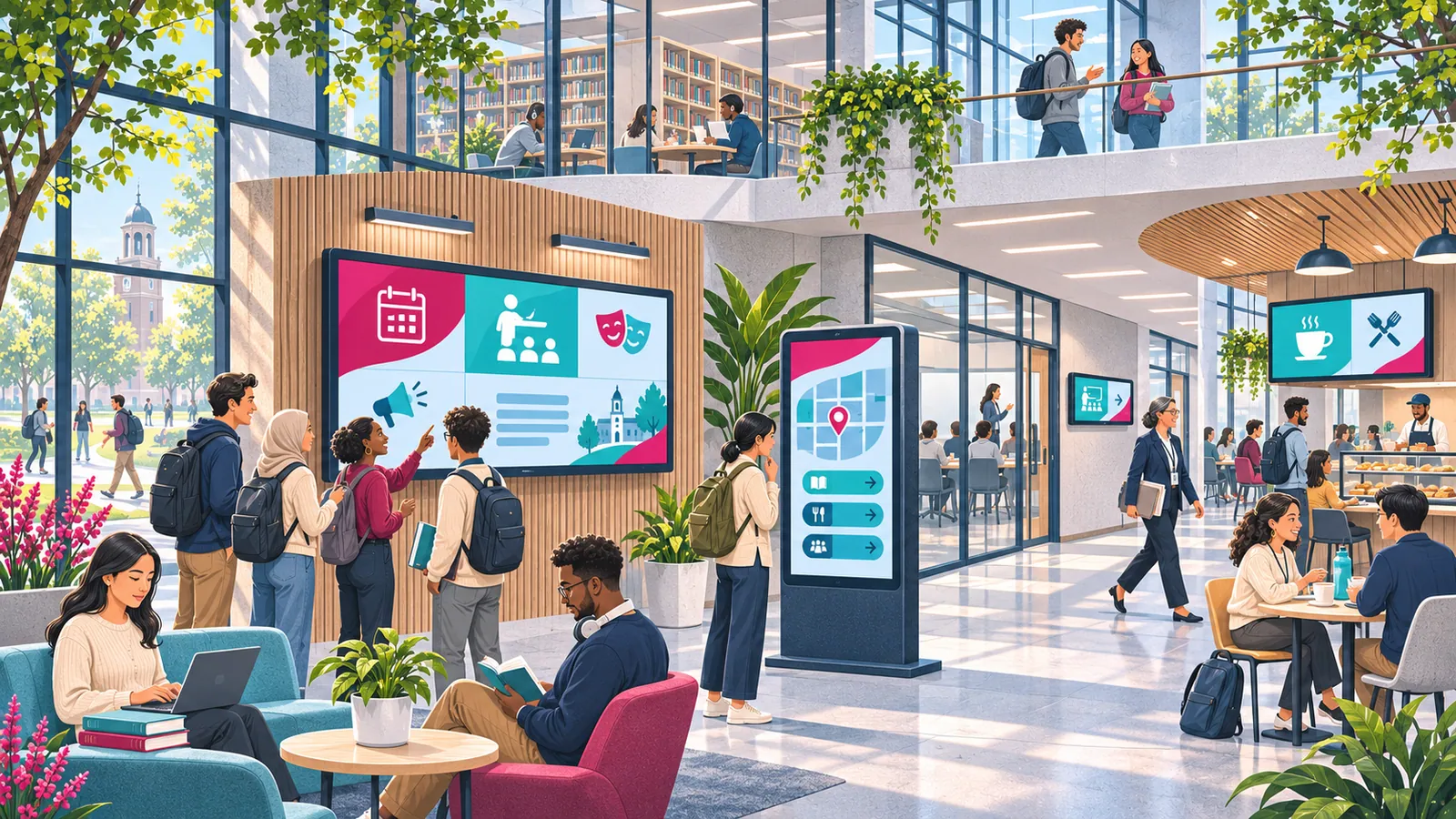
Keep a learning community informed as the day changes. Bring notices, achievements, events, food information and useful travel updates into shared spaces across a school, college or university.

THE EVERYDAY BENEFIT
Give students, staff and visitors a clearer view of what is happening, with content that fits the audience and location.
Build around the information people can use and the team responsible for maintaining it.
Make information visible
Make important information visible in busy shared spaces.
Keep the content relevant
Give departments a way to contribute while maintaining a consistent campus identity.
Give the team a practical approach
Plan messages around arrivals, breaks, activities and the journey home.
EXAMPLE CONFIGURATIONS
Useful combinations for your spaces.
These examples show how apps and feeds can complement one another. They can be adapted to your audience and working routine.
A clearer start to the day
Use a foyer screen for welcome messages, today’s notices and upcoming events. A countdown can highlight an important date, while a gallery gives student work or approved campaign content a place in the daily mix.
Different spaces, relevant information
Give a library, reception area, staff room and canteen different content while sharing the campus-wide campaign. Use permissions to keep each team’s contribution focused on the information it knows best.
An open day that makes sense on arrival
Bring scheduled welcomes, event information and a touch information point together. Visitors can see the day’s programme and find more detail while staff retain the ability to update messages as arrangements change.
MAKE THE UPDATE PROCESS WORK
The right people, with a clear contribution.
The display is only part of the approach. Give the people closest to the information a useful role in maintaining it.
Student-facing teams
Keep activities, services and useful day-to-day information visible.
Departments
Contribute relevant content within agreed access and branding.
Reception & estates
Help visitors understand the building, rooms and practical arrangements.
PLAN THE COMPLETE APPROACH
Audience. Content. Screens. People.
Consider the different audiences using each space and the people responsible for maintaining its information. Clear, short content and sensible screen placement are often more useful than trying to show everything at once.
Let’s talk about your learning community.
Start with your audience, your spaces and the information you want people to see. We’ll help shape a practical d|sign setup around them.