CONTENT APPS & LIVE FEEDS
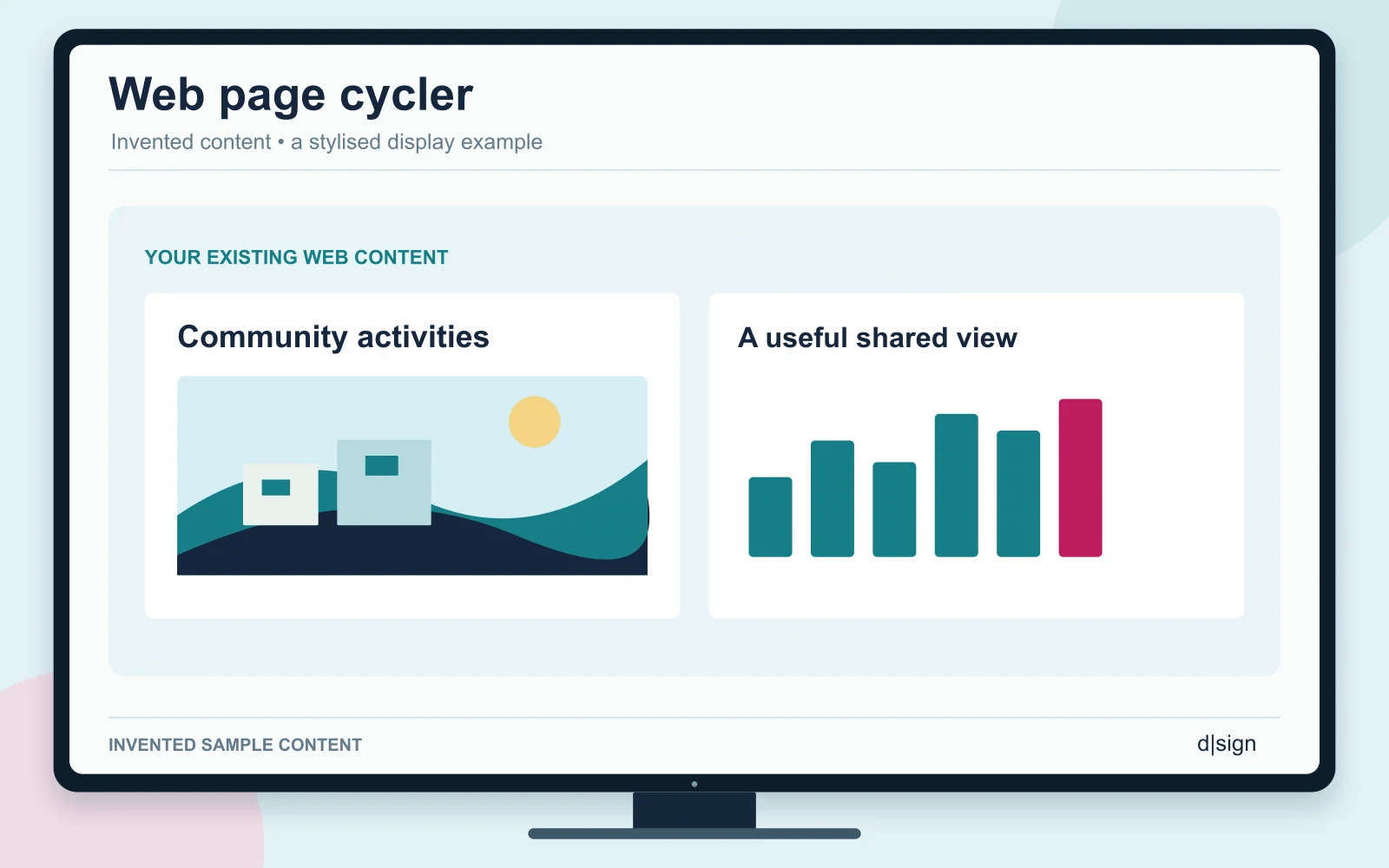
Web page cycler.
Bring useful web-based information into your signage. Choose one or more pages, set their refresh and rotation intervals, and display them in a zone or across the screen.
WHY IT IS USEFUL
Reuse a suitable web view where the information already lives, helping avoid a separate version that somebody has to maintain.
Use this capability as part of a display that has a clear job: inform a visitor, keep a team connected or make useful information easier to find. The right configuration depends on the audience and the information you maintain.
What you can do
- Add a list of page URLs and choose how they rotate.
- Set refresh intervals for content that changes.
- Use a dedicated screen or combine a web view with other signage content.
- Plan the display around the page’s layout, access requirements and suitability for unattended viewing.
EXAMPLE USES
A few useful ways to put it to work.
These are example configurations, ready to adapt to your own setting.
Make the information visible
Show a web-based operational dashboard in a staff area.
Keep it relevant to the place
Rotate useful visitor information at a venue.
Combine it with a wider view
Include an organisation’s existing information page alongside local notices.
WORKS AS PART OF A CONNECTED APPROACH
Explore related capabilities.
Combine the tools that make sense for the communication you want to achieve.
Countdowns
Make an approaching date or event visible. Set a target time, choose the units to display and style the countdown to fit the screen and occasion.
Counters, KPIs & ratings
Give important figures a visible place in the working day. Present manual values, timed counters, ratings or values from a supported data source in a form that people can understand at a glance.
Tenants & occupancy directories
Help visitors understand who is based in your building and where to go. Maintain tenant information and present it as a clear directory, a set of cards or part of a wider reception display.
SAME INFORMATION, DIFFERENT PRESENTATIONS
Choose how the information appears.
The examples below use invented information to show different ways this content can appear. Give it the whole screen, combine it with other information in a screen area, or use the alternative presentation shown. Available settings depend on the app and the chosen layout.
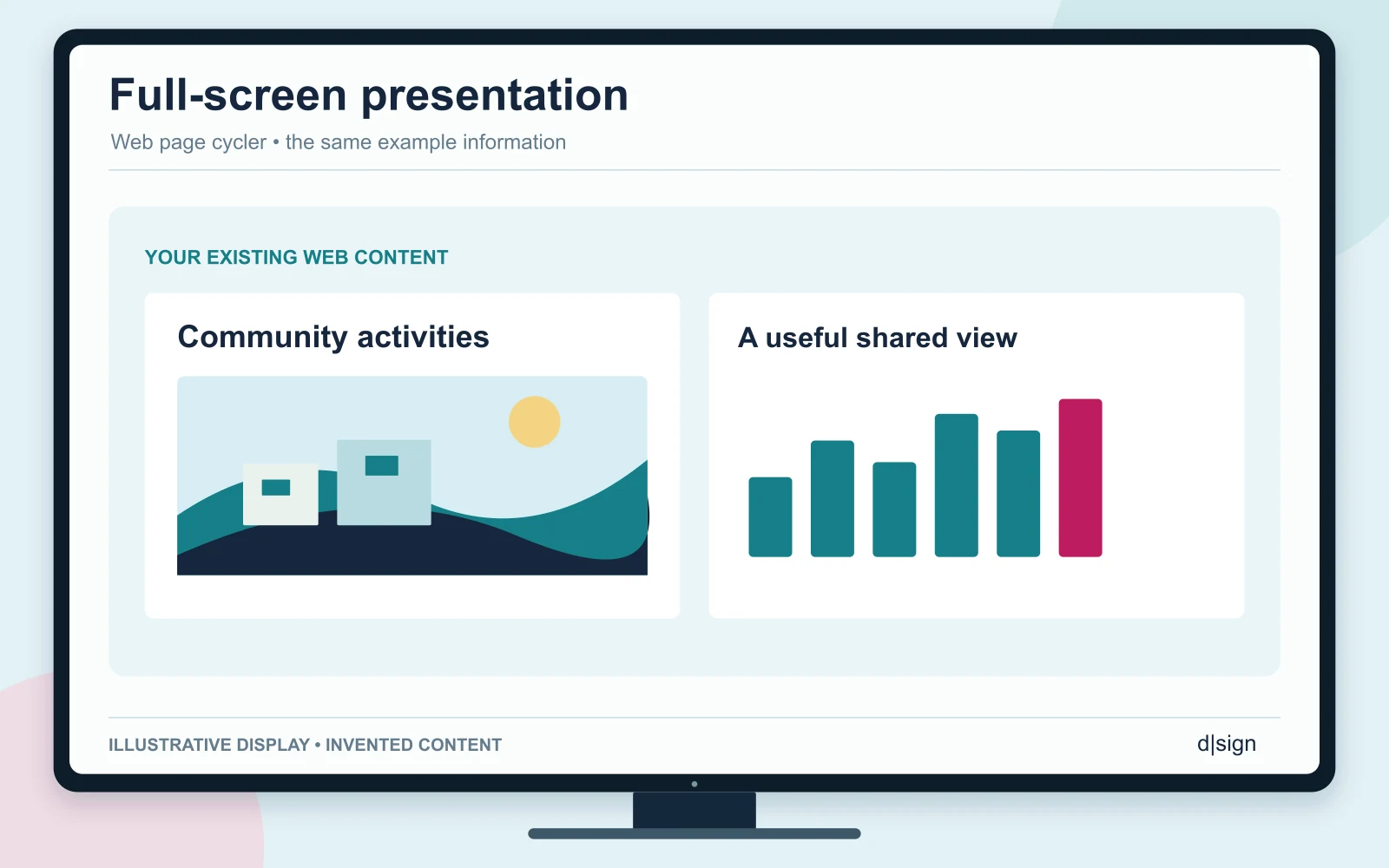
Full-screen presentation
Give this content the whole screen when it deserves the focus.
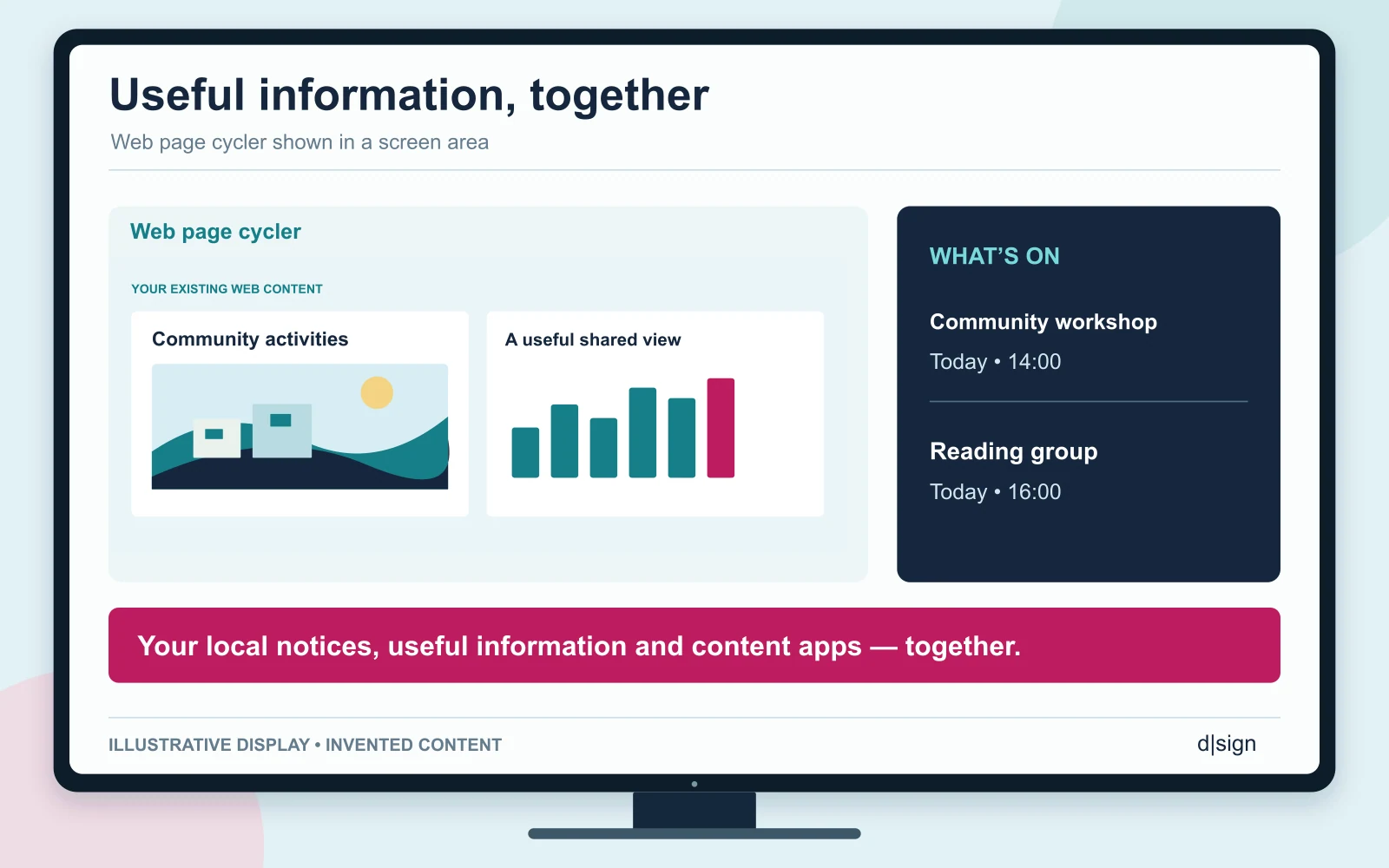
Part of a wider display
The same information occupies one area, alongside complementary content.
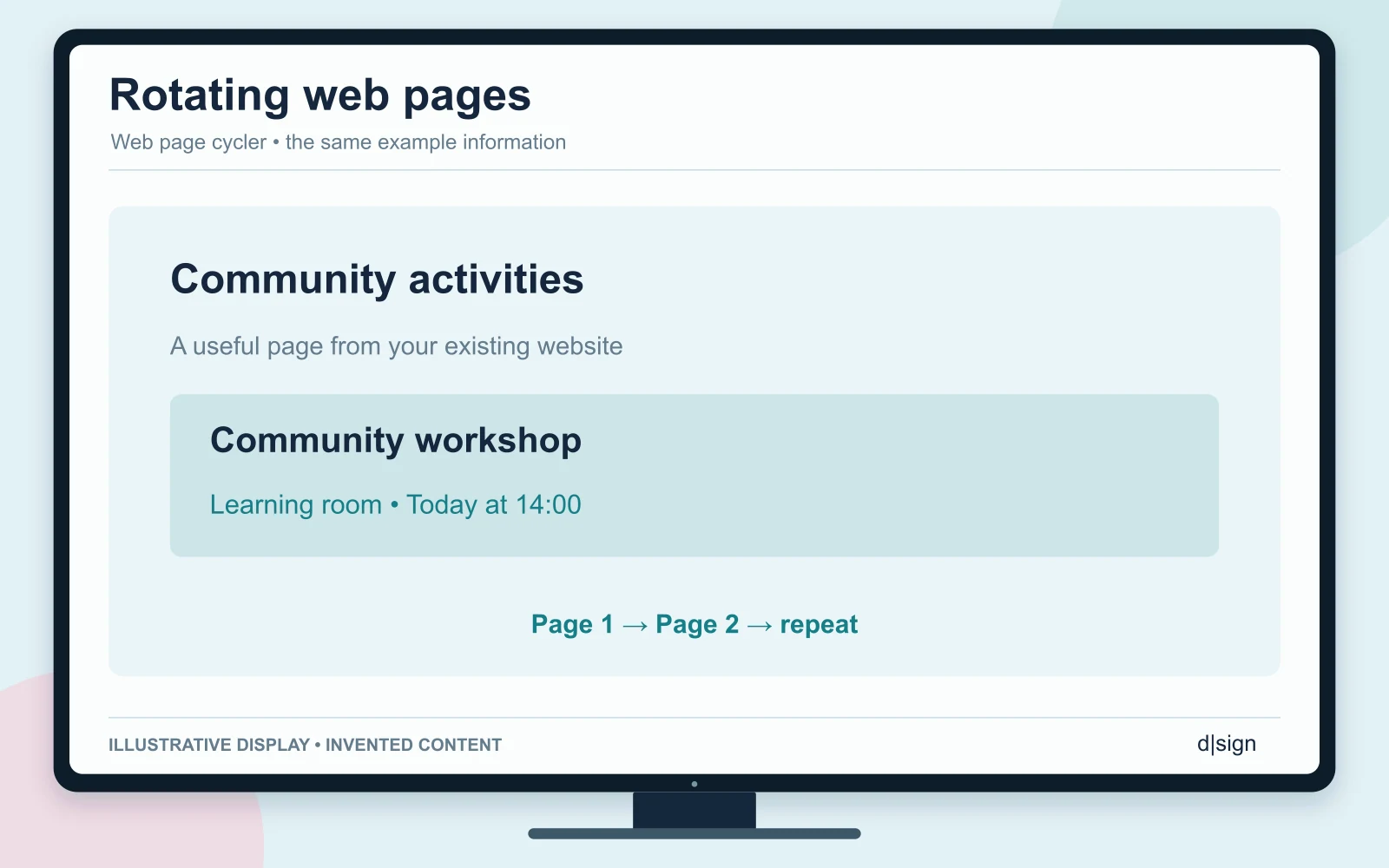
Rotating web pages
Cycle the selected pages rather than showing a static view.
Let’s put web page cycler to work.
Start with your audience, your spaces and the information you want people to see. We’ll help shape a practical d|sign setup around them.