INTEGRATIONS & CONNECTED INFORMATION
Dropbox.
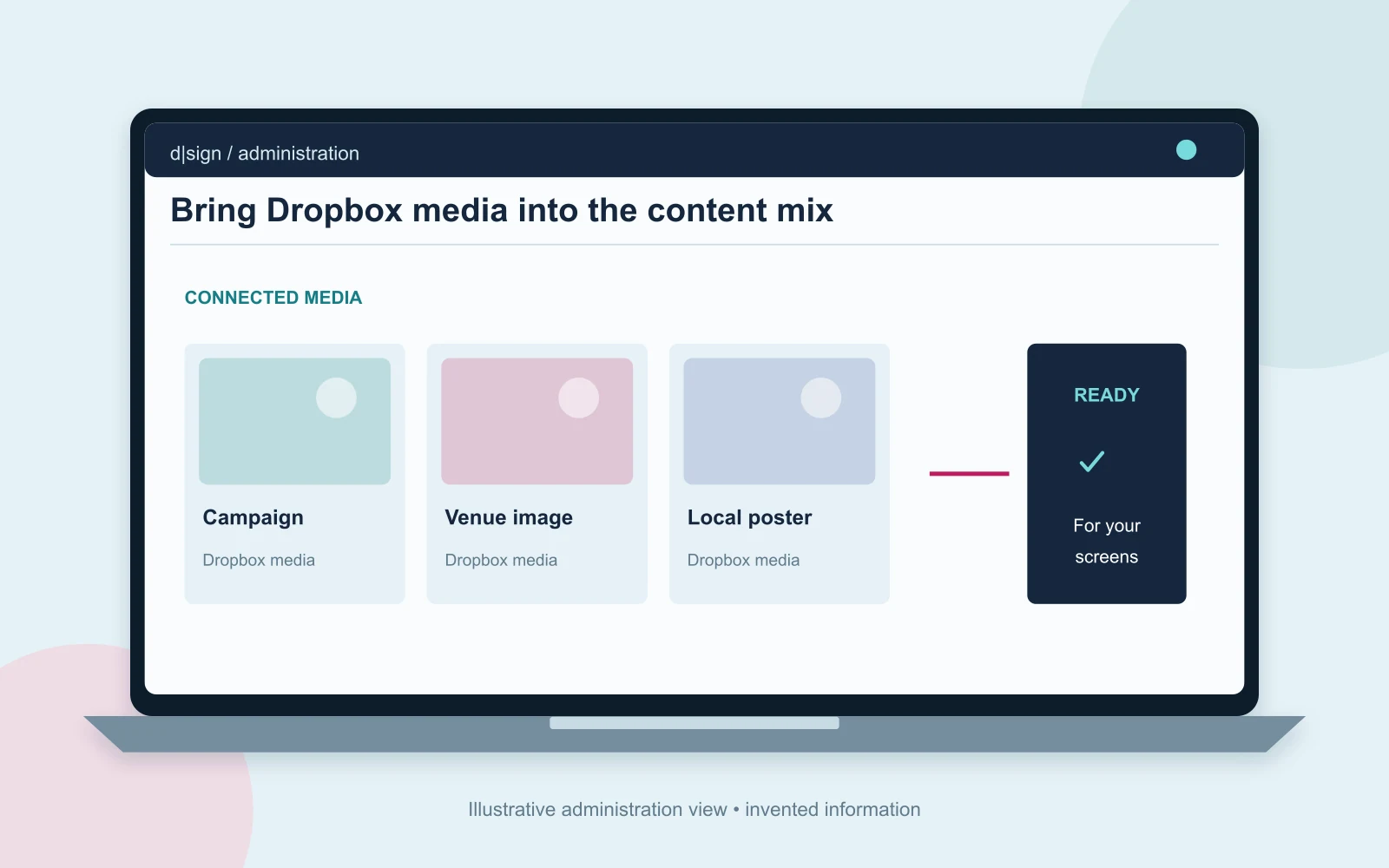
Use the media your team already keeps in Dropbox. Import suitable files into d|sign so they can become part of galleries and other signage content.
WHY IT IS USEFUL
Reduce the extra steps between preparing an approved asset and using it on the screen.
Use this capability as part of a display that has a clear job: inform a visitor, keep a team connected or make useful information easier to find. The right configuration depends on the audience and the information you maintain.
What you can do
- Connect the supported Dropbox account and select relevant files.
- Import suitable media into your signage content workflow.
- Organise and reuse imported files with the rest of your media.
- Keep the connected account and shared-folder access aligned with your organisation’s process.
EXAMPLE USES
A few useful ways to put it to work.
These are example configurations, ready to adapt to your own setting.
Make the information visible
Bring prepared campaign imagery into a gallery.
Keep it relevant to the place
Reuse venue or event assets held by a content team.
Combine it with a wider view
Make approved media available without passing around a USB drive.
WORKS AS PART OF A CONNECTED APPROACH
Explore related capabilities.
Combine the tools that make sense for the communication you want to achieve.
Ubiqisense sensors
Make supported Ubiqisense readings or dashboards part of your building communication. Combine the available occupancy or environmental information with other content on your screens.
Custom feeds & connections
Your useful information may already live in another system. Talk to us about bringing that information into your signage rather than maintaining another copy by hand.
Microsoft 365 room calendars
Connect room and event information to the calendar workflow your organisation already uses. Bring supported Microsoft 365 room mailbox bookings into d|sign event and room displays.
Let’s put dropbox to work.
Start with your audience, your spaces and the information you want people to see. We’ll help shape a practical d|sign setup around them.