DESIGN, LAYOUT & BRANDING
Colour palettes.
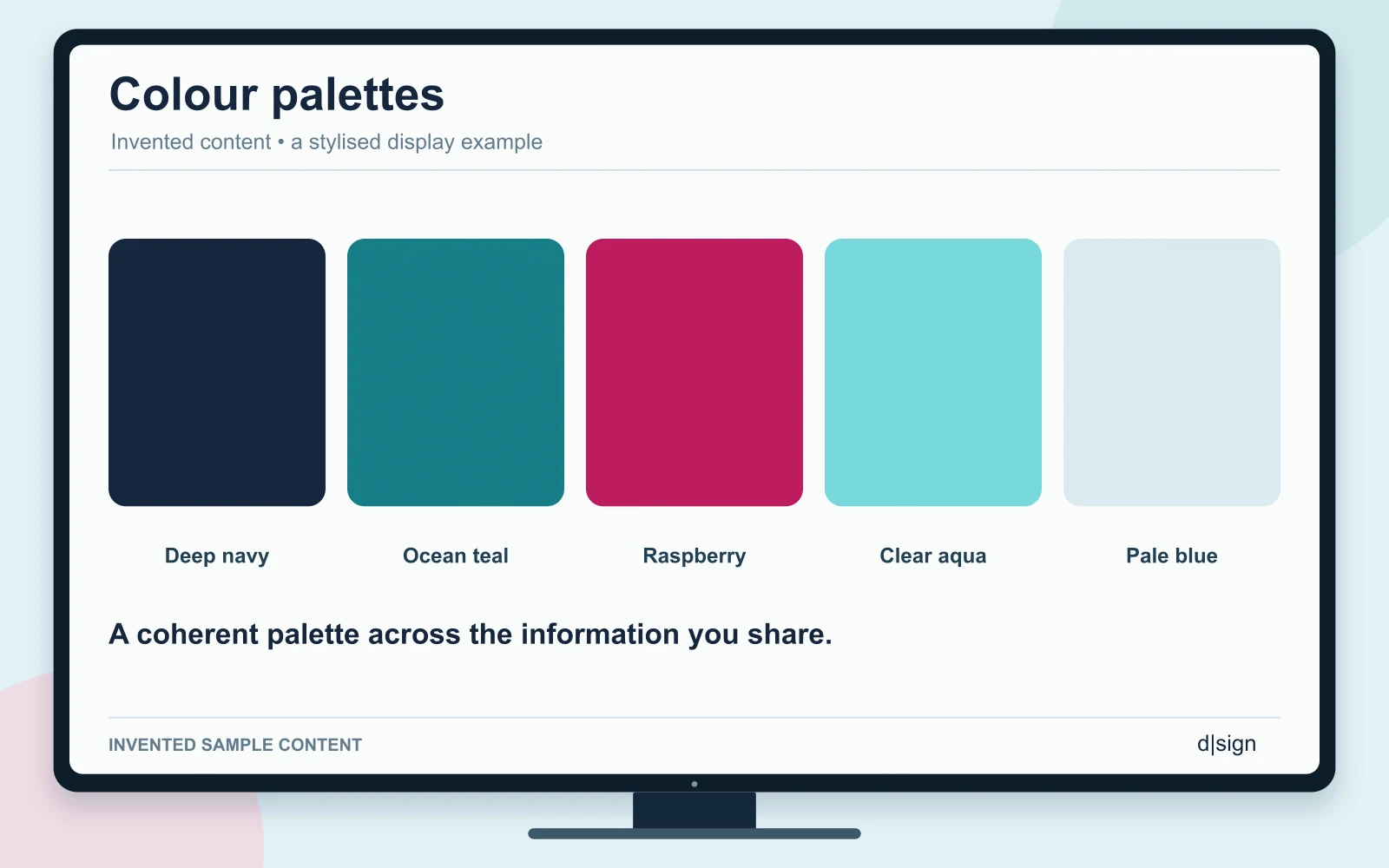
Keep useful colours close to hand. Create palettes that content editors can reuse rather than choosing a slightly different version each time.
WHY IT IS USEFUL
Make brand consistency easier to maintain across contributors, campaigns and screens.
Use this capability as part of a display that has a clear job: inform a visitor, keep a team connected or make useful information easier to find. The right configuration depends on the audience and the information you maintain.
What you can do
- Save commonly used colours as reusable palettes.
- Keep different palettes for suitable brands, campaigns or settings.
- Apply palette colours when creating supported content.
- Use consistent combinations with sufficient contrast for the viewing environment.
EXAMPLE USES
A few useful ways to put it to work.
These are example configurations, ready to adapt to your own setting.
Make the information visible
Give local content editors an approved set of brand colours.
Keep it relevant to the place
Prepare a temporary campaign palette.
Combine it with a wider view
Keep departmental colour choices consistent across a building.
WORKS AS PART OF A CONNECTED APPROACH
Explore related capabilities.
Combine the tools that make sense for the communication you want to achieve.
Media management
Keep the images and videos behind your screens in one manageable library. Organise approved assets, find them again and reuse them across your content.
Full-screen content
Give one message room to stand on its own. Use the whole screen for a playlist, notice or suitable app when a simple, focused presentation is the most useful choice.
Screen zones
Give different types of information their own place. Divide a screen into useful areas so media, messages and live information can remain visible together.
Let’s put colour palettes to work.
Start with your audience, your spaces and the information you want people to see. We’ll help shape a practical d|sign setup around them.