DESIGN, LAYOUT & BRANDING
Media management.
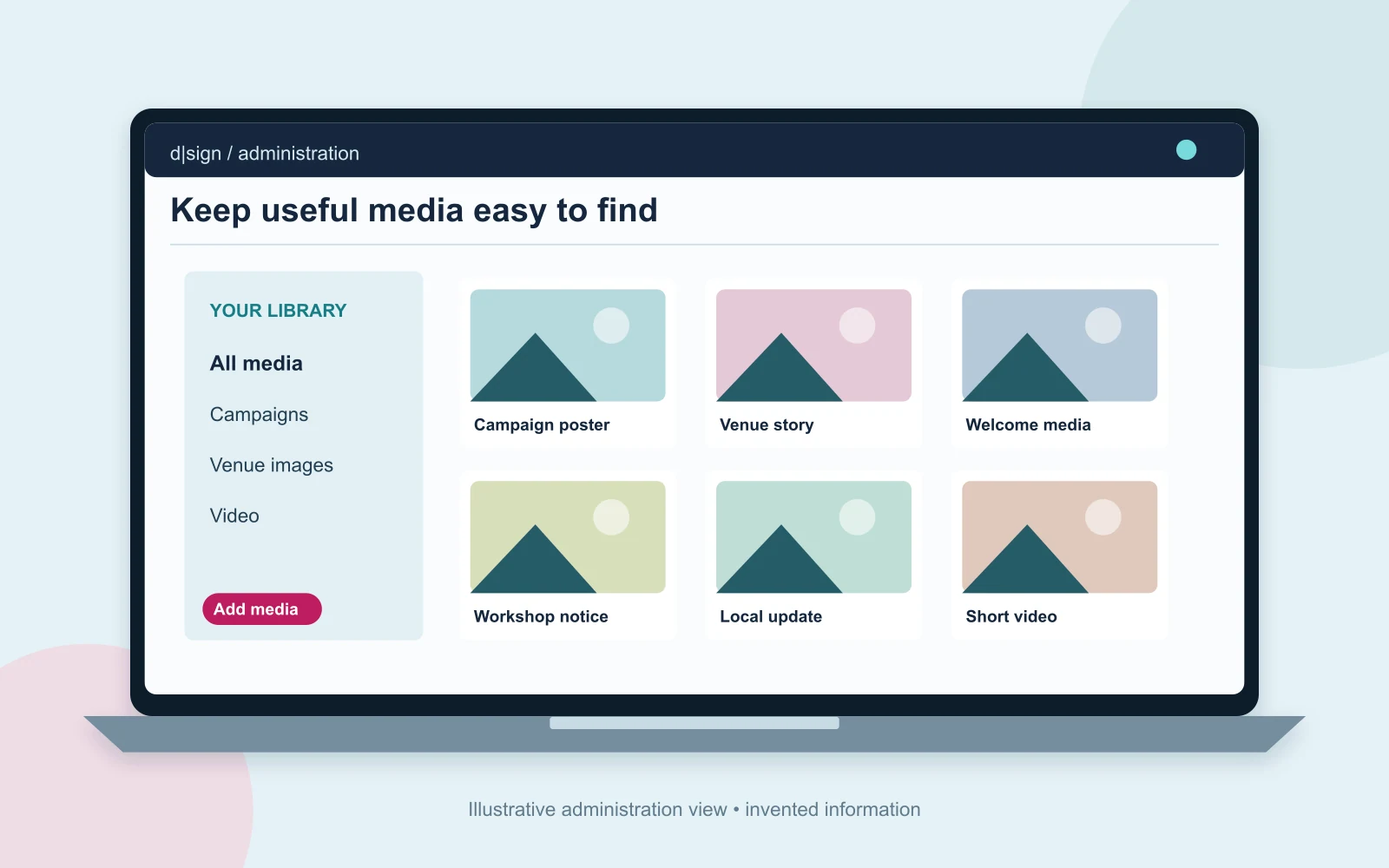
Keep the images and videos behind your screens in one manageable library. Organise approved assets, find them again and reuse them across your content.
WHY IT IS USEFUL
Reduce repeated uploads and make it easier for different people to work with the right version of an asset.
Use this capability as part of a display that has a clear job: inform a visitor, keep a team connected or make useful information easier to find. The right configuration depends on the audience and the information you maintain.
What you can do
- Upload and organise supported image, video and other media assets.
- Find and reuse content when building playlists and other apps.
- Share organisation media where the relevant permissions allow it.
- Use a central collection to support consistent campaigns across multiple screens.
EXAMPLE USES
A few useful ways to put it to work.
These are example configurations, ready to adapt to your own setting.
Make the information visible
Maintain a shared bank of approved workplace campaign images.
Keep it relevant to the place
Reuse event media across several rooms or buildings.
Combine it with a wider view
Give local communicators access to relevant organisation assets.
WORKS AS PART OF A CONNECTED APPROACH
Explore related capabilities.
Combine the tools that make sense for the communication you want to achieve.
Full-screen content
Give one message room to stand on its own. Use the whole screen for a playlist, notice or suitable app when a simple, focused presentation is the most useful choice.
Screen zones
Give different types of information their own place. Divide a screen into useful areas so media, messages and live information can remain visible together.
Orientation & screen size
Plan the display around its position and purpose. Use landscape, portrait or a suitable custom aspect ratio so the layout fits the space and the way people will view it.
Let’s put media management to work.
Start with your audience, your spaces and the information you want people to see. We’ll help shape a practical d|sign setup around them.