DESIGN, LAYOUT & BRANDING
Orientation & screen size.
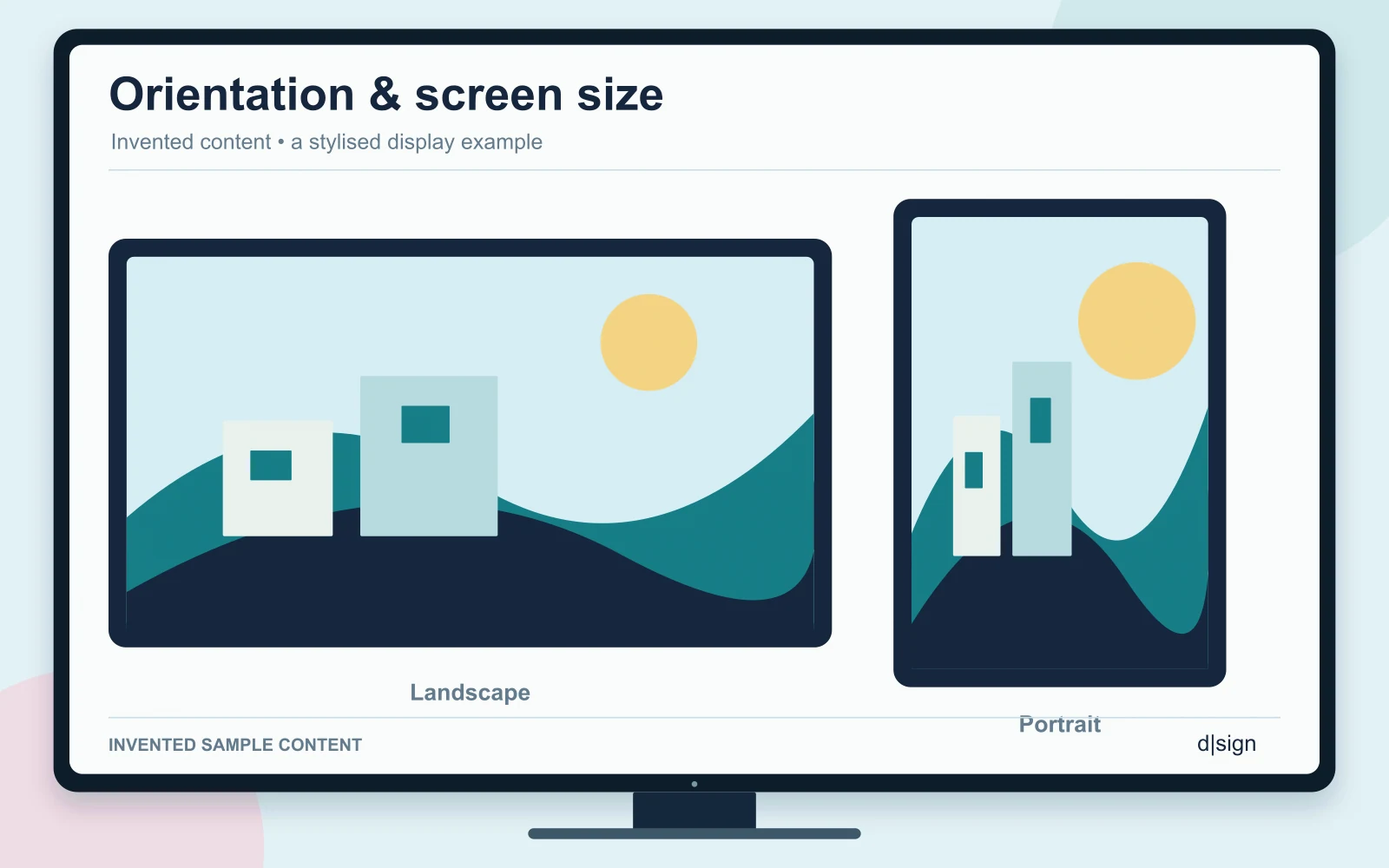
Plan the display around its position and purpose. Use landscape, portrait or a suitable custom aspect ratio so the layout fits the space and the way people will view it.
WHY IT IS USEFUL
Give reception totems, wall screens and specialist display spaces a presentation designed for their shape.
Use this capability as part of a display that has a clear job: inform a visitor, keep a team connected or make useful information easier to find. The right configuration depends on the audience and the information you maintain.
What you can do
- Configure a layout for landscape or portrait orientation.
- Support suitable custom screen dimensions and aspect ratios.
- Match the content areas and typography to the available display space.
- Confirm the player, screen and installation requirements when specifying the system.
EXAMPLE USES
A few useful ways to put it to work.
These are example configurations, ready to adapt to your own setting.
Make the information visible
Use portrait signage for a reception directory or digital poster.
Keep it relevant to the place
Choose landscape layouts for shared noticeboards and menus.
Combine it with a wider view
Plan a specialist display around the physical constraints of the location.
WORKS AS PART OF A CONNECTED APPROACH
Explore related capabilities.
Combine the tools that make sense for the communication you want to achieve.
Themes
Give your screens a consistent visual foundation. Create reusable backgrounds and styles, then apply them where they are needed across the network.
Branding
Keep your organisation recognisable across its screens. Bring approved logos, colours and visual choices into the signage design so individual updates sit within a coherent identity.
Colour palettes
Keep useful colours close to hand. Create palettes that content editors can reuse rather than choosing a slightly different version each time.
Let’s put orientation & screen size to work.
Start with your audience, your spaces and the information you want people to see. We’ll help shape a practical d|sign setup around them.