GUIDES & IDEAS
Ideas for more useful screens.
Explore the practical decisions and content combinations behind a clear display. Use the examples as a starting point, then shape the approach around your own audience and spaces.


Plan your first digital signage screen
A useful first screen starts with a clear job. Decide who it is for, where they will see it and what information is worth their attention.

Shared content, local control
Several screens do not have to mean several disconnected noticeboards. A useful network combines shared communication with the information that belongs to each place.

A clearer shift briefing on shared screens
A shared screen can bring the most useful parts of a shift briefing into one visible place. The example is a communication setup, shaped around the team’s existing working routine.
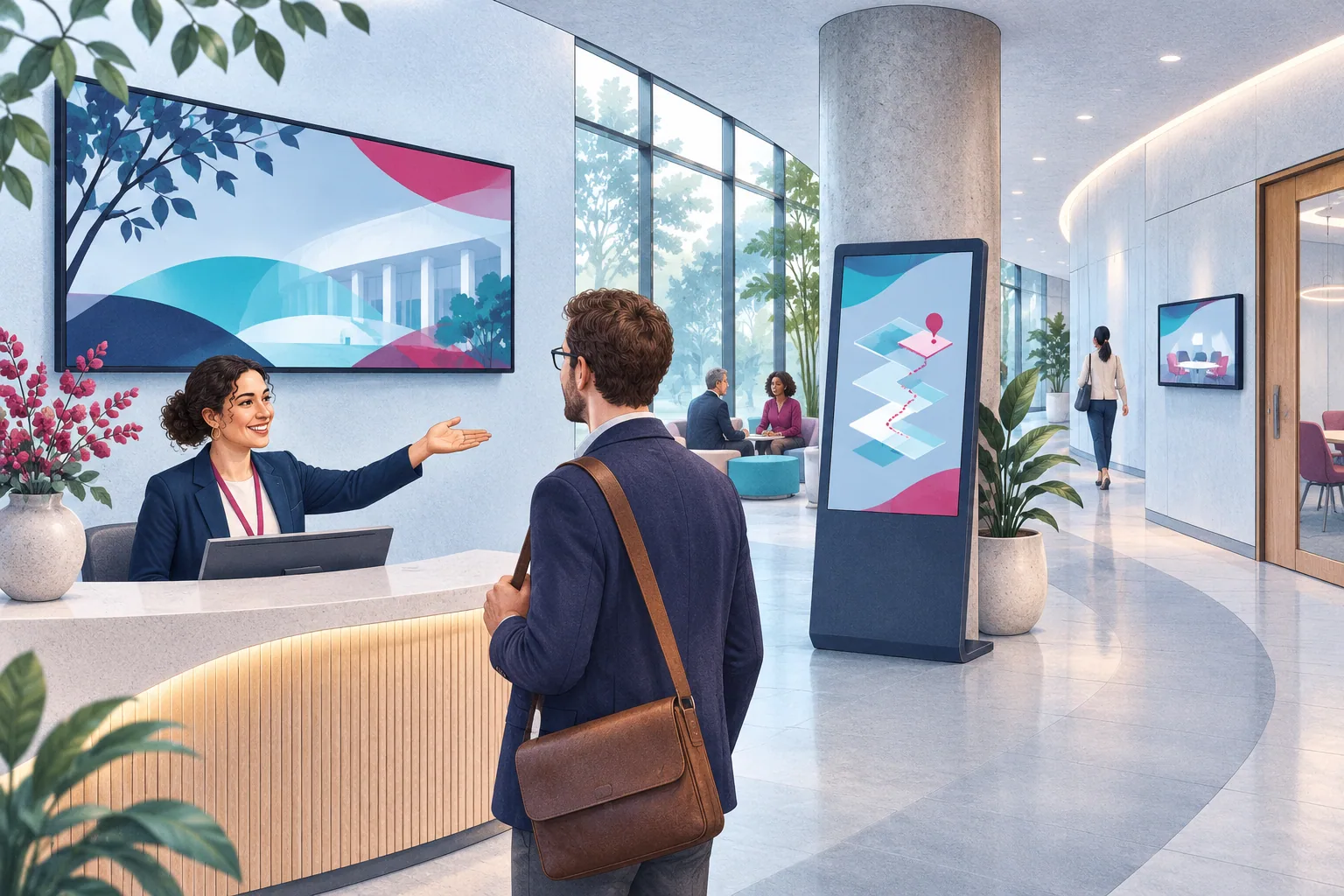
Make the arrival feel connected
A welcome works best when the information around it makes sense too. This example brings a scheduled welcome, room information and a useful reception view together.
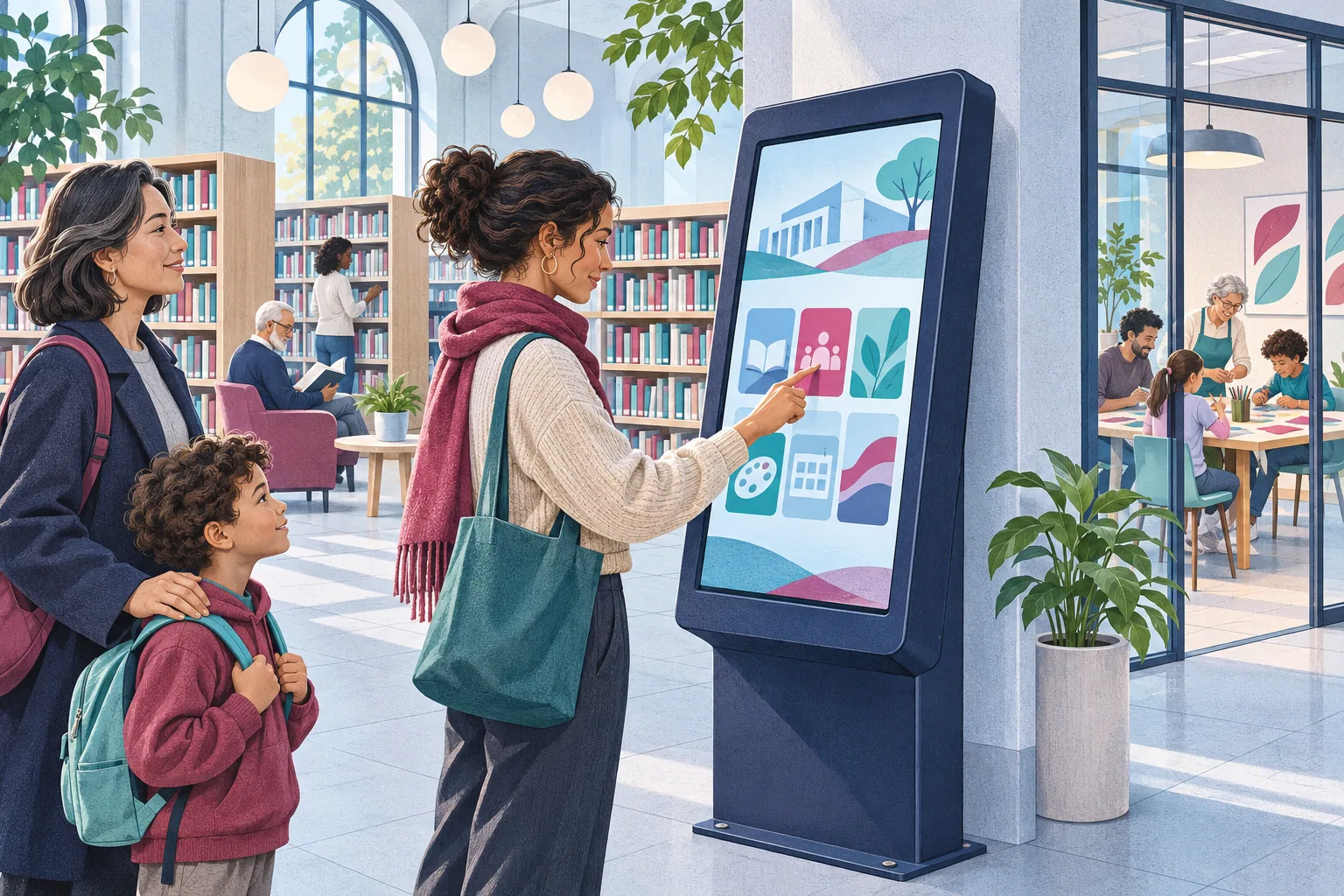
Build a useful community information point
A community information point can answer practical everyday questions while giving local activities and services a visible place.

Keep content useful through the day
The best content mix changes with the people using a space. A little planning can give arrivals, breaks, events and departures a more relevant view.
Tell us what your screens need to do.
Start with your audience, your spaces and the information you want people to see. We’ll help shape a practical d|sign setup around them.